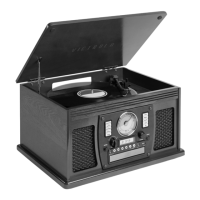
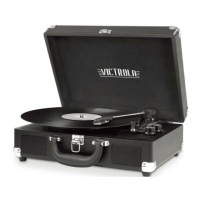
VINYL: Playing a Vinyl record
Note: -Before using, make sure the tone arm is properly setup.
See TONE ARM SETUP page.
Using the Function Knob, turn the knob to ON.
(the dial will illuminate solid white.)
Remove the needle cover, by gently pulling towards the front of the unit.
Select the proper record speed (see back of unit).
If using a 45 RPM record, use the included 45 adaptor.
Release the Tone Arm from the holder and gently place on the record using the lift lever.
Use your external device to control the volume.
Note: -Make sure to only touch the center or edges of the record to avoid damage to
the vinyl grooves.
-Do not adjust the counter weight while playing a record as this could
break the needle and scratch the record.
-If no sound is playing, the unit may be in Vinyl Stream mode
The record will stop spinning automatically when playback is complete.
To stop manually, lift the tone arm from the record and return it to the rest.
VINYL STREAM
™
VINYL PLAYING
VINYL STREAM: Playing a Vinyl record on a external Bluetooth speaker or
headphones.
Simply turn the Function Knob to the “ ” to place in Vinyl Stream mode
(the dial will ash white).
Turn ON your external Bluetooth speaker or headphone, and set to pairing mode.
Wait a few seconds for the unit to nd your device.
The unit will illuminate solid white.
Use your external device to control the volume.
Note: -We recommend placing the Bluetooth device within 1m (3.3')
of the product when initially pairing.
-Make sure the unit is within 10m (33ft) from your external device for the
strongest connection.
-Vinyl Stream is only compatible with vinyl record playback.
-The product stays in the pairing mode for 30 seconds. If pairing is not
properly completed, follow the above steps again from the beginning
after turning all devices OFF.


 To Next Page