13
CHARGING AND CONNECTIONS
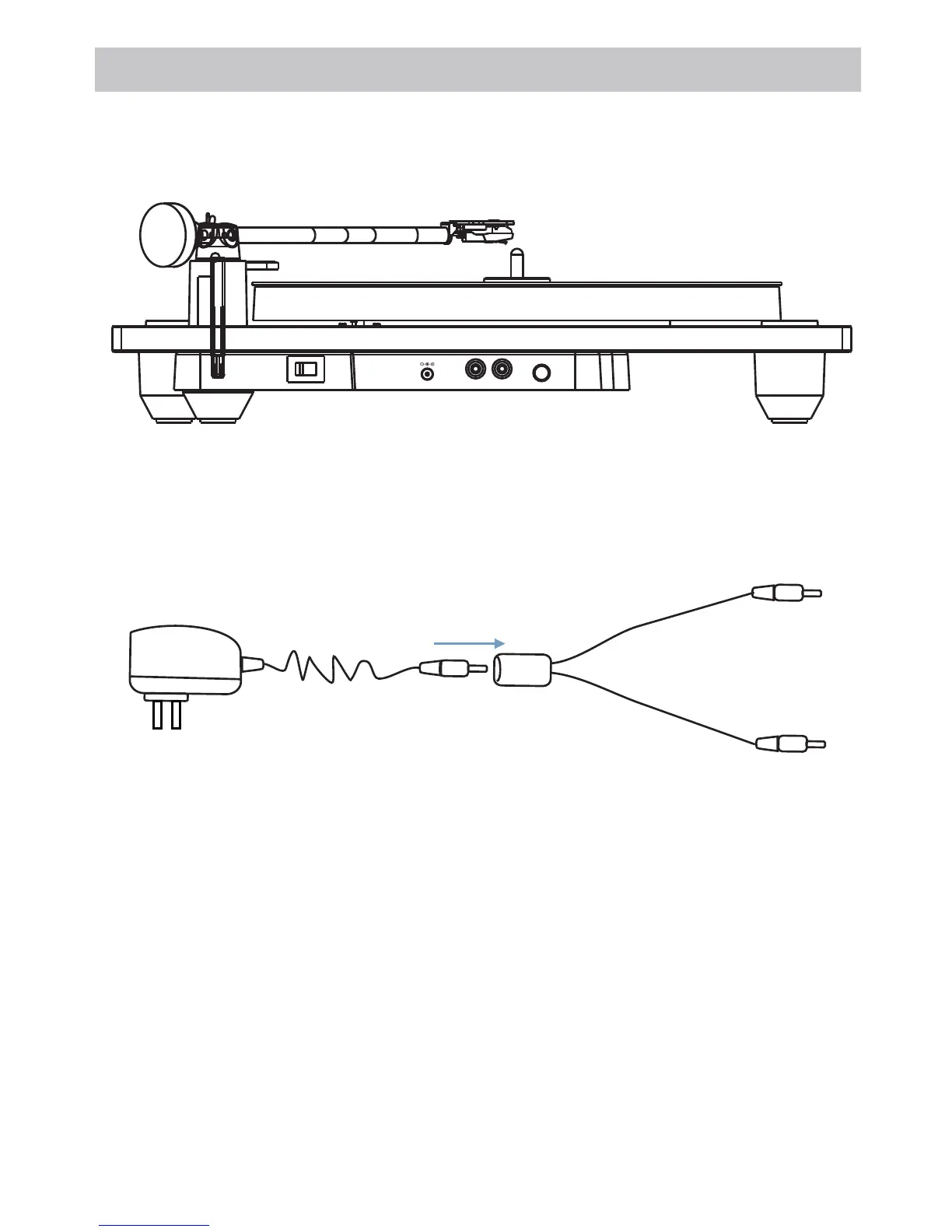
DC I N
LI NE OUT
L
R
PAIR
ON OF F
Method 2: Insert the AC/DC Adapter plug into the DC Cable Splitter, plug one end of DC Cable
Splitter into the DC IN Jack of the Turntable, then plug another end of the AC/DC Adapter
into the AC Walloutlet.
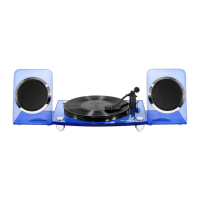
Recharging the Main & Deputy Speakers:
into the AC Walloutlet.
Insert the AC/DC Adapter plug into the DC Cable Splitter,
plug each end of DC Cable Splitter into
the DC IN Jack of
both speakers, then plug another end of the AC/DC Adapter
During recharging, the CHARGE Indicator will light up,
Powering the Turntable:
Method 1: Insert one end of the AC/DC adapter plug into the DC IN Jack of the Turntable, plug
another end of the AC/DC Adapter into the AC Walloutlet.
after fully charged, the CHARGE Indicator
will turn off.
AC/DC Adapter
DC Cable Splitter
Inserted into the DC Cable Splitter







 To Next Page