EasyManua.ls Logo

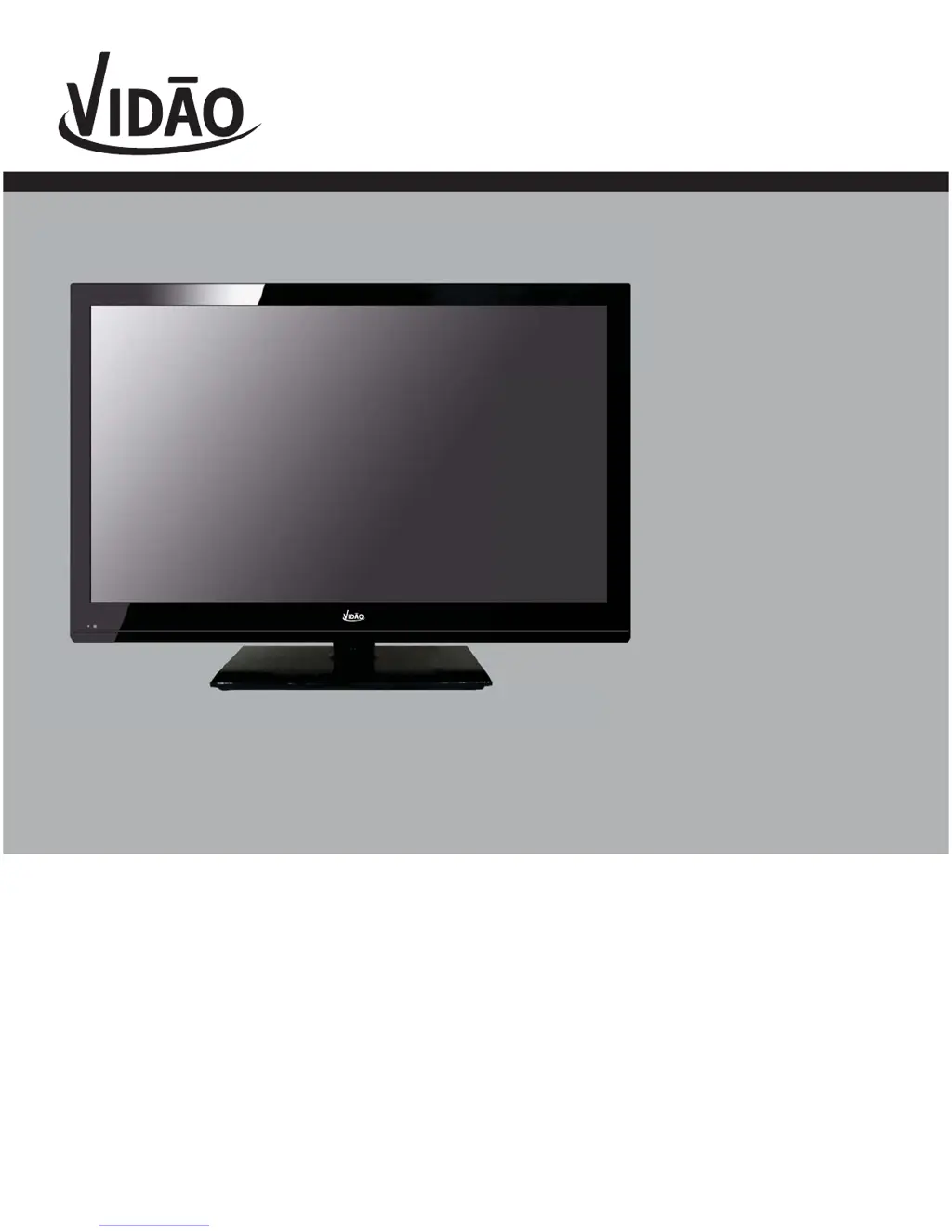
Vidao 32E66 - User Manual

Default Icon
35 pages
Print Icon
To Next Page IconTo Next Page
Loading...
USER’S MANUAL
32” LCD TELEVISION
32E66
Ver 1.0
For technical support, the VIDAO Technical Support Center is available 24-hours a day, 7-
days a week for technical assistance or troubleshooting. To contact us by phone, please
call 1-800-936-1168.

Questions and Answers

  • T
    Thomas JonesAug 13, 2025
    Why is there no sound on my Vidao 32E66?
    • D
      Daniel CastilloAug 13, 2025
      If your Vidao LCD TV has no sound, first ensure that all connected audio cables are fully inserted. Then, check that you've selected the correct audio source from your amplifier. Finally, verify that the mute function is not enabled by pressing the mute button on the remote.
  • B
    Bobby SmithAug 16, 2025
    Why is there no picture on my Vidao 32E66 LCD TV?
    • J
      janet72Aug 16, 2025
      If your Vidao LCD TV has no picture, first try switching to another channel, as the current digital TV channel signal may be weak. Then, press the INPUT button to ensure the desired input is selected. Also, check the antenna or cable wiring to ensure that it is properly connected.
  • I
    isextonAug 20, 2025
    How to fix a Vidao LCD TV remote control that is not working?
    • G
      Gina KirbyAug 20, 2025
      If the remote control for your Vidao LCD TV is not working, replace the batteries with new ones and ensure they are inserted with the correct polarity. Make sure to point the remote directly at the TV's IR receiver.
  • T
    Taylor BrownAug 25, 2025
    How to get all channels on my Vidao 32E66?
    • M
      Matthew ButlerAug 25, 2025
      If your Vidao LCD TV cannot receive certain channels through the antenna, perform a Channel Scan to add channels into the TV tuner memory. Readjust your antenna and retry Auto Channel Scan. It is also possible that the signal from the TV station may be weak in your area.
  • T
    Traci ThompsonAug 28, 2025
    How to fix video noise on Vidao LCD TV?
    • E
      Eric ThompsonAug 28, 2025
      If your Vidao LCD TV is displaying video noise or a choppy picture, try readjusting the antenna. Also, keep the TV away from noise sources, such as neon lights and microwave appliances.
  • W
    William WilliamsAug 31, 2025
    How to unblock channels on Vidao LCD TV?
    • J
      John CookAug 31, 2025
      If your Vidao LCD TV is blocking certain channels, perform a Channel Scan to add channels into the TV tuner memory. Check whether the channel was deleted. Also, check parental control settings. Finally, you can restore default settings.
  • J
    Jennifer GonzalesSep 4, 2025
    How to remove black box on Vidao 32E66 screen?
    • S
      Sandra RiceSep 4, 2025
      If there is a black box on the screen of your Vidao LCD TV, the “Text” option may be enabled and no text is available. Try pressing the CCD button on the remote control to turn it off.
  • J
    John ClarkSep 8, 2025
    Why can't I use certain functions on my Vidao 32E66 LCD TV?
    • R
      Robert JonesSep 8, 2025
      If you cannot use certain functions on your Vidao LCD TV, it may be because if the item chosen in a menu is shown in gray text, that item cannot be selected in the current input.

Summary

Important Safety Instructions

Read, Keep, and Follow Instructions

Adhere to all safety instructions and warnings for proper operation and future reference.

Water, Cleaning, and Ventilation

Avoid water exposure, clean with a dry cloth, and ensure ventilation openings are unobstructed.

Plug, Cord, and Power Safety

Protect power cords, use grounding plugs correctly, and avoid overloading electrical circuits.

Usage Conditions and Servicing

Use specified accessories, avoid liquids/objects, and refer all servicing to qualified personnel.

Environmental and Outdoor Use Warnings

Do not expose to rain, moisture, or direct sunlight; the TV is not designed for outdoor use.

Electrical Shock and Safety Symbols

Warnings regarding electrical shock hazards and explanations of safety symbols.

Grounding and Electrical Safety

Proper grounding of antennas and electrical safety measures for connected equipment.

Power Lines and Overloading

Keep antenna systems away from power lines and avoid overloading outlets and cords.

Object Entry and Damage Requiring Service

Prevent object entry into the TV and identify conditions that require professional servicing.

Replacement Parts and Wall Mounting

Use only authorized replacement parts and ensure professional installation for wall mounting.

Installation

TV Setup

Menu Adjustments

PC Menu Adjustments

Troubleshooting

Vidao 32E66 Specifications

General IconGeneral
BrandVidao
Model32E66
CategoryLCD TV
LanguageEnglish