10
Basic Functions
Turning on/off your IEB
Standby Setup: The AC power cord must be set up and connected to get the IEB in standby
mode ready to be turned on.
Press the Power button on the front panel to make the IEB go into standby mode.
1
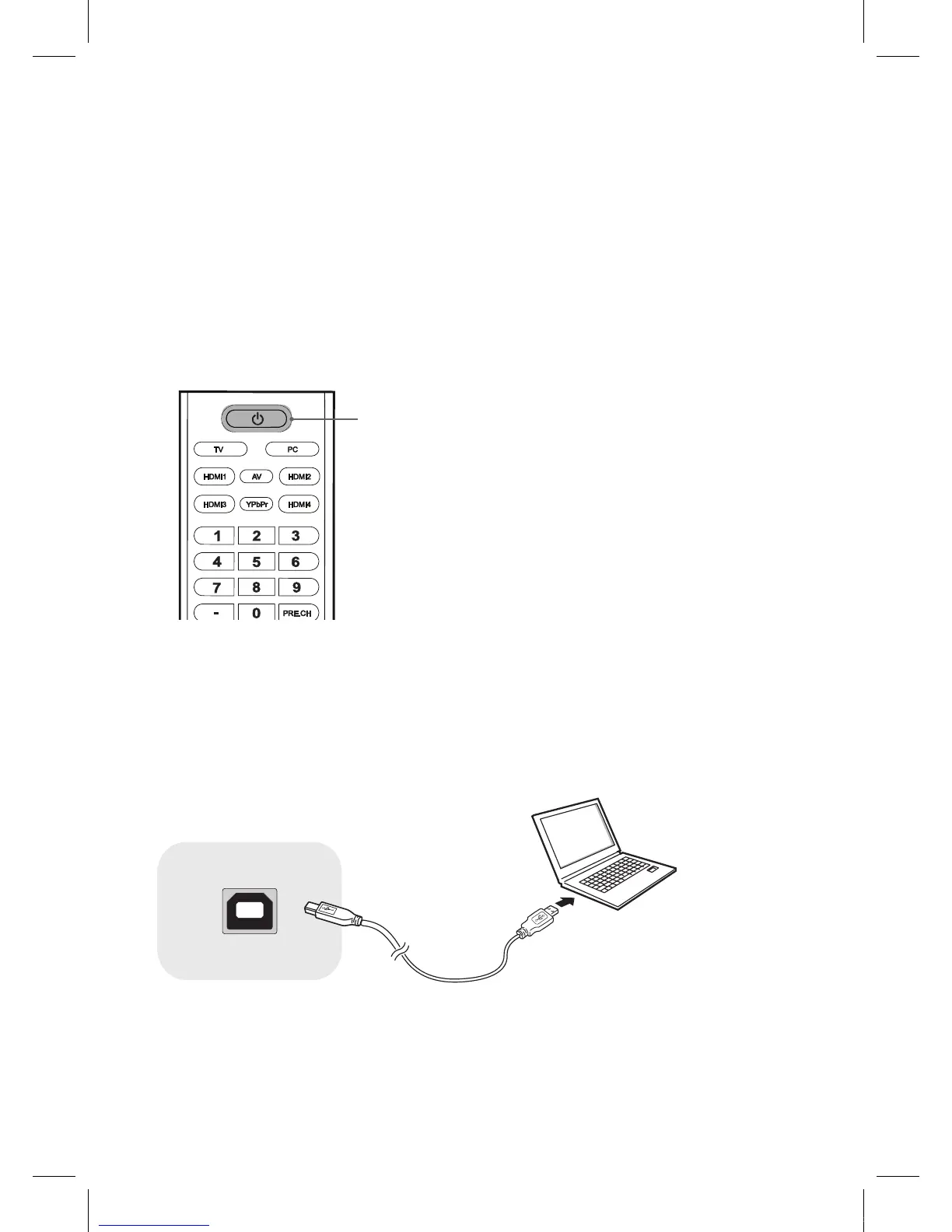
If the TV is in standby mode, press the Power button on the remote control or IEB itself to turn
the IEB on.
Power button
2
Press the Power button again on the remote control or the IEB itself to turn the IEB off.
Using the touch sensor
To operate the touch sensor, connect the USB cable from a computer to the Sensor USB, and
then turn on the computer.
Sensor USB
IEB_UM_Vidi_Euro.indd 10 2013-03-11 오후 1:27:02



 To Next Page