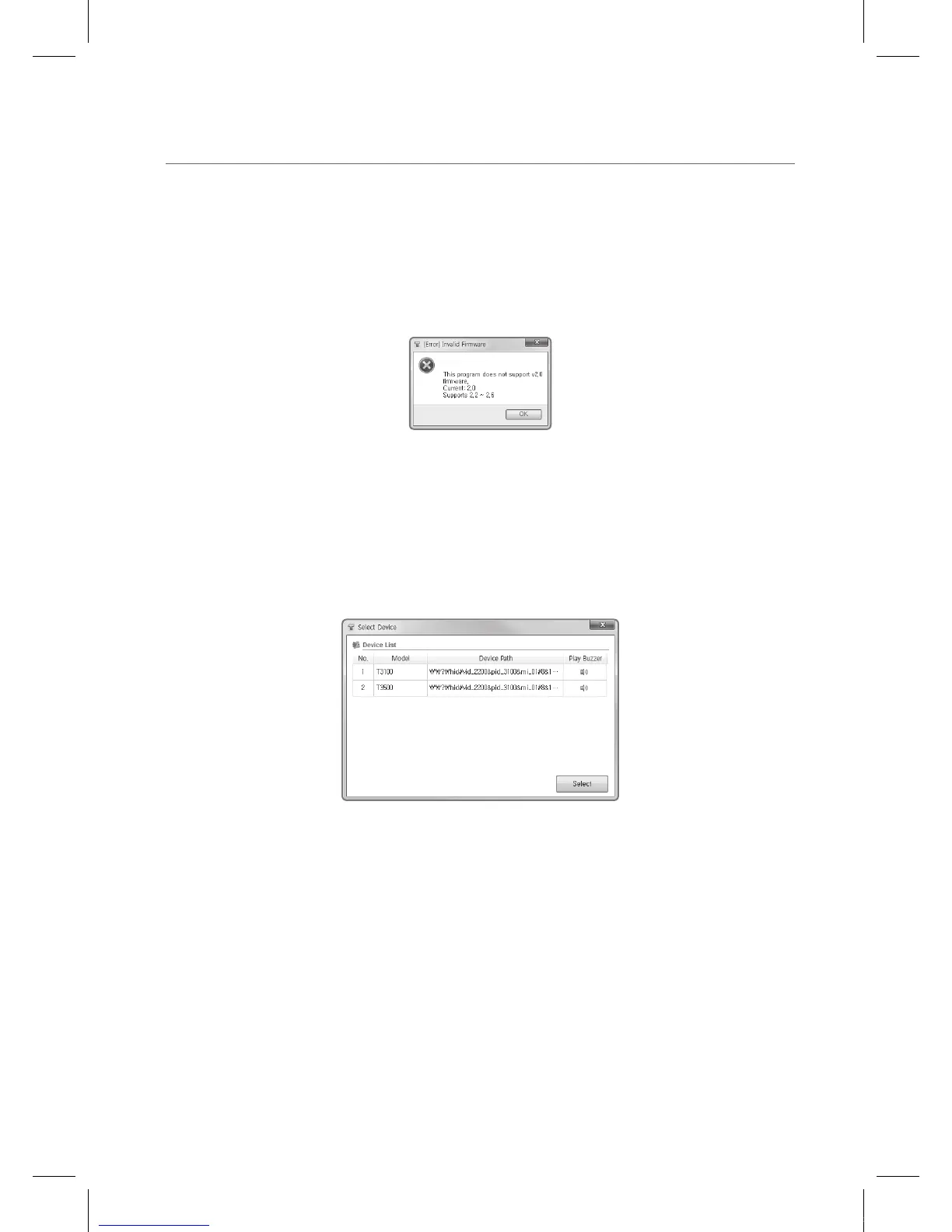
This program does not support vx.xx firmware
When the version of the software does not correspond to the version of the firmware, the
following Dialog opens. It is specifying the versions of the firmware that it supports and the
current version of the touch sensor’s firmware.
One can change the software program and run it again, or upgrade the firmware of the touch
sensors.
When More than Two T3k Touch Sensors are
Connected
When more than two T3k Touch Sensors are detected, the following Sensor Selector comes up.
Select the appropriate sensor and press on Open.
Model:
The name of the T3k Touch Sensor.
Device Path:
The device path on the host computer.
Check:
Pressing the appropriate will make an alarm sound.
IEB_UM_Vidi_Euro.indd 49 2013-03-11 오후 1:28:27



 To Next Page