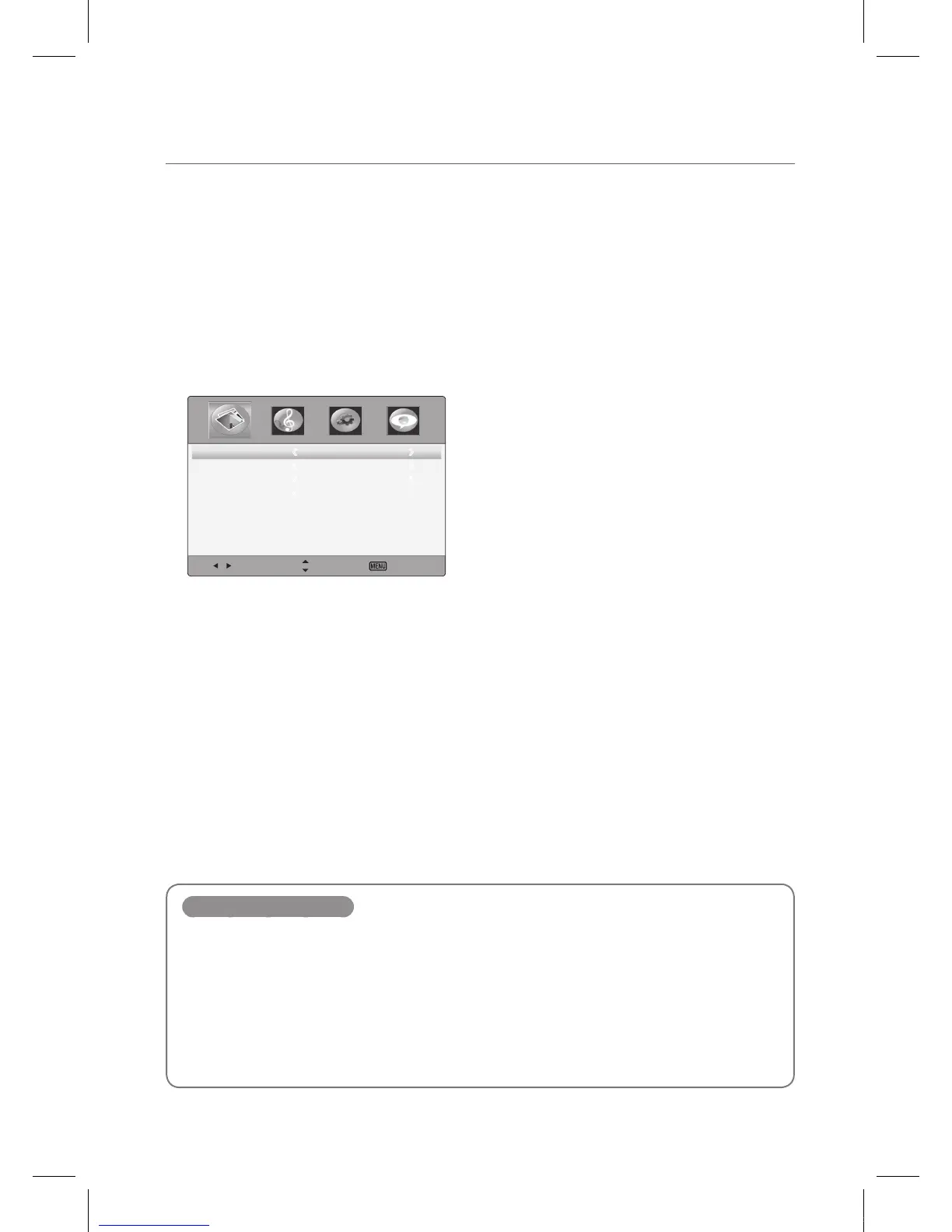
Setting advanced video
1
Press the MENU button to display the main menu.
2
Press the ◄/► button to select the Picture menu, and then press the OK button.
3
Press the ▲/▼ button to select Advanced Video, and then press the OK button.
Select Move Exit
ColorTemperature Normal
ZoomMode
Wide
NoiseReduction
Auto
AdaptiveContrast
On
4
Press the ▲/▼ button to select menu items.
5
Press the EXIT button to return to IEB viewing or press the MENU button to return to the
previous menu.
Advanced Video items
Color Temperature
Select one of three color preset (Warm, Normal, Cool).
Zoom Mode
Select a zoom mode according to input source (Wide, Zoom, Cinema, Original, Normal).
Noise Reduction
To reduce any static and ghosting that may appear on the screen.
Adaptive Contrast
Adjust the screen contrast automatically.
IEB_UM_Vidi_Euro.indd 13 2013-03-11 오후 1:27:07



 To Next Page