General Settings
44
If one selects Auto Select, the operating system selects the input mode depending on the OS.
Operating System Supported Input Mode Auto Select
Linux Mouse Mouse
Max OSX Mouse Mouse
Windows XP Mouse Mouse
Windows Vista Mouse Mouse
Windows 7 Mouse, Multi-Touch Input Multi-Touch Input
Android* Mouse, Multi-Touch Input Multi-Touch Input
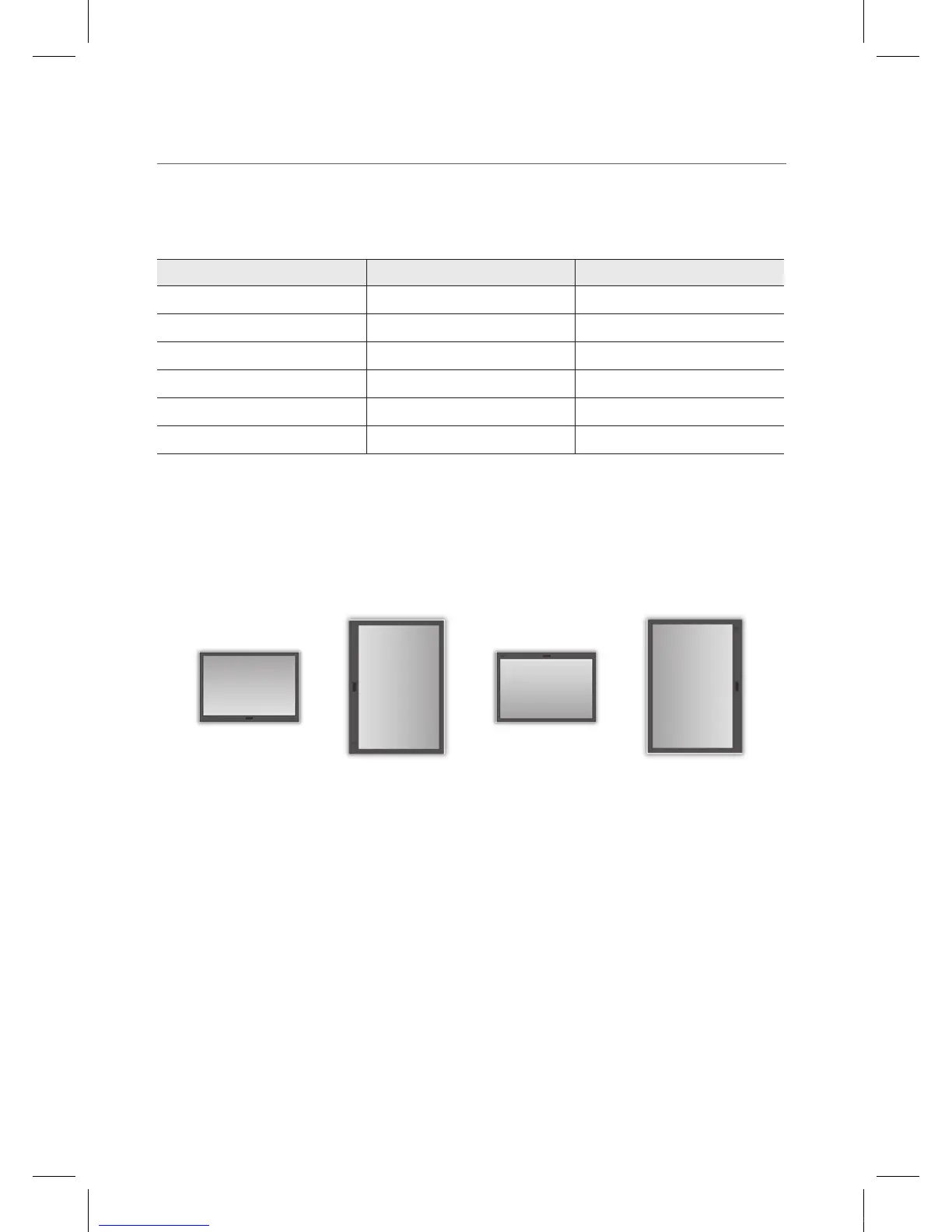
Positioning of the Monitor
This is for the rare cases that one has set the calibration in a certain position but would like to
change the position. The calibration data is automatically translated to the desired position.
Horizontal Horizontal
(180° Clockwise)
Vertical
(90° Clockwise)
Vertical
(270° Clockwise)
IEB_UM_Vidi_Euro.indd 44 2013-03-11 오후 1:28:19


 To Next Page