15
Setup Control
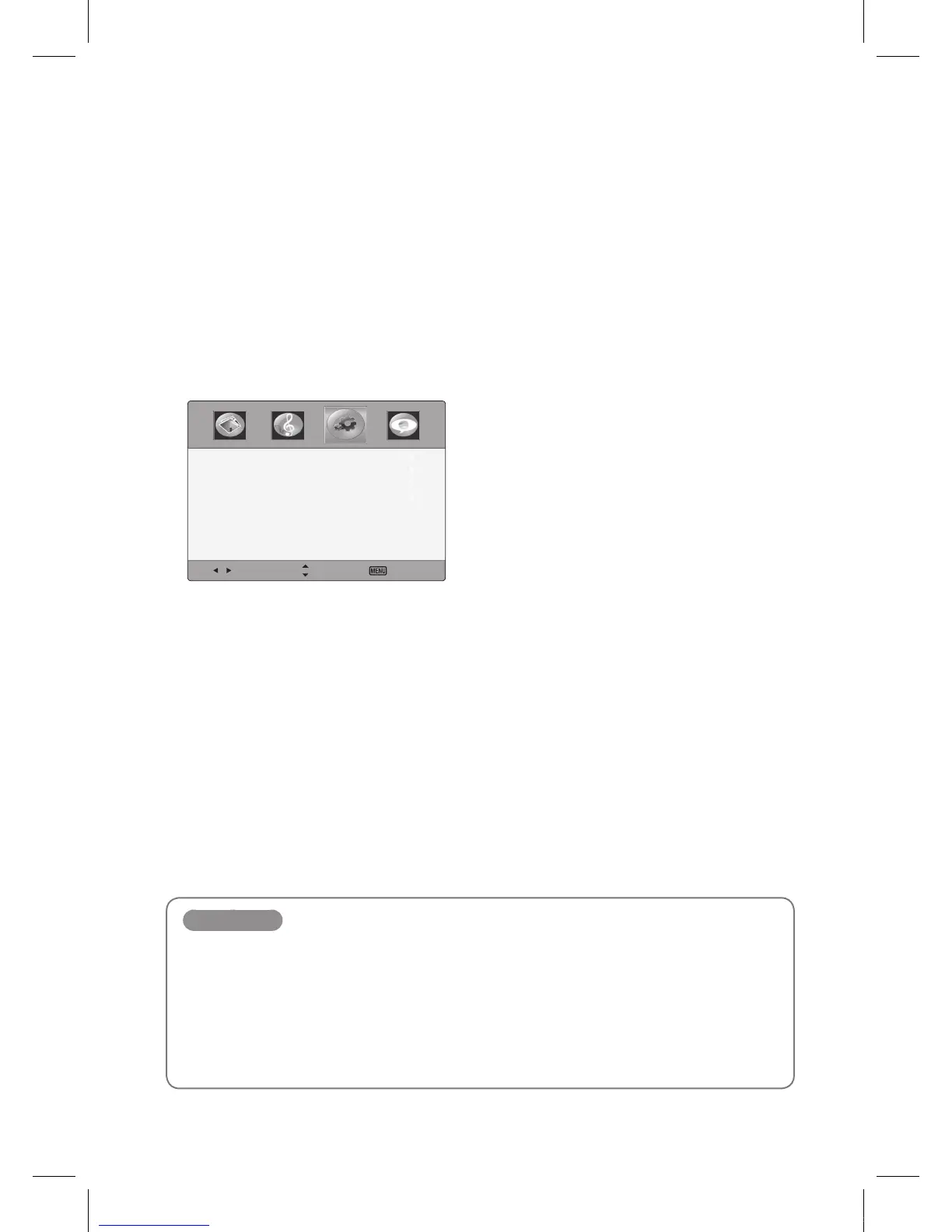
Using the Setup menu
1
Press the MENU button to display the main menu.
2
Press ◄/► button to select the Setup menu, and then press OK button
3
Press the ▲/▼ button to select menu items.
Select Move Exit
Time
MenuSettings
PCSettings
RestoreDefault
4
Press the EXIT button to return to IEB viewing or press the MENU button to return to the
previous menu.
Setup items
Time
Press the OK button, and then press the ◄/► button to adjust a sleep timer (off, 5, 10, 15, 30, 45, 60, 90,
120, 180, 240 minutes).
Menu Settings
Press the OK button, and then adjust the transparency of main menu (0, 25, 50, 75, 100%), and select
menu language.
Restore Default
Restore the OSD values from user’s to defaults.
IEB_UM_Vidi_Euro.indd 15 2013-03-11 오후 1:27:11



 To Next Page