Vitodens 200-W B2HA/B2HB, 222-F B2TA/B2TB Operating
5461 885 - 04
12
Controls
How to Use the Controls
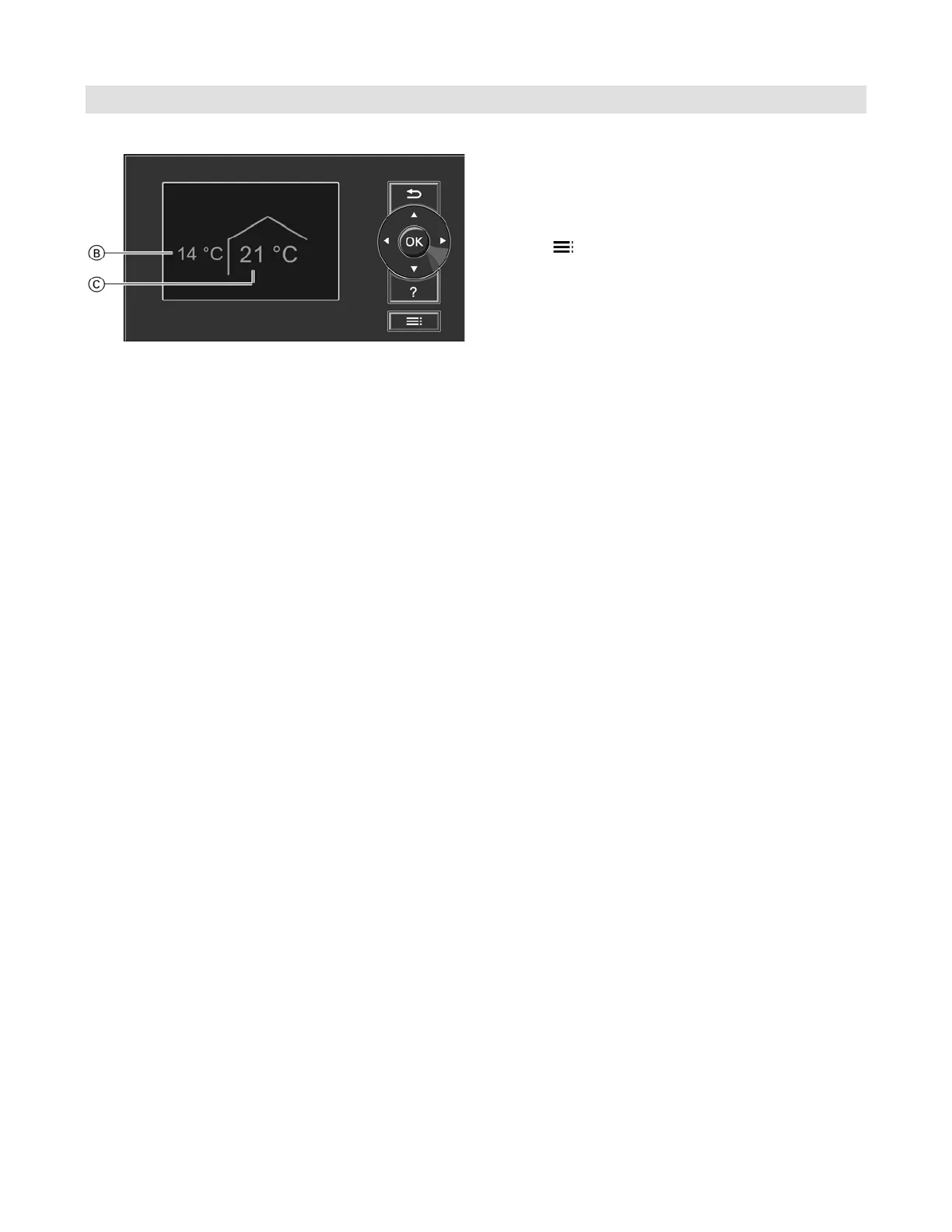
The screen saver will become active if you have not
adjusted any settings on the programming unit for a few
minutes. The display brightness is reduced.
1. Press
OK
. This takes you to the standard menu
(see page 10).
2. Press This takes you to the extended menu (see
page 11). The selected menu option is highlighted in
white. The dialogue line E (see diagram on page 11)
then shows the necessary instructions.
The following diagram shows how to make settings with
different dialogue lines, using the set room temperature
setting as an example.
Legend
B Current outside temperature
C Set room temperature




 To Next Page