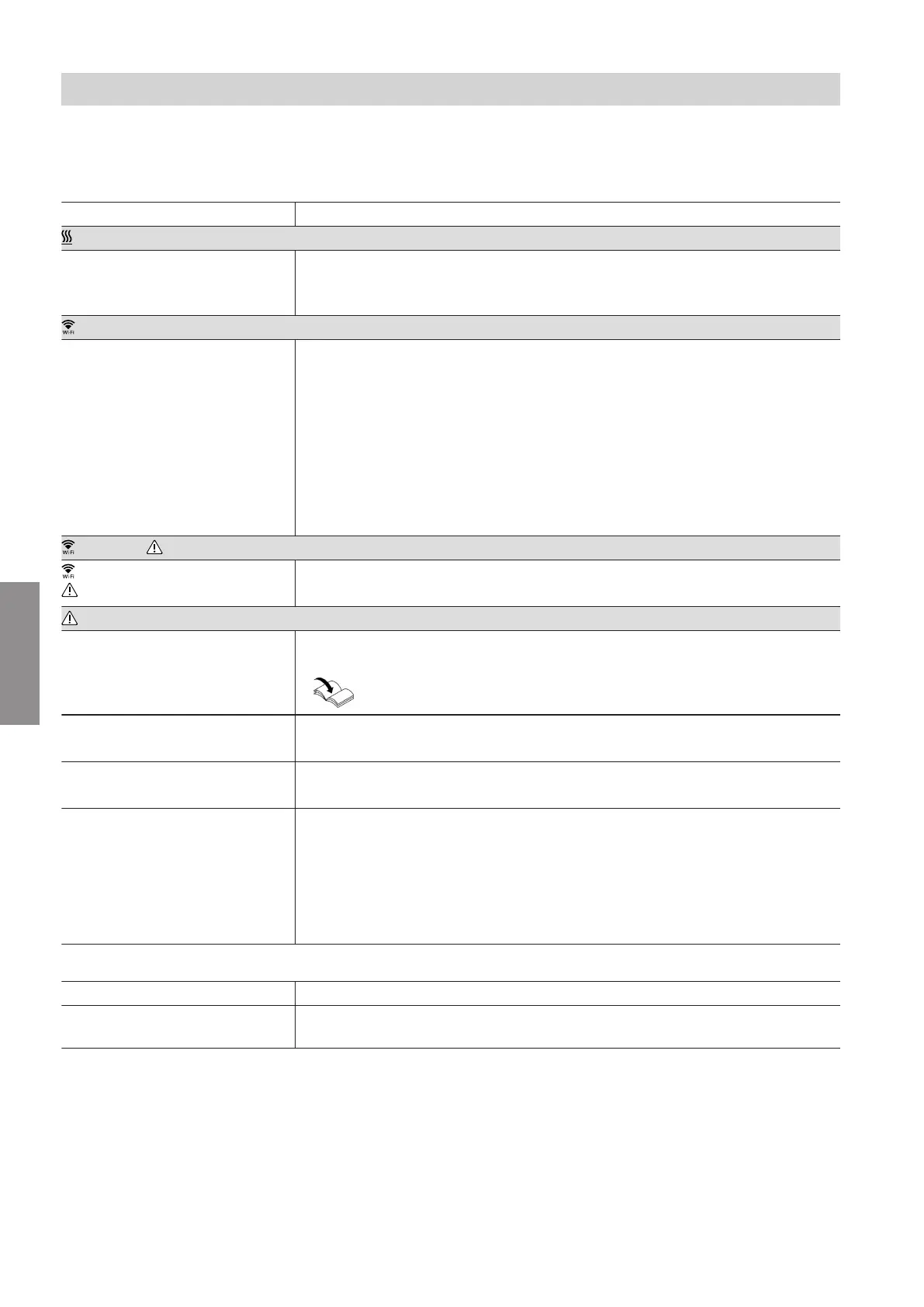
16
Faults on the Vitoconnect 100 are signalled by various
LED indicators (see page 13).
Faults with LED indication
Type of fault and measures
LED
Flashes red. No connection to the heat generator
■
Check the plug-in connections (Optolink, USB).
■
Check the connecting lead.
LED
Flashes red. No connection to the internet
■
No WLAN connection
–
Check network settings during WLAN commissioning.
–
Check password during WLAN commissioning.
■
WLAN signal strength inadequate
–
Change the installation location of the Vitoconnect 100, see page 10
■
WLAN connection established, but no internet connection
–
Check the internet connection with other subscriber, e.g. laptop.
If no internet connection is possible even with other subscribers, have the
network settings checked by an IT expert.
LED and LED
LED flashes red
LED pulsates yellow
No connection to the internet
WLAN password of the home network is incorrect. Re-enter.
LED
Flashes red. Fault at the control unit of the heat generator
■
Observe message in the ViCare app or Vitotrol Plus app.
Installation and service instructions of the heat generator
Pulsates red. Fault, access point mode
■
Reset the network settings, see page 17
Flashes yellow. Maintenance mode (no data transfer)
■
Deactivate maintenance mode, see page 17
Flashes green. A new Vitoconnect 100 firmware is being installed.
!
Please note
Do not damage Vitoconnect 100.
Never disconnect the Vitoconnect 100 from the mains during firmware
installation.
Faults without LED indication
Fault Measures
All indicators on the
Vitoconnect 100 are off.
Check the Vitoconnect 100 mains connection and plug-in power supply unit.
Troubleshooting
Troubleshooting measures
5785 665 GB
Diagnosis



 To Next Page