17
With this function, the transfer of messages from the
heating system to the Viessmann server is sup-
pressed, e.g. during maintenance work on the heating
system.
Activation
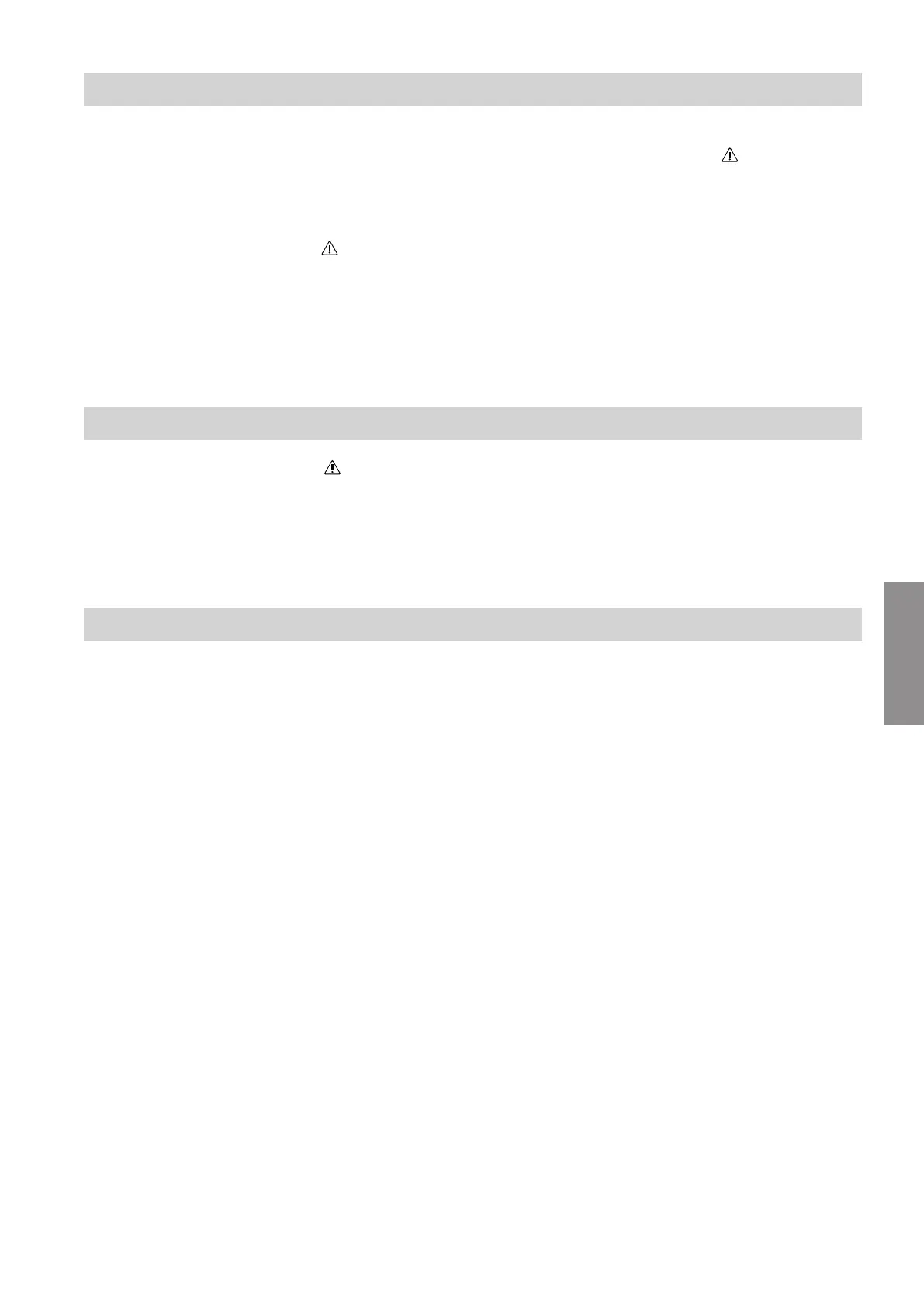
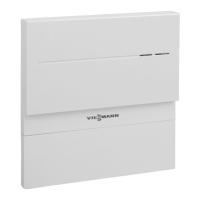
Press reset button for approx. 2 s. LED flashes yel-
low.
Maintenance mode is activated.
Note
Maintenance mode is not terminated automatically and
must be deactivated.
Deactivation
Press reset button for approx. 2 s. LED is not longer
illuminated.
Maintenance mode is deactivated.
Resetting the network settings
1.
Press reset button for 5 s, until LED pulsates
yellow.
2. Connect your smartphone with the internal WLAN
of the Vitoconnect 100. For WLAN-SSID and
WPA2 password see sticker on the Vitoconnect.
3. Open the internet browser on the smartphone and
enter the address http://vitoconnect.gateway.
Follow the instructions on the internet page.
Restoring the factory settings
1. Press the reset button for more than 30 s, until all 3
LEDs flash yellow.
2. Release the reset button.
3. Press the reset button again for more than 5 s,
until all LEDs illuminate yellow.
4. Release the reset button.
The Vitoconnect 100 has been restored to the fac-
tory settings.
Troubleshooting
Maintenance mode
5785 665 GB
Diagnosis



 To Next Page