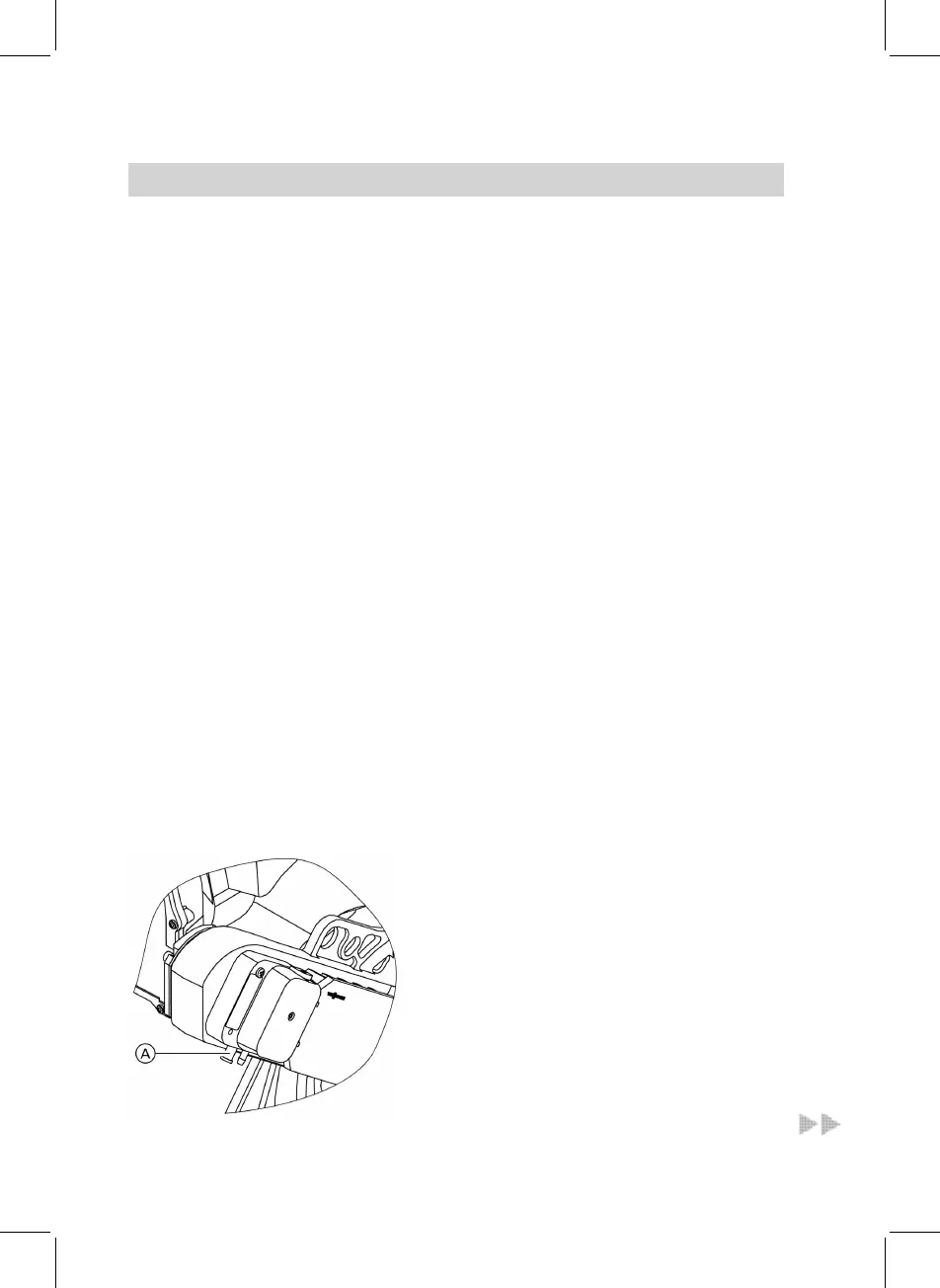
6. If required, adjust the oil pressure
for stage 1 at pressure adjusting
screw C of the oil pump (for stan-
dard values, see page 12).
7. Check the actual emission values
after adjusting the oil pressure.
8. Select burner stage 2 with a and
b.
"Burner st 1 + 2 ON" is shown on
the display.
9. If required, adjust the oil pressure
for stage 2 at pressure adjusting
screw D of the oil pump.
10. Check the actual emission values
after adjusting the oil pressure.
11. After testing, press d.
Adjusting the air volume (static burner pressure)
1. Start the boiler.
2. Remove plug A from the test port.
3. Connect the U-shaped pressure
gauge to test port A.
4. Press K and F simultaneously
until "Speed stage 1" and a value
between 1 and 255 is displayed.
5. Change the value with a/b until
the static burner pressure dis-
played on the U-shaped pressure
gauge and the CO
2 flue gas content
correspond to the values in the
table on page 12.








 To Next Page