40
Further information can be found in chapter
"Terminology" in the appendix.
■
Your contractor commissions the ventilation unit.
■
Set the operating program for mechanical ventilation:
see page 41.
Note
In order to remove naturally occurring humidity from
rooms, the ventilation unit must always be operated
using at least the lowest ventilation level (
).
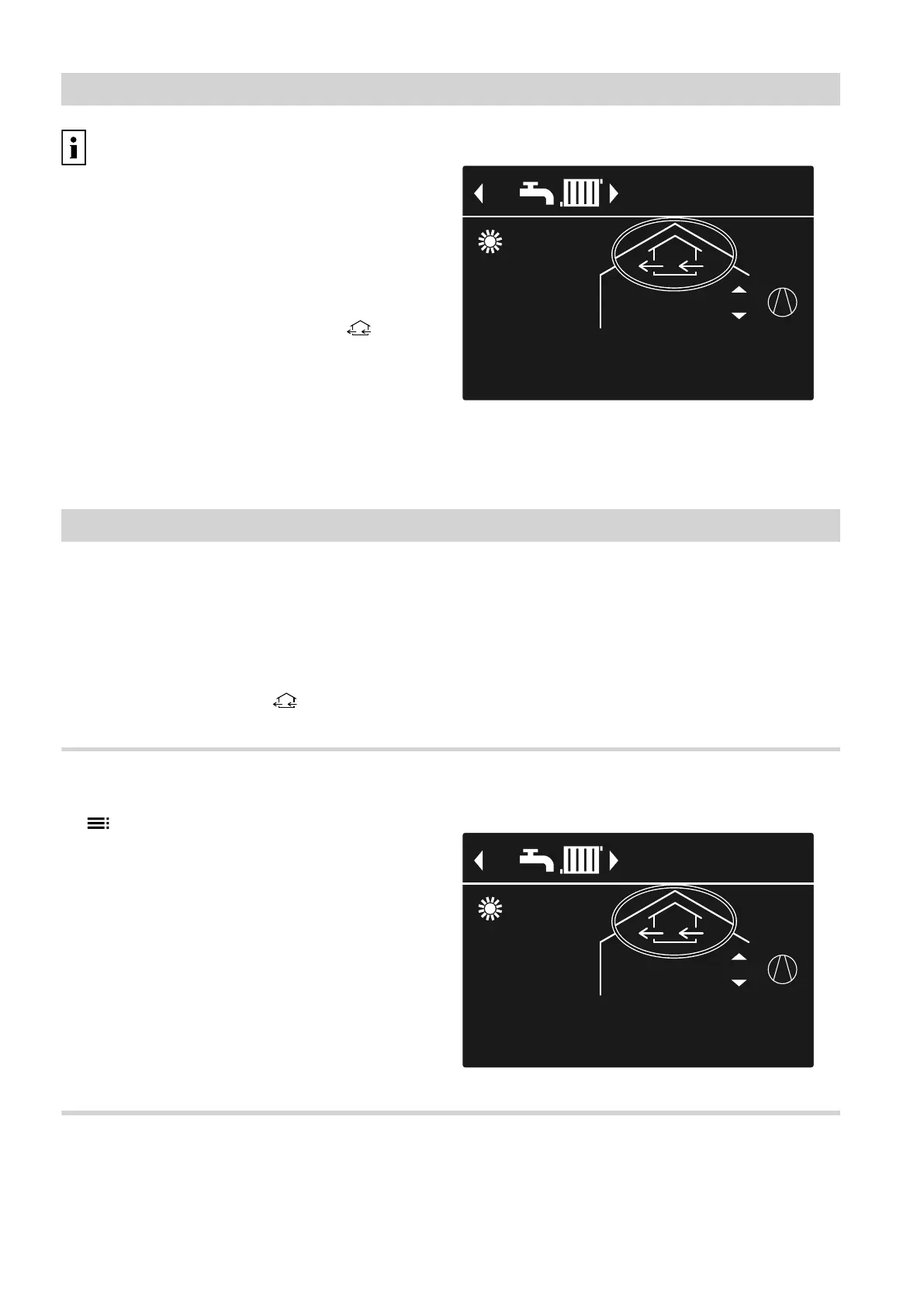
Display in the standard menu
40°CFlow temperature
HC1
14°C
21°C
3
3
Fig. 23 Example for ventilation in the operating pro-
gram "Ventilation program" operating sta-
tus "Standard"
Stopping ventilation
!
Please note
There is a risk of moisture damage to the build-
ing if the ventilation unit is permanently switched
off.
■
Only activate "Standby mode" for short peri-
ods of time.
■
Operate the ventilation unit at least at the mini-
mum ventilation level (
), e.g. in "Economy
mode" or "Holiday program".
Activating "Standby mode"
1. Extended menu:
2. "Ventilation"
3. "Operating program"
4. "Standby mode"
■
No mechanical ventilation, for example if you wish to
air your home by opening the windows.
■
In conjunction with a ventilation heating circuit:
No supply air heating via heating circuit HC1
Display in the standard menu
40°CFlow temperature
HC1
14°C
21°C
0
0
Fig. 24
Ending "Standby mode"
Select a different operating program for ventilation, or
a comfort or energy saving function.
Mechanical ventilation
Starting ventilation
5790940












 To Next Page