76
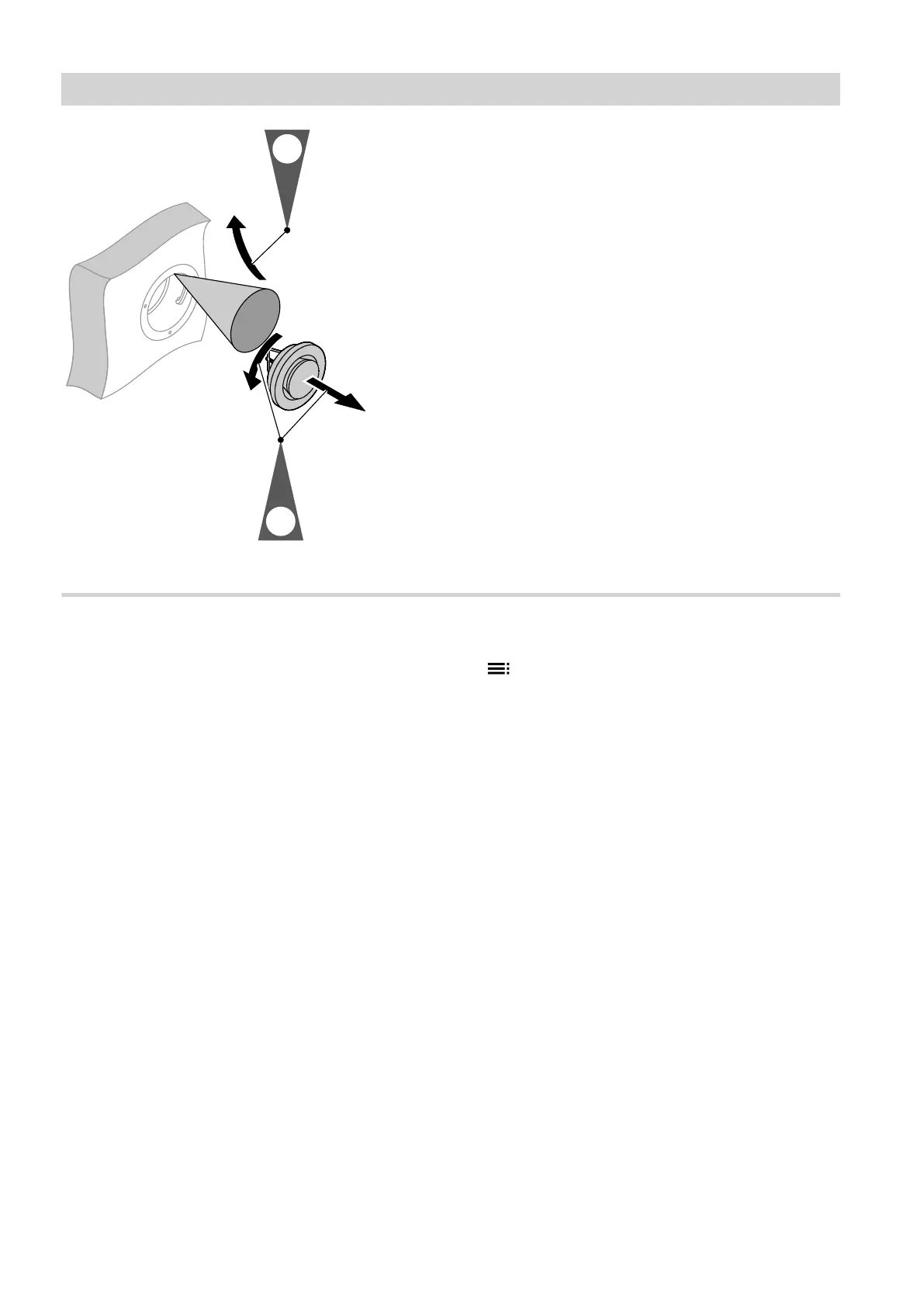
Fig. 62
Resetting the service display
1. Start the ventilation unit after changing the filters.
!
Please note
Dust deposits in the appliance can result in
malfunctions
Never start the appliance without supply air
and extract air filters.
2. Manually reset the service display for filter changes
at the heat pump control unit.
3. Extended menu:
4. "Ventilation"
5. "Filter change"
6. "Yes"
7. "OK" to confirm
Maintenance
Cleaning or replacing filters (cont.)
5790940












 To Next Page