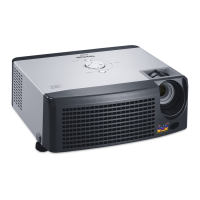
ViewSonic Corporation Confidential - Do Not Copy PJ503D-1
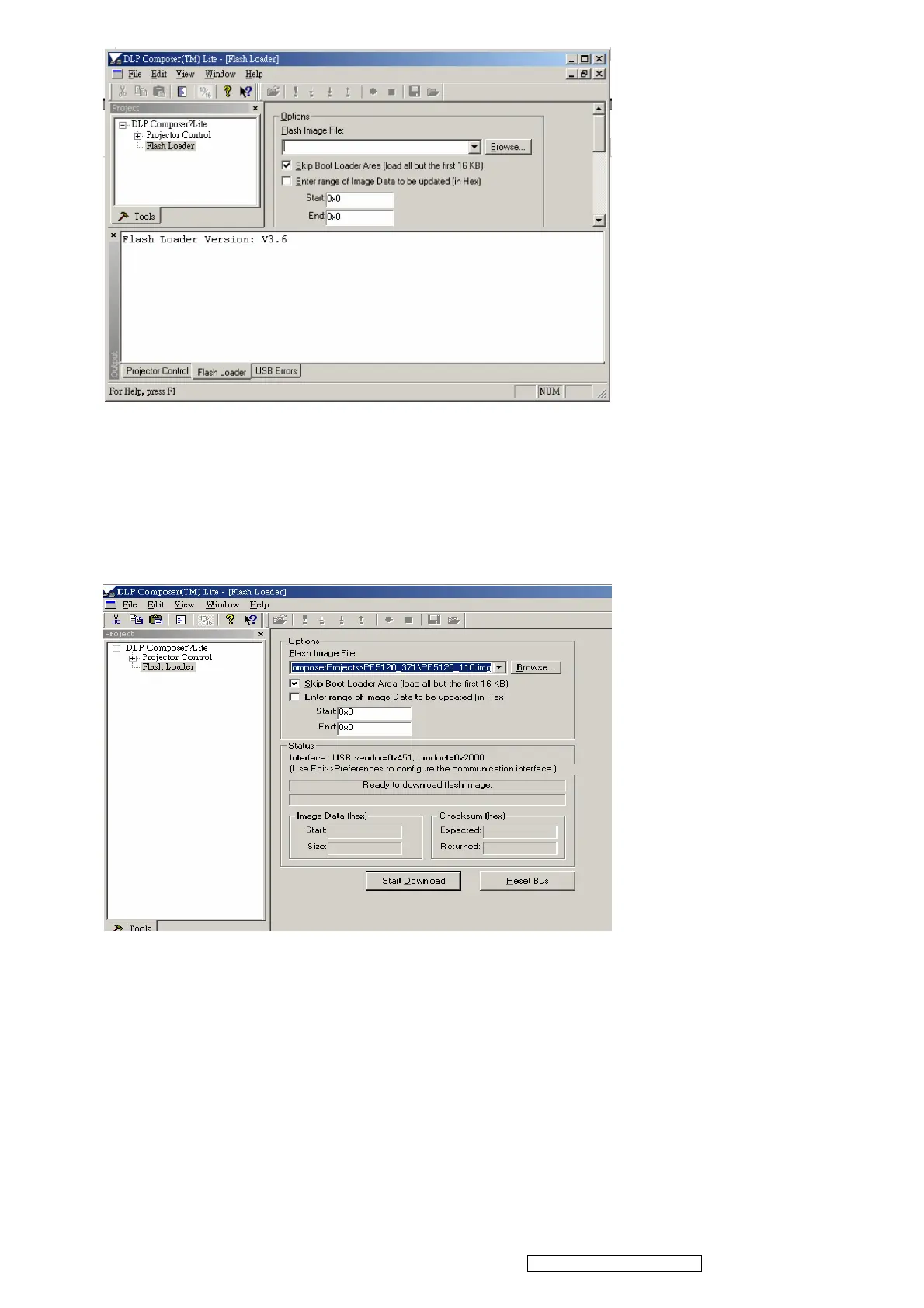
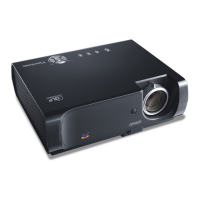
2. Make sure to check “Skip Boot loader area (load all but the first 16KB)”
3. Plug power cord into projector
4. Press “UP+SOURCE+AUTO” simultaneously on keypad, the projector LAMP LED
would lite on
5. Plug in USB cable between computer and projector side
6. Press start download to begin update new firmware
7. Wait till composer lit notice upgrade completed
8. Download is completed. The factory settings should be restored.
5


 To Next Page