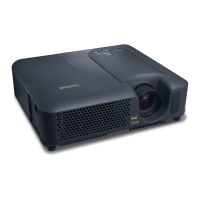
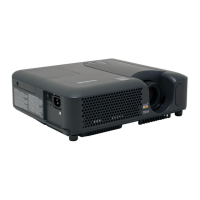
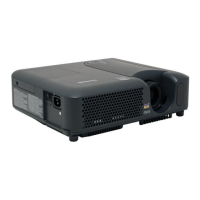
13ViewSonic PJ678
Remote Control Operation
Point the remote control at the infrared remote sensor and press a button.
Operating the projector from the front
Operating the projector from the rear
Do not point the LED light pointer directly to the people’s eyes (especially
small children). There is a danger of injuiry to the eyes.
The remote control may not operate when there is sunlight or other strong
light such as a fl uorescent lamp shining on the remote sensor.
Operate the remote control from a position where the remote sensor is
visible.
Do not drop the remote control or jolt it.
Keep the remote control out of locations with excessively high temperature
or humidity.
Do not get water on the remote control or place wet objects on it.
Do not disassemble the remote control.
Frezze
Resync
Hi
d
e
Volume +
Volume -
Light
30
10m
Frezze
R
e
sync
L
i
gh
t
V
o
lum
e +
V
o
l
u
me -
H
i
d
e
30
10m



 To Next Page