EasyManua.ls Logo

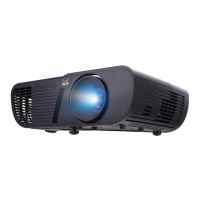
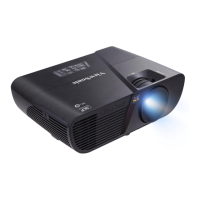
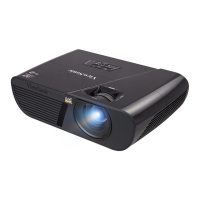
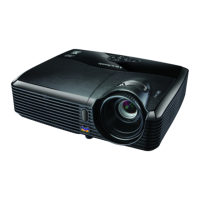
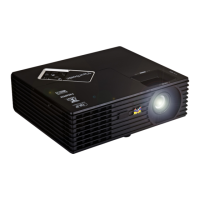
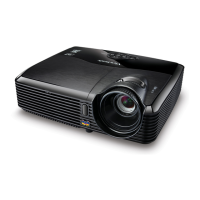
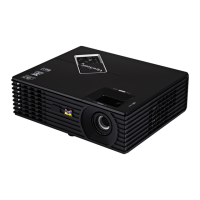
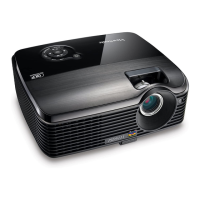
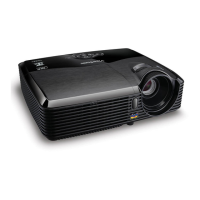
ViewSonic PJD5152 - User Manual

ViewSonic PJD5152
69 pages
Print Icon
To Next Page IconTo Next Page
Loading...
ViewSonic
®
IMPORTANT: Please read this User Guide to obtain important information on install-
ing and using your product in a safe manner, as well as registering your product for
future service. Warranty information contained in this User Guide will describe your
limited coverage from ViewSonic Corporation, which is also found on our web site
at http://www.viewsonic.com in English, or in specic languages using the Regional
selection box in the upper right corner of our website.
“Antes de operar su equipo lea cuidadosamente las instrucciones en este manual”
Model No. : VS13307 / VS13147
PJD5152 / PJD5352
DLP Projector
- User Guide
- Guide de l’utilisateur
- Bedienungsanleitung
- Guía del usuario
- Guida dell’utente
- Guia do usuário
- Användarhandbok
- Käyttöopas
- Руководство пользователя
- 使用手冊 (繁體)
- 使用手冊 (簡體)
- 사용자 안내서
- Podręcznik użytkownika
- Kullanιcι kιlavuzu

Table of Contents

Other manuals for ViewSonic PJD5152

Questions and Answers

  • D
    Dominique NortonAug 11, 2025
    How to fix ViewSonic PJD5152 that does not turn on?
    • J
      Jacob RoachAug 11, 2025
      If your ViewSonic Projector is not turning on, first ensure the power cord is securely plugged into both the projector's AC inlet and a functioning power outlet, and that the outlet switch is on, if applicable. Also, if the projector was recently turned off, it may be in a cooling process. Wait for this process to complete before attempting to turn it on again.
  • S
    Sharon HendersonAug 18, 2025
    What to do if ViewSonic PJD5152 remote control does not work?
    • K
      Kristen HutchinsonAug 19, 2025
      If the remote control isn't working with your ViewSonic Projector, try these steps: 1. Replace the battery with a new one. 2. Make sure there's nothing blocking the path between the remote and the projector. 3. Ensure you are within 8 meters (26 feet) of the projector.
  • J
    jordanjonesAug 27, 2025
    Why is there no picture on my ViewSonic PJD5152 Projector?
    • R
      rjacobsAug 27, 2025
      If you're not seeing a picture on your ViewSonic Projector, there are several things to check: * Ensure that your video source is turned on and correctly connected. * Verify the projector is properly connected to the input signal device. * Select the correct input signal using the SOURCE key on the projector or remote. * Make sure the lens cover is open.
  • B
    Brian HallSep 2, 2025
    How to fix a blurred image on a ViewSonic Projector?
    • B
      Brenda JonesSep 3, 2025
      If the image from your ViewSonic Projector is blurred, try the following: * Adjust the focus of the lens using the focus ring. * Adjust the projection angle, direction, and height of the projector to properly align it with the screen. * Ensure the lens cover is open.

ViewSonic PJD5152 Specifications

General IconGeneral
BrandViewSonic
ModelPJD5152
CategoryProjector
LanguageEnglish

Related product manuals