10
Product Overview
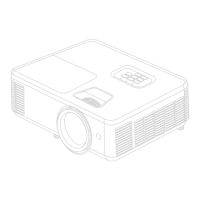
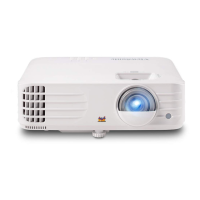
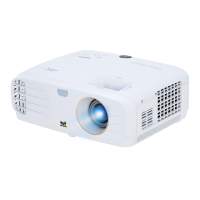
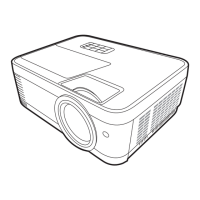
Projector
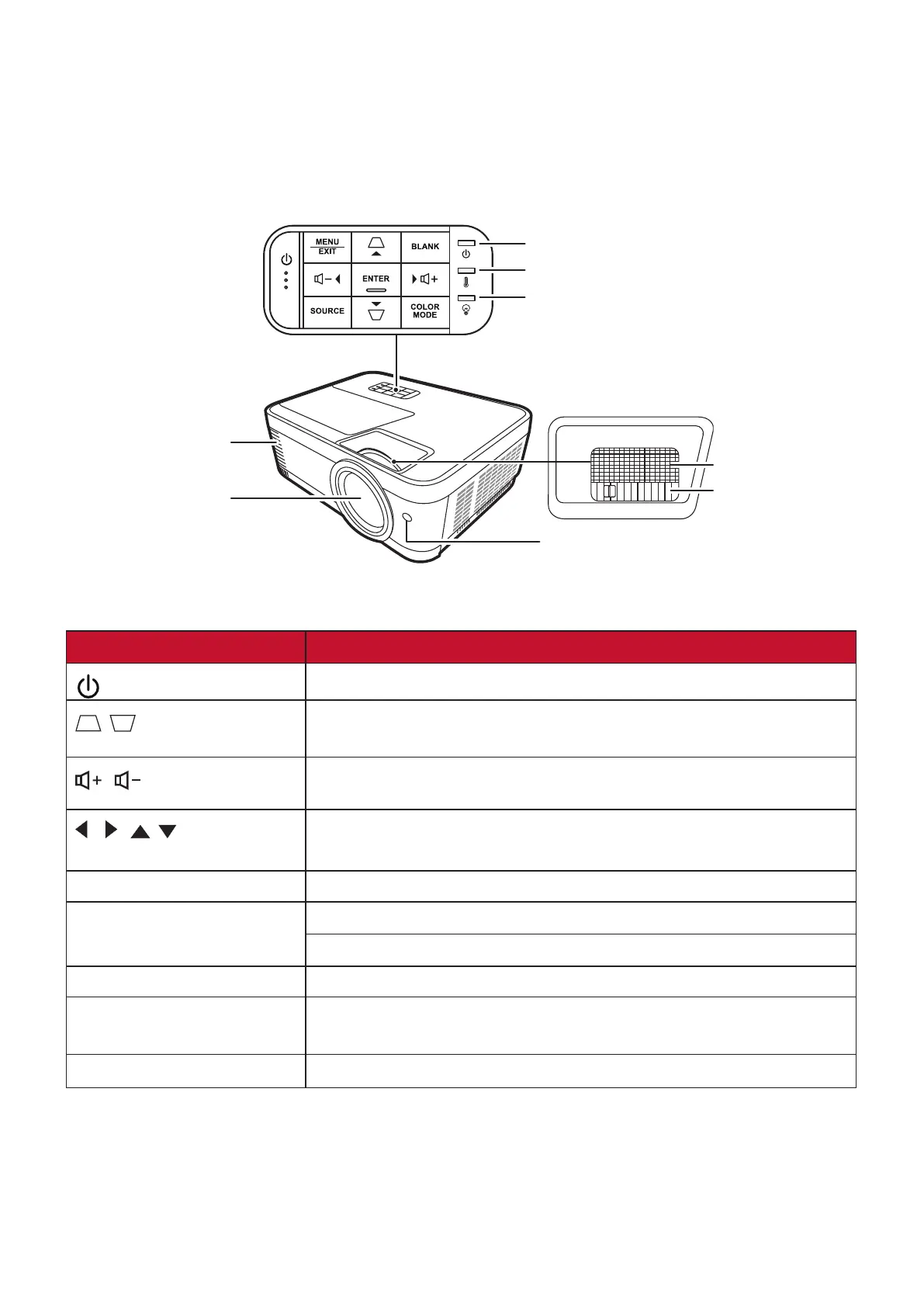
Controls and Functions
Power Indicator Light
Temperature Indicator Light
Light Source Indicator Light
Focus Ring
Zoom Ring
Projection Lens
Vent (heated air exhaust)
Remote IR sensor
Key Description
[ ] Power
Toggles the projector between standby mode and Power On.
[
/ ] Keystone Keys
Manually corrects distorted images resulting from an angled
projection.
[
/ ] Volume Keys
Increases or decreases the volume level.
[ / / / ]
Left/Right/Up/Down
Selects the desired menu items and makes adjustments
when the On-Screen Display (OSD) Menu is activated.
Menu/Exit Turns on or off the On-Screen Display (OSD) Menu.
Source Displays the input source selection bar.
Displays the HELP menu with a long press for 3 seconds.
Blank Hides the screen picture.
Enter Enacts the selected On-Screen Display (OSD) Menu item
when the OSD Menu is activated.
Color Mode Displays the color mode selection bar.





 To Next Page