28
Adjusting the Projected Image
Adjusting the Projector's Height and Projection Angle
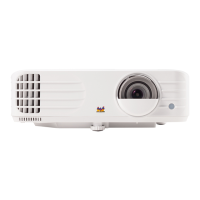
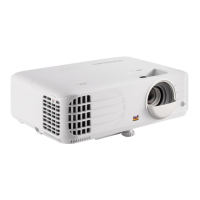
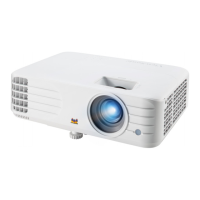
The projector is equipped with one (1) adjuster foot. Adjusting the foot will change
the projector’s height and the vertical projection angle. Carefully adjust the feet to
fine tune the projected image’s position.
Fine-Tuning the Image Size and Clarity
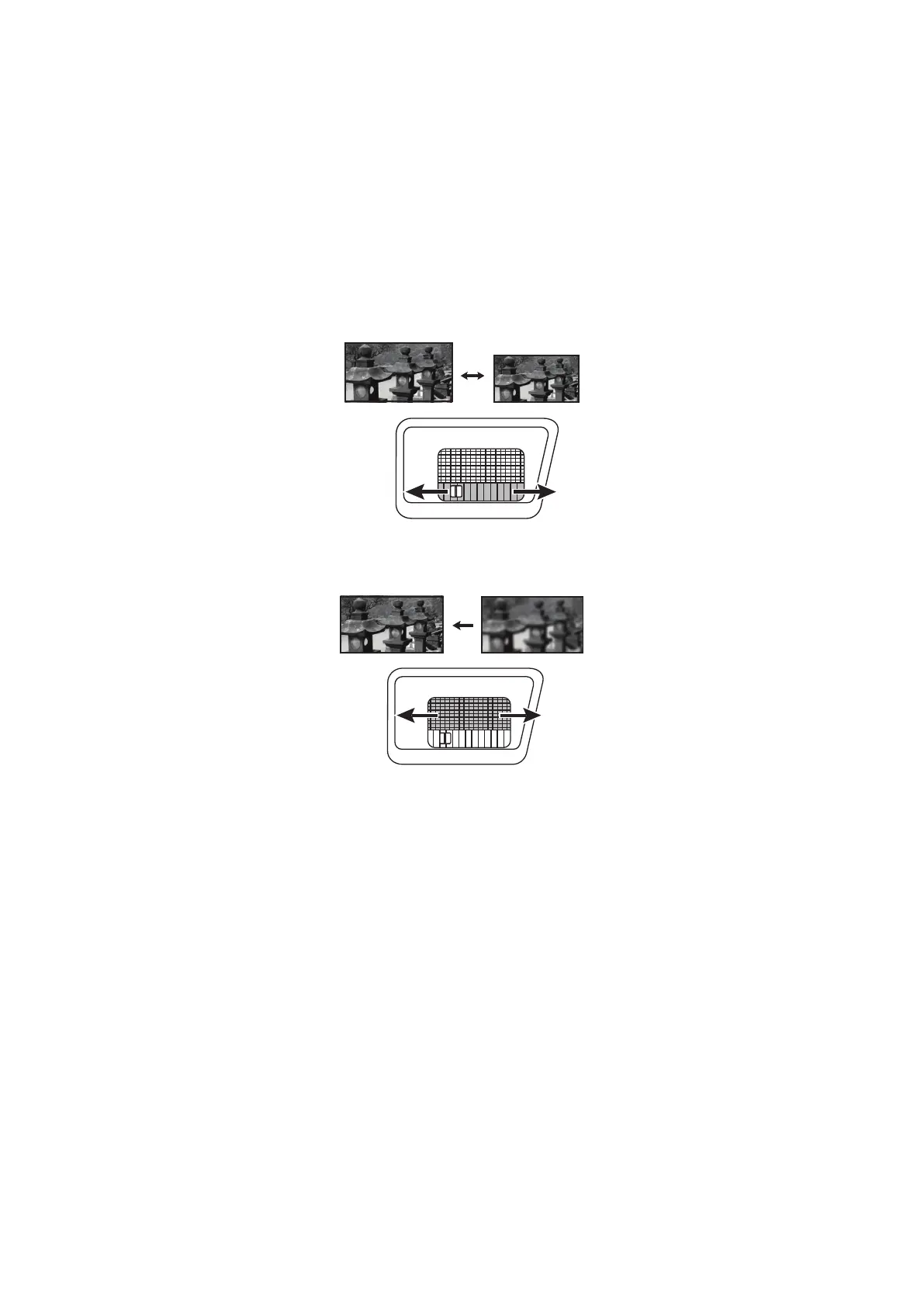
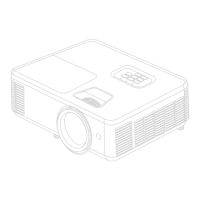
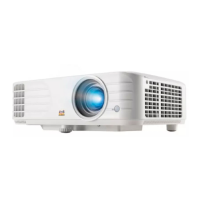
To adjust the projected image to the size that you need, rotate the Zoom Ring.
To improve the clarity of the image, rotate the Focus Ring.




 To Next Page