6
Contents
Safety Precautions ....................................................... 3
Introduction ................................................................ 9
Package Contents - LS711W ...................................................................................9
Package Contents - LS711HD ................................................................................ 10
Product Overview .................................................................................................11
Projector ................................................................................................................ 11
Keypad ................................................................................................................... 12
Indicator Lights ...................................................................................................... 12
I/O Ports ................................................................................................................ 13
Remote Control ..................................................................................................... 14
Initial Setup ............................................................... 18
Choosing a Location - Projection Orientation .......................................................18
Projection Dimensions - LS711W .................................................................... ......19
16:10 Image on a 16:10 Screen ............................................................................. 19
16:10 Image on a 4:3 Screen ................................................................................. 20
Projection Dimensions - LS711HD ........................................................................21
16:9 Image on a 16:9 Screen ................................................................................. 21
16:9 Image on a 4:3 Screen ................................................................................... 22
Mounting the Projector ........................................................................................23
Using the Security Bar ..........................................................................................23
Making Connections .................................................. 24
Connecting to Power ............................................................................................24
Connecting to External Devices ............................................................................25
HDMI Connection .................................................................................................. 25
Audio Connection .................................................................................................. 26
USB Connection ..................................................................................................... 27
RS-232 Connection ................................................................................................ 28

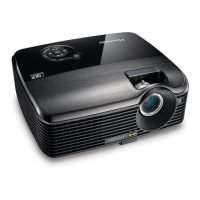
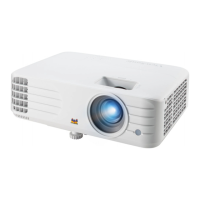
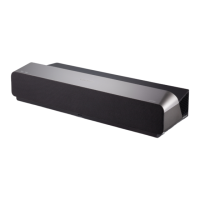


 To Next Page