5 Troubleshooting
5.1 Touch Screen Problems
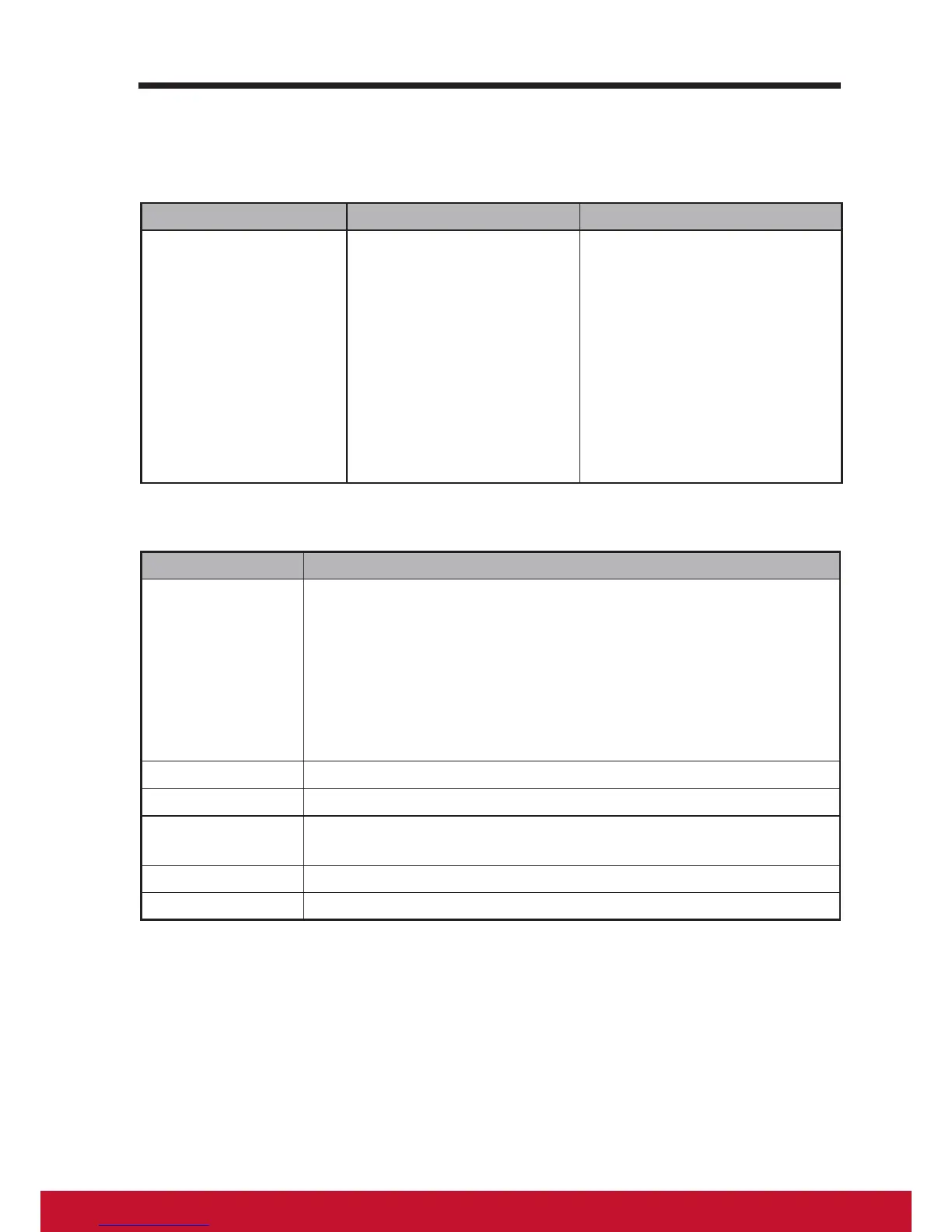
Problems Causes Solutions
Touch screen does
not respond to hand
gestures or render
them properly.
Dust, particles or any
foreign material on the
camera’s or reector’s
surface may affect image
quality and the display’s
touch function.
1. Remove any dust or
particles from the reector
and camera using
compressed air.
2. Gently clean the cameras
and reector surface
carefully with a soft
antistatic brush to avoid
scratches.
3. Clean any remaining dust
with a clean, dry dust-free
cloth.
5.2 Other Problems
Problems Solutions
No power If the LED does not light blue with the device booting-up then:
-
Ensure that the power adaptor is plugged-in to a suitable
power socket
-
Ensure that the DC connector is fully inserted into the correct
socket on the rear of the VSD224 located under the cover
-
Check the power socket with another device (i.e. table lamp)
-
If there is still no power then contact ViewSonic support or
the Reseller from whom the device was purchased
No display Check external HDMI device and connections.
Lock-up Restart VSD224 device.
App doesn't
function
Check with App author.
No network Check WiFi settings, try Ethernet if available.
No audio Check volume level setting.



 To Next Page