30
4-3 Video playback
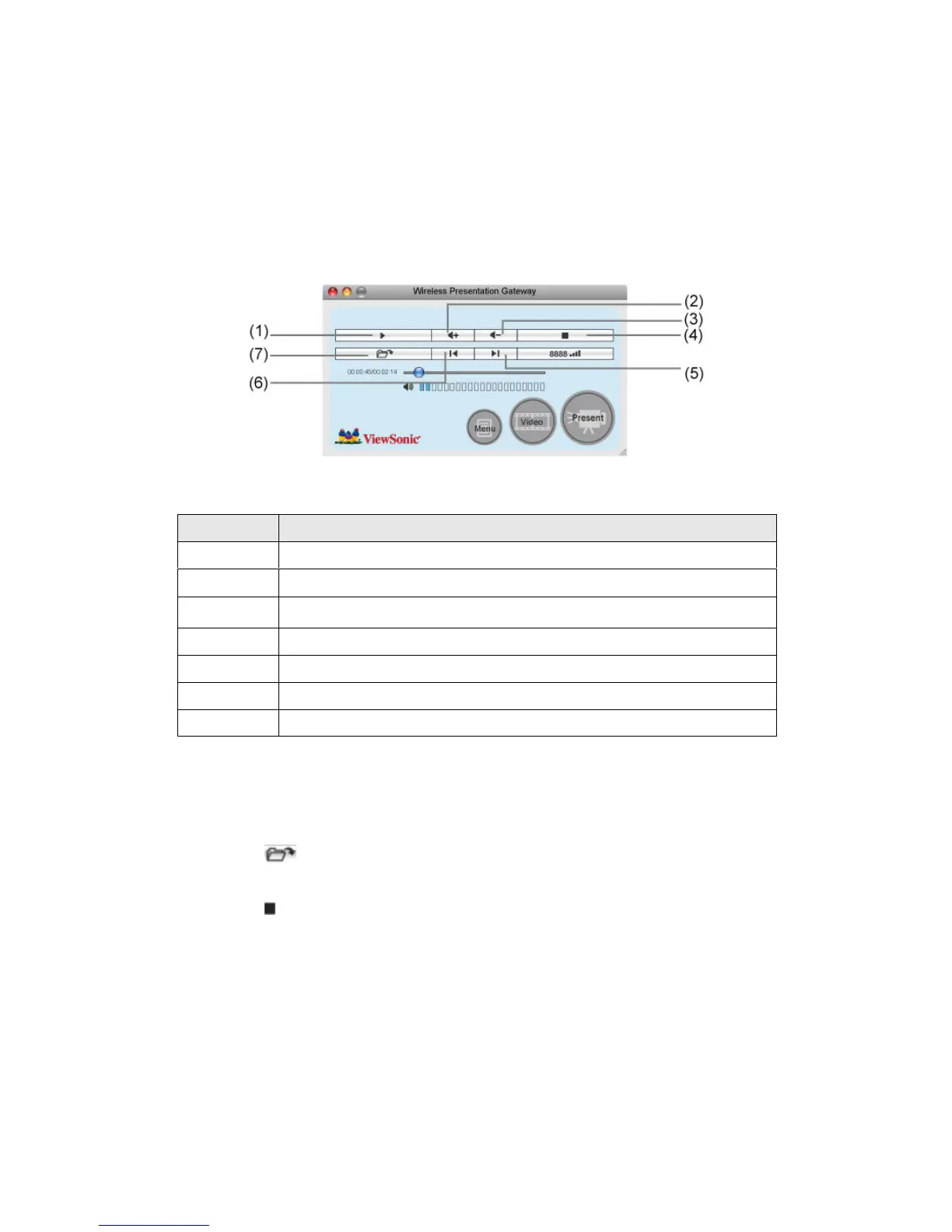
When you click ‘Video’ button in application software, the user interface will
change and look as follow:
To start video playback:
1. Click ‘Video’ button
2. Click (7) to open video file.
3. Video will start playing automatically.
4. Click (4) to stop playing video.
No. Description
1 Playback / Pause
2 Volume up
3 Volume down
4 Stop video play
5 Fast forward (for 10 seconds)
6 Rewind (for 10 seconds)
7 Open video file
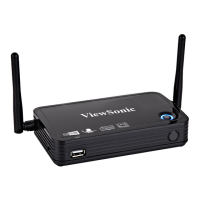
WPG-350ViewSonic



 To Next Page