42
Menu Option Description
Color Mode
Brightest
Maximizes the brightness of the projected image. This mode
is suitable for environments where extra-high brightness is
required, such as using the projector in well lit rooms.
TV
Optimized for viewing sports in well-lit environments.
Gaming
Suitable for playing video games in a bright living room.
Movie
For playing colorful movies, video clips from digital cameras or
DVs through the PC input for best viewing in a blackened (little
light) environment.
Golf
This mode is tailored for golf simulators, enhancing the blue
sky and vibrant green grass colors.
Low Blue Light
Reduces the emission of harmful low-blue light that is harmful
to human’s eyesight.
User
Recalls the customized settings. After User/Low Blue Light is
selected, some of the sub-menus under the IMAGE menu can
be adjusted, according to your selected input source.
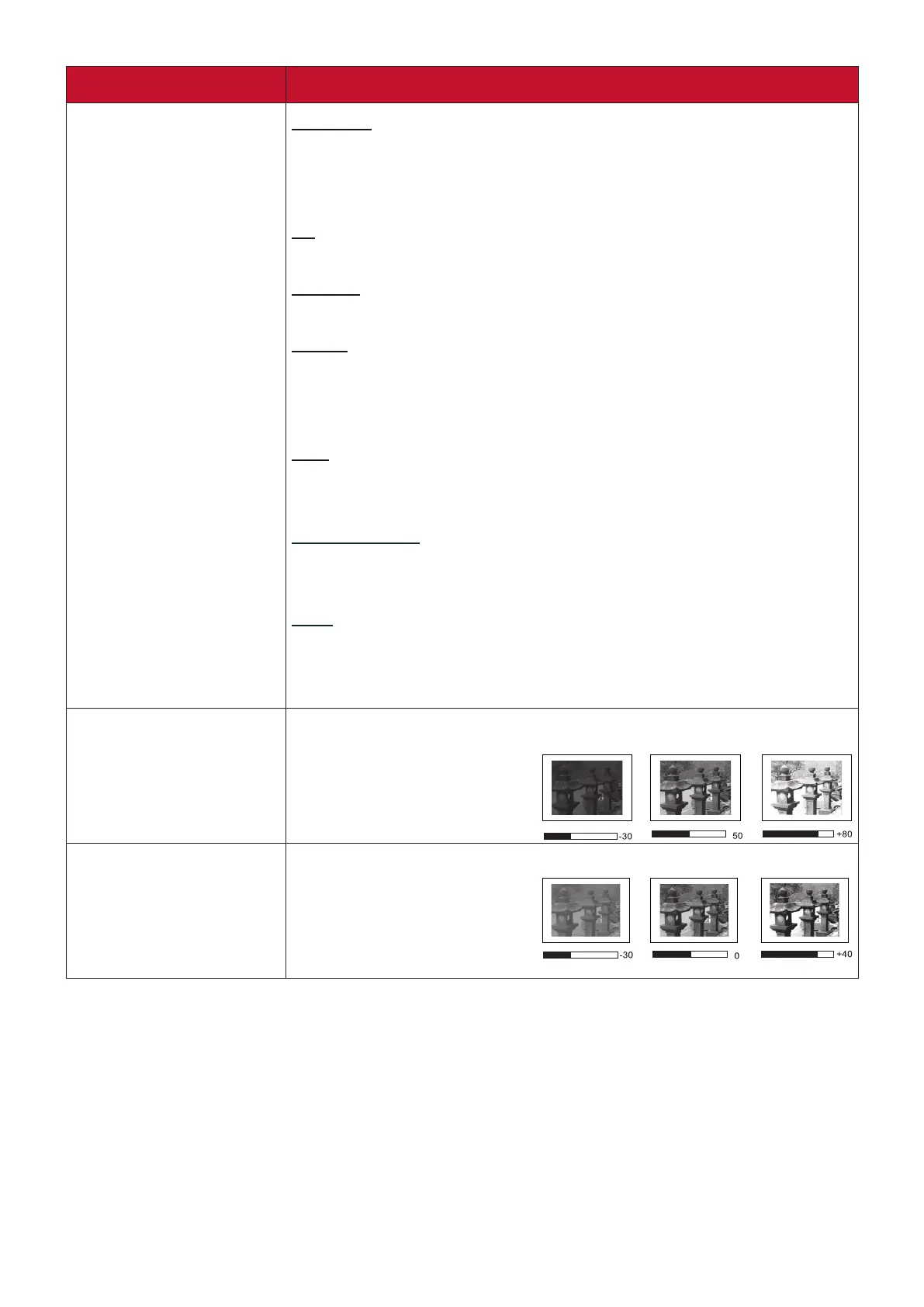
Brightness
The higher the value, the brighter the image. Adjust this option
so the black areas of the
image appear just as black
and details in the dark area
are more visible.
Contrast
Use this to set the peak white level after you have previously
adjusted the Brightness
setting.






 To Next Page