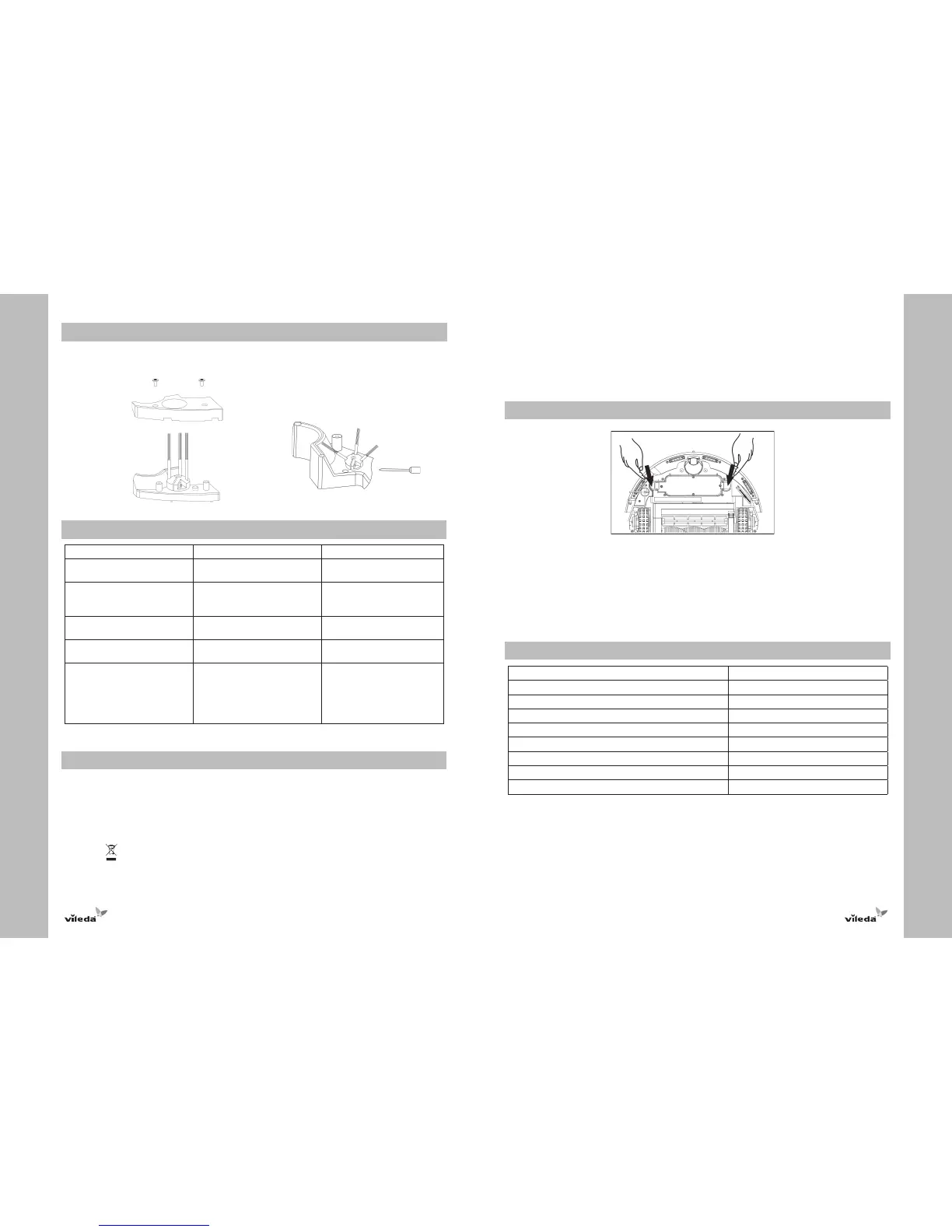
Replacing Side Brush
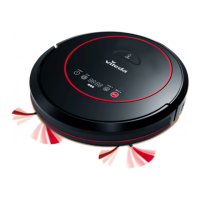
1. Use a cross-head screwdriver to remove side brush cover.
2. Insert new side brush and put back the cover.
3. Tighten the screws.
Troubleshooting
Problem Possible reason Possible solution
Robot does not detect cliffs /
drops.
• Sensors are dirty. • Wipe away dust from sensors
with a dry cloth.
Robot stops while cleaning and all
light indicators turn on.
• Main brushes are blocked.
• Main brushes are jammed.
• Clean main brushes and
restart.
• Remove jam and restart.
Robot stops and battery charge
indicator is on.
• Low battery. • Recharge battery.
Robot only moves in circles in the
same position.
• One wheel is blocked. • Remove hairs and dirt from
wheels.
Battery does not recharge. • Battery is not installed correctly.
• Charger is not plugged correctly.
• Reinstall battery. Two beeps
should be heard when installed
properly.
• Check charger is plugged
correctly to the outlet and to
the robot.
For further help, technical advice, or for information on spare or replacement parts please contact
Vileda in the UK on 08457697356.
Environmental and Product Recycling
The Vileda Cleaning Robot fulfils the EU directive 2002/96/CE, covering electrical and electronic appliances and
the management of its disposal.
The packaging material is entirely recyclable, and marked with the recycling symbol. Follow local regulations for
scrapping. Keep the packaging materials (plastic bags, polystyrene parts, etc.) out of the reach of children, as
they are potentially dangerous.
When the product has reached the end of its life please do not dispose of it with general household waste.
To prevent possible harm to the environment or human health from uncontrolled waste disposal, recycle it
responsibly to promote the sustainable reuse of material resources.
The symbol
identifies the Vileda Cleaning Robot as a product submitted to the regime of selective electrical
appliance recycling collection.
The product contains a NiMH battery which should not be disposed of with general household waste. Call, or
deposit the battery in an official collection point for its recycling.
Batteries can be detrimental for the environment and can explode if they are exposed to high temperatures.
The violation of these precautions could cause fire and / or serious injuries.
For more detailed information about treatment, recovery and recycling of this product, please contact your local
city office, your household waste disposal service or the shop where you purchased the product.
Battery Removal
At the end of the product’s or battery’s life the battery should be removed for disposal and recycling.
Follow these instructions to remove and reinstall the battery:
1. Turn off the power switch and turn the robot upside down.
2. Push both flaps inwards and pull up until battery pack comes out.
3. Reinstall battery by pushing until you hear a clicking sound.
WARNING: NEVER touch both metal battery terminals at the same time with any metal objects as this will short
circuit the battery and may create sparks that can cause small burns.
Technical Specification
Battery type 14.4V DC, 1700 mAh NiMH
Charging time 4-5 hours
Charger output 24 V DC
Charger input 100-240 V AC
Unit Average Power 19W ~ 25W
Suction Power 3.00W
Airflow 63.6dm
3
/min
Dust Capacity 0.25 l
Unit Size 34x9 cm


 To Next Page