EasyManua.ls Logo

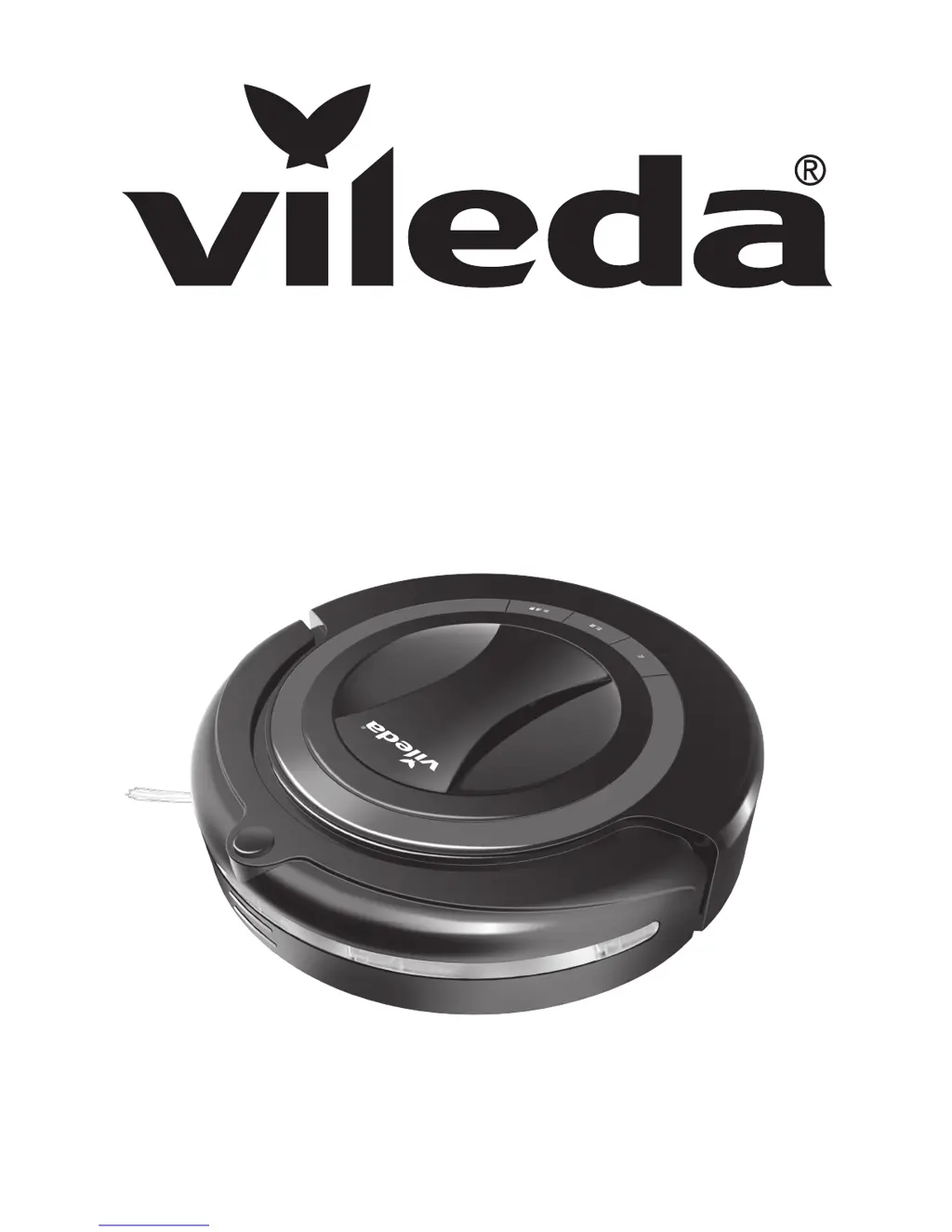
Vileda VR301 - User Manual

Vileda VR301
15 pages
Print Icon
To Next Page IconTo Next Page
Loading...
Owner's Manual • Manuale dell'Utilizzatore • Benutzerhandbuch • Manual del usuario • Manual do Utilizador
Manuel de l'Utilisateur • Gebruikershandleiding • Εγχειρίδιο Χρήστη • Kullanıcı Kılavuzu
Robot
VR 301

Questions and Answers

  • L
    Leslie SimmonsAug 13, 2025
    What to do if my Vileda VR301 Vacuum Cleaner stops and all lights are flashing?
    • E
      edwardsmollyAug 13, 2025
      If your Vileda Vacuum Cleaner stops or doesn't start and all lights flash, it could be due to jammed main brushes. Try cleaning the main brushes and restarting the device. Another cause might be jammed drive wheels, so clean the drive wheels and restart. Also, check if the dustbin is correctly inserted; if not, insert it properly and restart the robot. If none of these steps work, the motor might be defective, and you should contact Vileda Service.
  • S
    stevenmartinAug 16, 2025
    Why my Vileda VR301 cannot find the Charging Station?
    • J
      Joseph CalderonAug 16, 2025
      If your Vileda Vacuum Cleaner can't find the Charging Station, ensure the Charging Station is correctly plugged into the mains and check if the power indicator lights up. Also, make sure there are no obstacles within 3m in front of the charging station and 0.5m from its sides. Dirty obstacle sensors on the robot or the docking sensor of the Charging Station can also cause this issue, so clean the sensors with a dry cloth. If the Charging Station is not synchronized, synchronize it. If the robot's battery is totally empty, try charging it manually once.
  • F
    franceslangAug 20, 2025
    Why is the central light flashing on my Vileda Vacuum Cleaner?
    • D
      David HughesAug 20, 2025
      If the central light indicator on your Vileda Vacuum Cleaner is flashing, it likely means the battery is low. Recharge the battery.
  • B
    bethharmonAug 25, 2025
    Why is the timer not working on my Vileda VR301 Vacuum Cleaner?
    • J
      Jamie HollandAug 25, 2025
      If the timer on your Vileda Vacuum Cleaner isn't working, it could be due to no battery or a low battery. Ensure you insert a charged battery. Another possible cause is that the timer isn't synchronized. Also, make sure the distance between the timer and the robot is less than 10m.
  • N
    Natalie DavisAug 28, 2025
    How to fix Vileda VR301 Vacuum Cleaner main brush not working?
    • L
      lcrossAug 28, 2025
      If the main brush of your Vileda Vacuum Cleaner isn't working properly, it might be stuck and unable to rotate, or the main brushes might be jammed. Try cleaning the main brushes. Also, check if the main brushes are incorrectly assembled and, if so, insert them correctly.
  • L
    Loretta DonaldsonSep 1, 2025
    What to do if Vileda VR301 only moves in circles?
    • G
      Gregory HopkinsSep 1, 2025
      If your Vileda Vacuum Cleaner only moves in circles in the same position, it's likely that one of the wheels is blocked. Remove any hairs and dirt from the wheels.
  • K
    Kristy SparksSep 4, 2025
    Why doesn't my Vileda VR301 Vacuum Cleaner start scheduled cleaning?
    • T
      Theresa TorresSep 4, 2025
      If your Vileda Vacuum Cleaner does not start scheduled cleaning, ensure the robot is turned on by pressing the power switch. Also, make sure the weekday for autonomous cleaning is selected.
  • J
    joshua47Sep 8, 2025
    How to fix Vileda Vacuum Cleaner not detecting cliffs?
    • C
      Crystal PattersonSep 8, 2025
      If your Vileda Vacuum Cleaner does not detect cliffs, it might be because the cliff sensors are dirty. Clean the sensors with a dry cloth.

Summary

General Warnings

Usage Restrictions

Limitations and prohibited uses of the robot vacuum.

Personal Safety

Guidelines for safe personal interaction with the appliance.

Electrical Safety Instructions

Child and User Safety

Safety guidelines for children and user maintenance.

Charger Safety

Critical safety rules for using the charger and power.

Battery Use and Care

Battery Leakage Precautions

Handling procedures for battery leaks and eye contact.

Battery Disposal and Handling

Guidelines for safe disposal and handling of NiMH batteries.

Charging Instructions

Initial and subsequent charging times and power switch usage.

Battery Charging and Recharging

Using the Product

Cleaning Modes and System

Maintenance Tasks

Troubleshooting

Cliff Detection Issues

Robot not detecting cliffs; possible reasons and solutions.

Brush and Movement Problems

Main brush issues, robot stuck, or moving in circles.

Indicator Light and Battery Issues

Flashing lights, low battery, and charging problems.

Timer and Charging Station Issues

Timer not working, robot not finding station, or not starting scheduled cleaning.

Battery Removal

Vileda Product Guarantee

Vileda VR301 Specifications

General IconGeneral
ModelVR301
Battery Life90 minutes
Weight3.6 kg
Dimensions34 x 34 x 9 cm
Filter TypeHEPA
Charging Time4-5 hours
Cord LengthCordless
Noise Level65 dB
TypeRobot Vacuum Cleaner
Dust Capacity0.5 L
Featuresautomatic docking

Related product manuals