Cleaning Modes
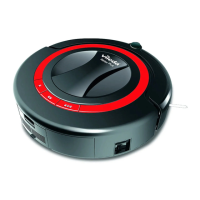
The Robot uses its robotic intelligence to navigate autonomously around the room and efficiently clean the whole
floor and under furniture.
The Robot has 3 cleaning modes:
Short ( ■■)
Robot cleans for 5 minutes. Ideal for spot cleaning in one area.
Medium (■■■■)
The Robot cleans for 30 minutes. Ideal for mid-sized rooms (up to 25 m²).
Large ( ■■■ ) and Scheduled
Cleaning
The Robot cleans for 60 minutes and it automatically searches for the
Charging Station. Ideal for big rooms (more than 25 m²)..
Cleaning System
1
2
3
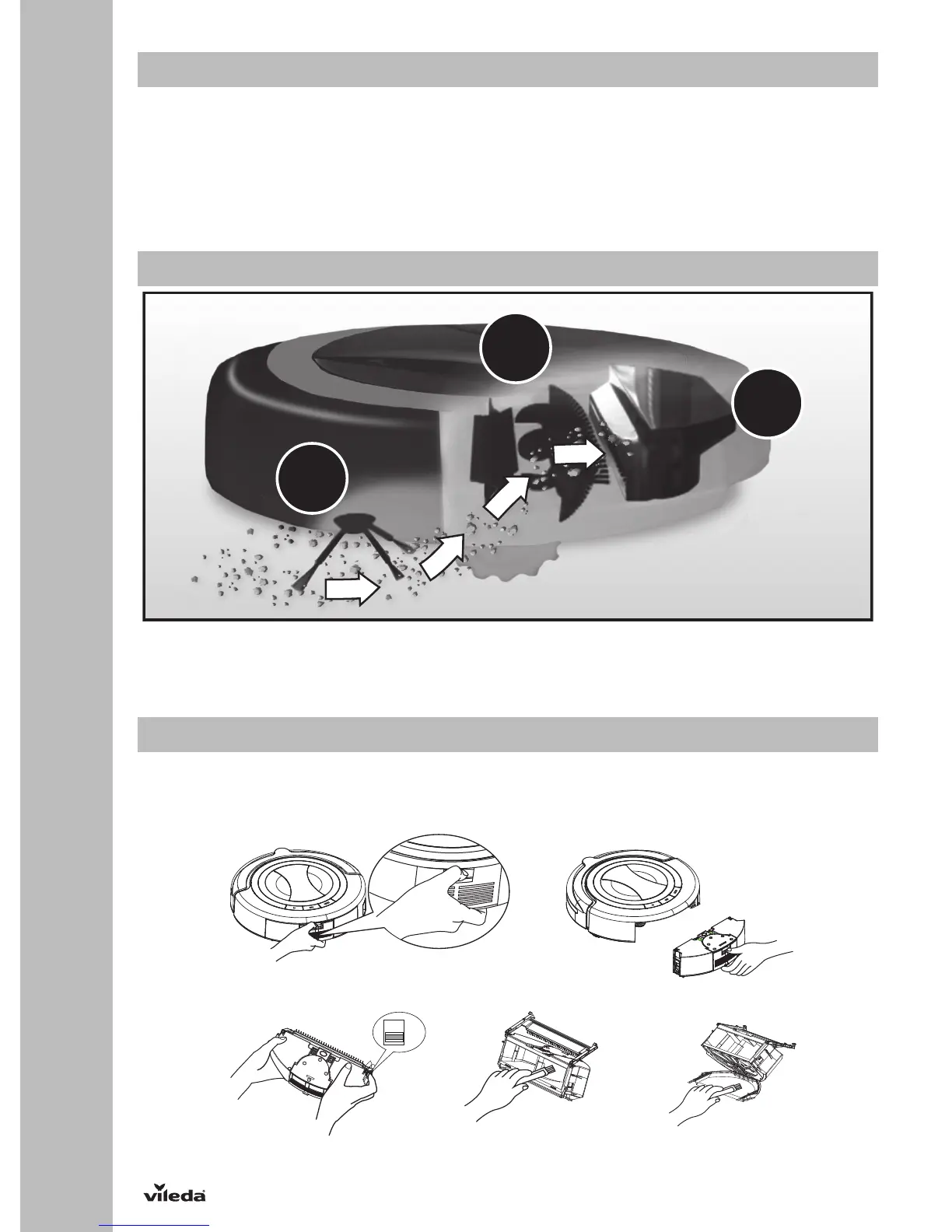
1. Side brush sweeps into corners and along edges.
2. Two rotating brushes collect dirt, hair and particles into the dustbin.
3. Vacuum power picks up the remaining fine dirt.
The Robot works on all hard floors such as wood, parquet, tiles, linoleum and short-pile carpets.
Removing and Emptying the Dustbin
1. Turn off the power switch.
2. Press down the dustbin release button and pull out the dustbin.
3. Place the dustbin over a waste bin, slide the two clips to open the fencing plates and empty the dustbin in the waste bin.
4. Close the fencing plates, reinsert the dustbin and push until you hear a clicking sound.


 To Next Page