Quick Start
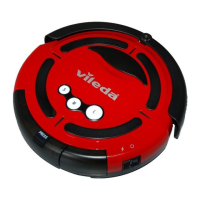
• Place the Robot in the centre of the designated room.
• Turn on the Main Power Switch ON (button no.12, see page 8)
• Press the desired Cleaning Program Button to start cleaning (button no. 1, see page 7)
• Robot will stop automatically when program is finished.
One Dot Program: 20 minute runtime (small room)
Two Dot Program: Up to 60 minutes runtime (large room)
• Robot starts in a spiral cleaning program for max 3-minutes to remove dirt
in centre of floor.
• Robot comes out of spiral pattern and moves toward a wall or straight
surface.
• Depending on obstacles, it will hug the wall then move to a back-and-forth
(meander concept) cleaning pattern.
EMPTY DEBRIS:
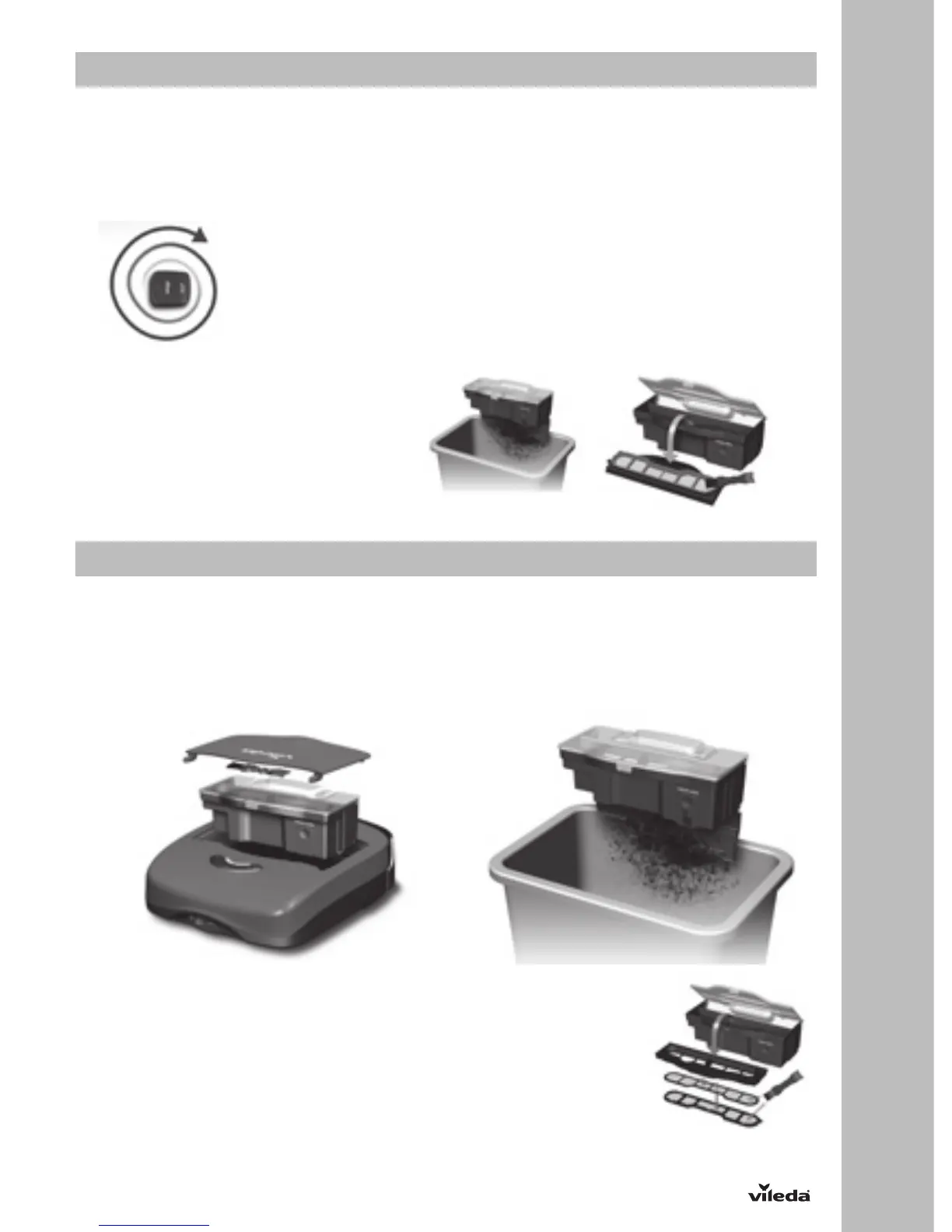
• Dust Bin is under top cover. Remove from
Robot by pulling up on handle.
• Release dirt door by pushing on marked
button.
• Empty the Dust Bin after each use and
wipe any dirt off the filters with the Cleaning
Brush.
Maintenance
REGULAR CLEANING:
Ensure the power switch is in OFF position and not connected to an electrical outlet.
DUST BIN:
Open the Top Cover and take out the dust box from the Robot. (1st illustration)
Place the dust box over trash can and press on the release lever to open the bottom door.
FILTER:
• Open top lid of Dust Bin.
• Remove filters from Filter Frame and separate Mesh Filter from Cloth Filter.
• Brush off dirt from Cloth Filter with Cleaning Brush.
• Brush off dirt from Mesh Filter with Cleaning Brush. The Mesh Filter can also be
rinsed under slow running water to clean. Let dry completely before reinserting into
housing.
C73_2016_07 Robot VR 101_manual_intl_06062 Version: 2 703389
October 10, 2016 / TSU 152197


 To Next Page