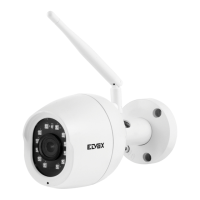
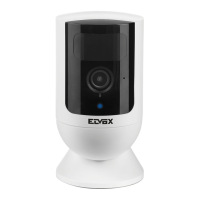
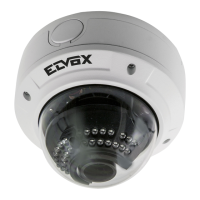
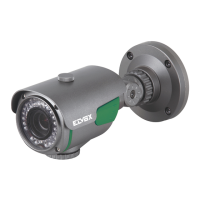
This is new generation of P2P IP camera which adapts a groundbreaking P2P technology. The easy-setup, high quality
camera delivers crystal clear surveillance video to your smart phone or PC. You can remotely control it from anywhere,
anytime, and receive push notication message to your smart phone or email address when motion alarm is detected.
1. Hardware Installation (network cabled)
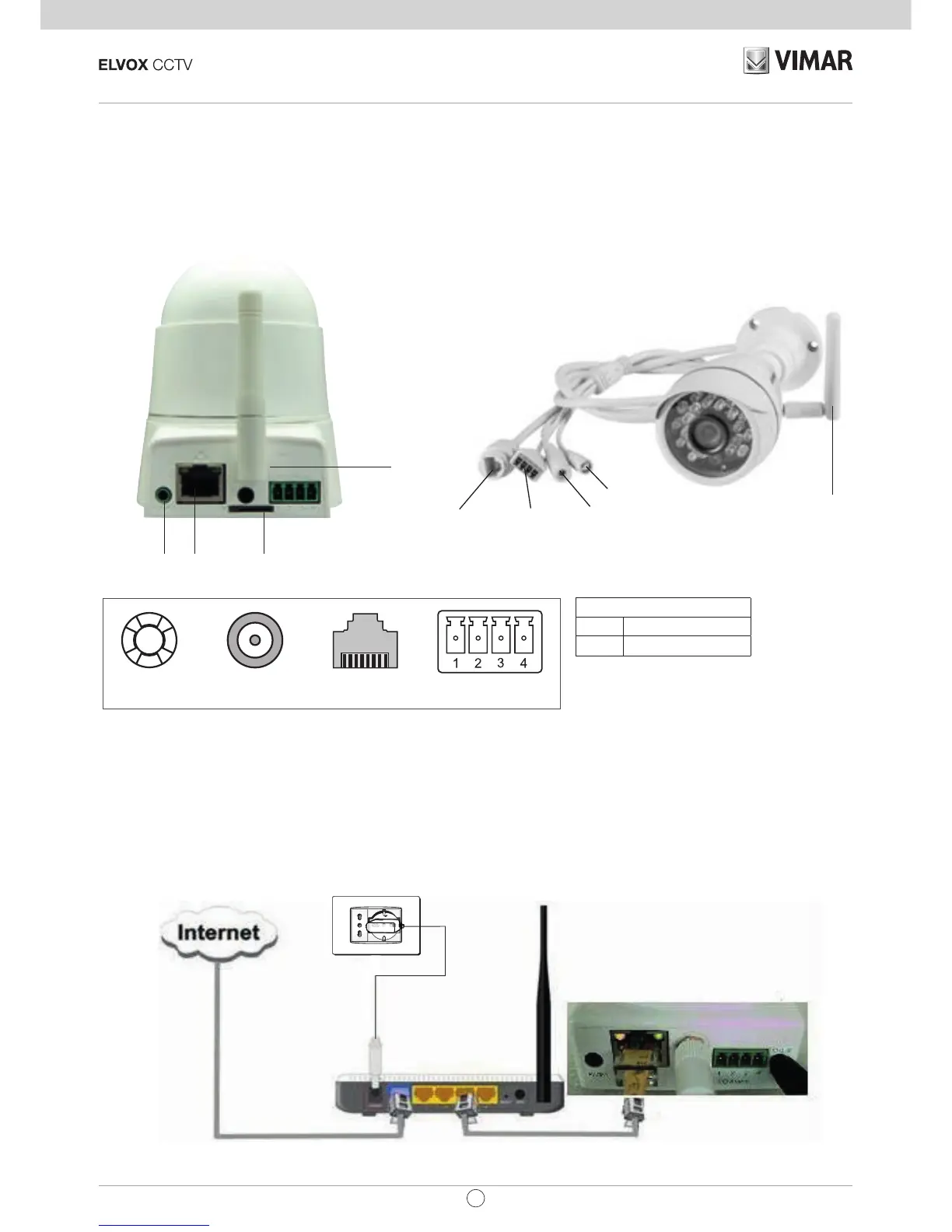
Make the IP Camera connecting with power supply and router. Check if the Power indicator (Green) and Network
indicator (Yellow) or not.
Audio output
SD card slot
Power Light: always on when the power on
I / O interface: connect infrared sensors /alarm etc.
Network light: always ash when data transfers.
Power supply: connect DC 5V power
Network Cable interface: Connect the router / switch.
SD card slot: insert SD memory card.
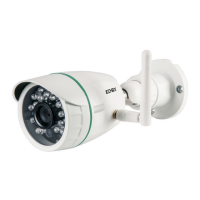
WiFi antenna: receive wireless signal.
Audio Output: connect external speaker.
2. Router Connection Diagram
Terminals
1 - 2 Output (5 V 0.35 A max)
3 - 4 Input
WiFi
Aerial
Reset Alimentazione Rete
Morsetti I/O
allarme
Input/output connectors key
WiFi
Aerial
Alarm
I/O terminals
Network
Power supply
Reset
Network
port
Power supply
Alarm
I/O terminals
Network port


 To Next Page