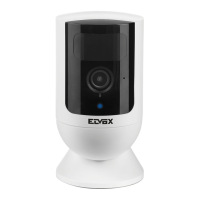
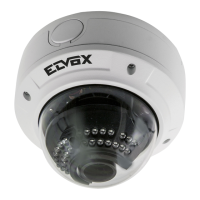
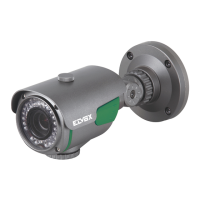
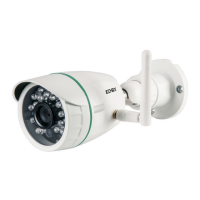
Note: Use the matched power adapters of the camera to avoid damage to the camera.
Tip: If you need to restore the factory settings, find the reset button at the bottom of the camera, hold 10 seconds
when the power is on. Or restore it via software.
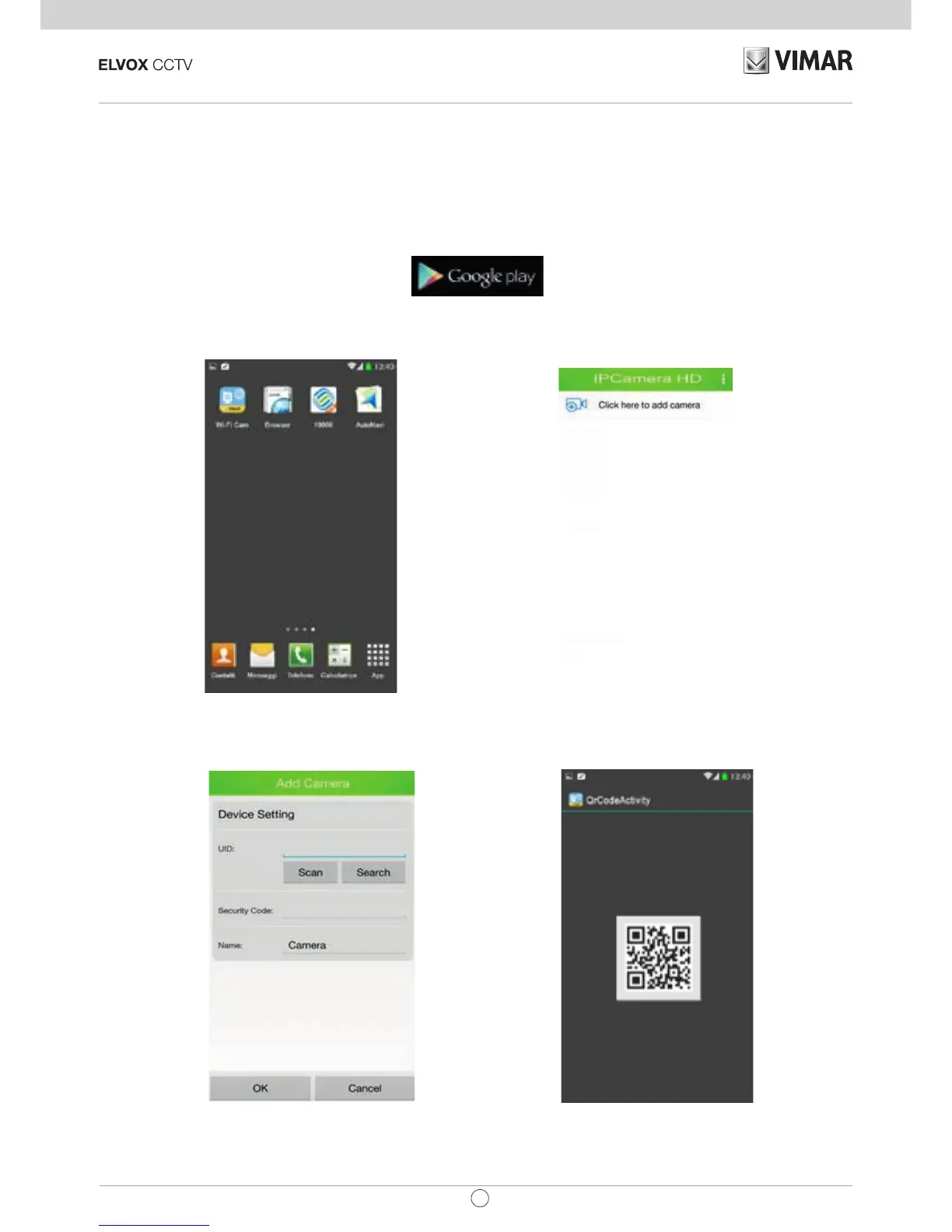
3. View via Android mobile phone
Users can download the App client from Google play shop, search key word "
WiFi Cam
" to download and install it.


 To Next Page