4
苏州万佳电器有限公司
Suzhou wanjia Electric Co.,Ltd.
Switching Push-assist Mode On/Off
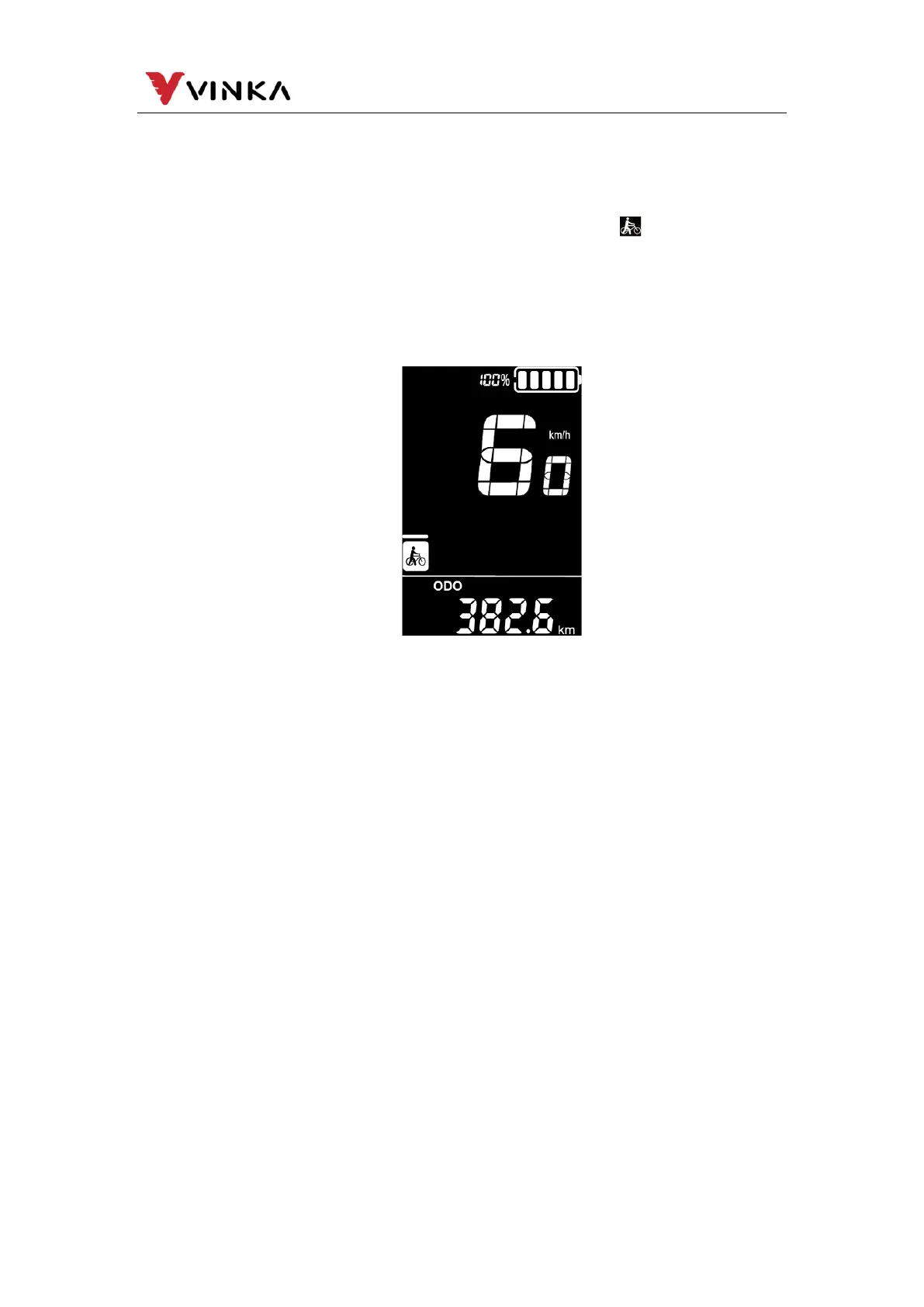
To activate the push-assistance function, short press MODE and
hold the DOWN button between 3S. E-bike is activated with a uniform
speed of 6 km/h while the screen displays shown “ ”.
The push-assistance function will be switched off as soon as you
release the DOWN button and e-Bike gets back to the status before
the push-assistance is engaged.
Push-assist function may only be used when pushing the E-
bike. Be aware of danger of injury when bike wheels do not
have ground contact while using the push-assist function.
Switching Lighting ON/OFF
To switch on bike light, short press LIGHT button. The lighting
icon comes out and display backlight brightness is automatically
reduced.
Likewise, short press LIGHT button again, the bike light switches
off. The lighting icon is gone and display resumes backlight
brightness.



 To Next Page