7
苏州万佳电器有限公司
Suzhou wanjia Electric Co.,Ltd.
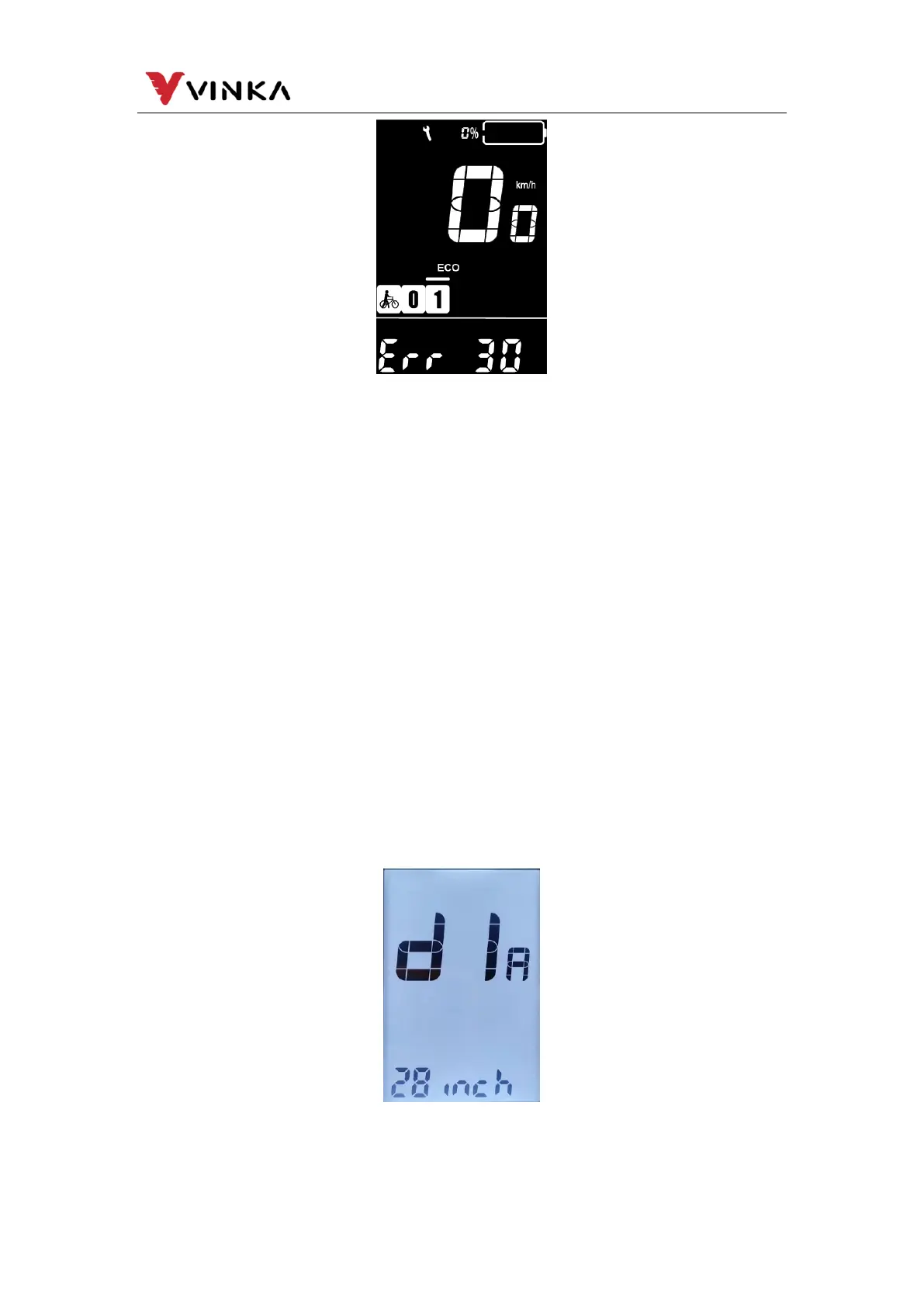
Have the display inspected and repaired when an error code appears.
Or else, you will not be able to ride the bike normally. Please always
refer to an authorized bicycle dealer.
9. General Settings
Press the MODE button to switch on the display.
To access Setting interface, hold both the “MODE” button and the
“DOWN” button simultaneously for 1S.
All the settings are implemented on a parked bike of no
speed.
Display Setting
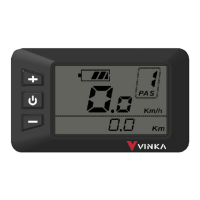
Wheel diameter settings (Only read)
d1A refers to wheel size settings. The value is only visible and not write



 To Next Page