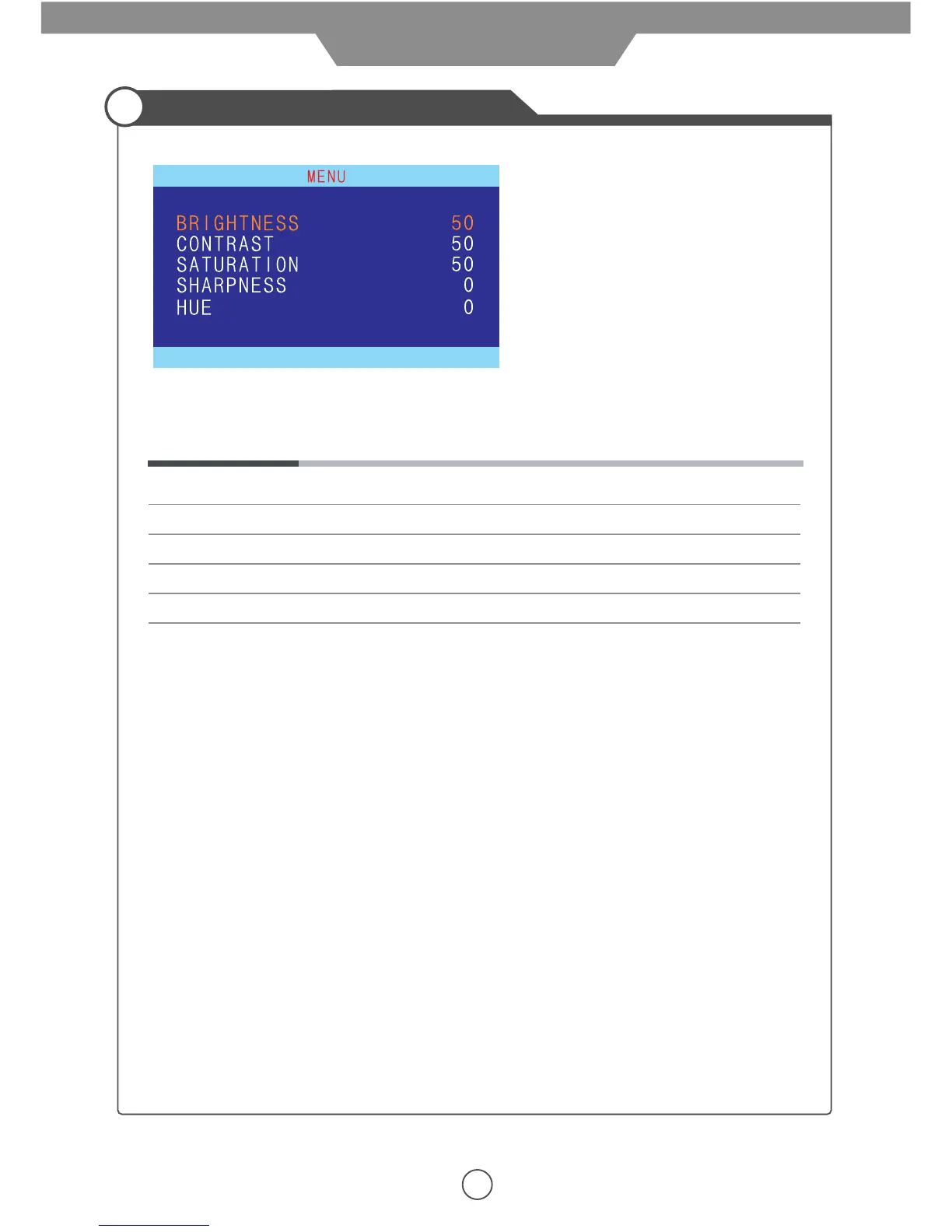
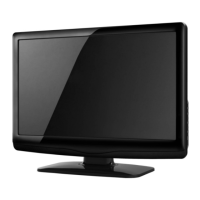
Press LCD-MENU button on the TV set to display the OSD MENU.
13
Customizing the PICTURE Settings
The OSD menu includes the following options:
Brightness Controls the overall brightness of the picture
Contrast Controls the difference between the brightest and darkest regions of the picture.
Saturation Controls the saturation of the picture.
Sharpness Increase this setting to see crisp edges in the picture; decrease it for soft edges.
Hue Controls the hue(only used in NTSC mode).
Application


 To Next Page