37
© 2008 Directed Electronics. All rights reserved.
Additional system features
For information about Valet mode, Remote starting the vehicle, Manual transmis-
sion vehicles and Timer mode, please consult the Owner's guide (see sections
"Using the system" and "Using the remote start") on the web at
www.directechs.
com
System features learn routine
The System Features Learn Routine dictates how the unit operates. It is possible to
access and change any of the feature settings using the Valet/program switch.
However, this process can be simplified by using the Bitwriter®. Any of the
settings can be changed and then assigned to one of four remote controls. This
feature is called Owner Recognition. Each time that particular remote control is
used to disarm the system, the assigned feature settings are recalled. Owner
Recognition is only possible when programming the unit via the Bitwriter®.
If programming with the Bitwriter®, the learn routine can be locked or
unlocked. If the learn routine has previously been locked, it must be
unlocked with Bitwriter® - this cannot be done manually with the Valet
switch.
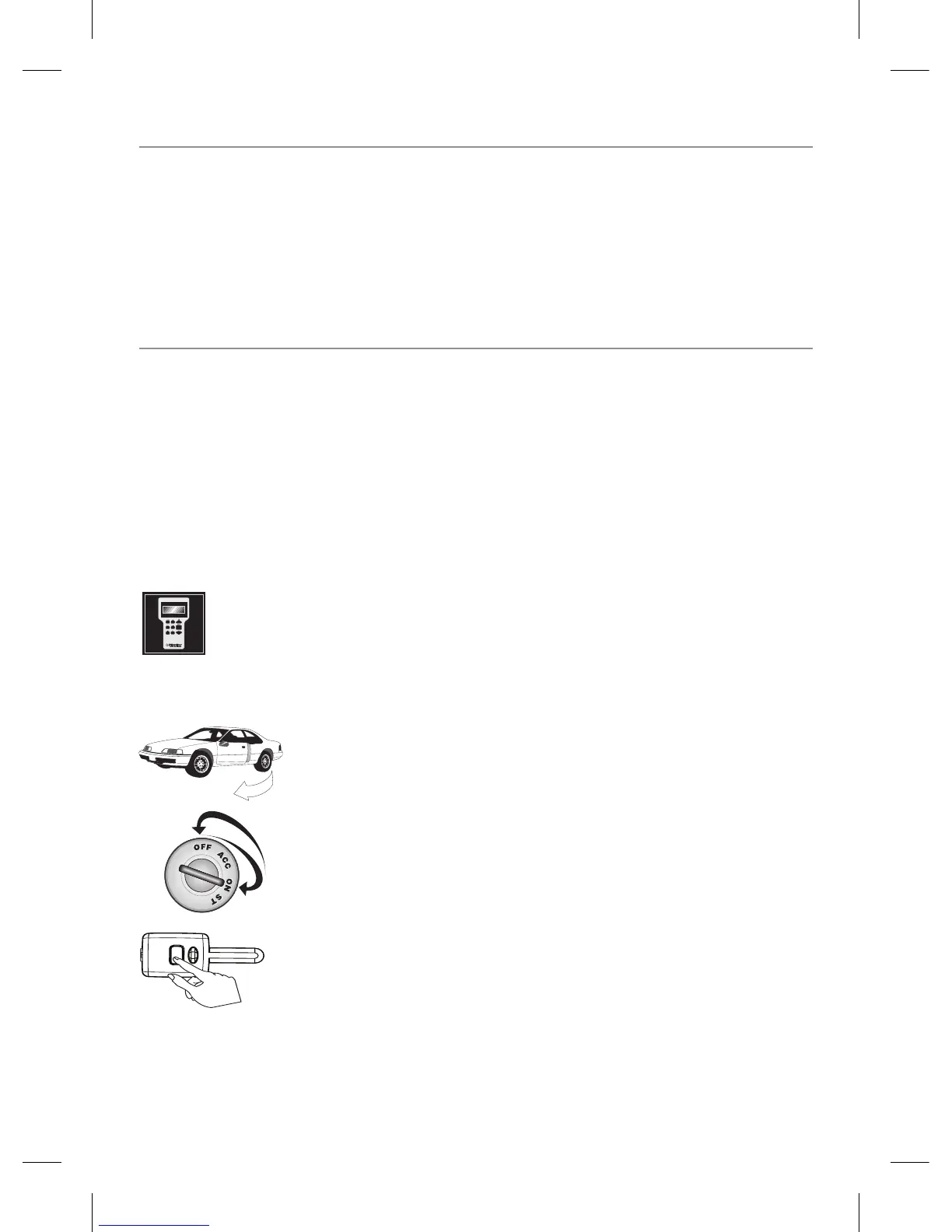
1. Open a door. (The GREEN wire, H1/8, or the VIOLET,
H1/6 must be connected.)
2. Turn the ignition on, then off. (The heavy gauge PINK wire
must be connected.)
3. Select a Menu. Press and HOLD the Valet/Program
switch. (The Valet/Program switch must be plugged into the
blue port.) After three seconds the siren chirps one-time, in-
dicating entry to the Basic Features Menu. If this is the menu
you want, release the button and go on to



 To Next Page