16
© 2011 Directed Electronics. All rights reserved.
Advanced Commands: (Level 3)
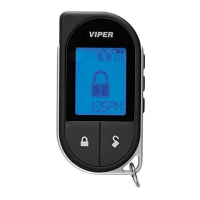
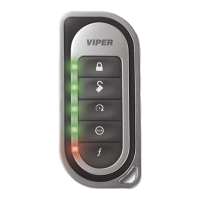
Press and release the button 3 times. The , Aux and Remote
Start LED’s illuminate indicating Level 3
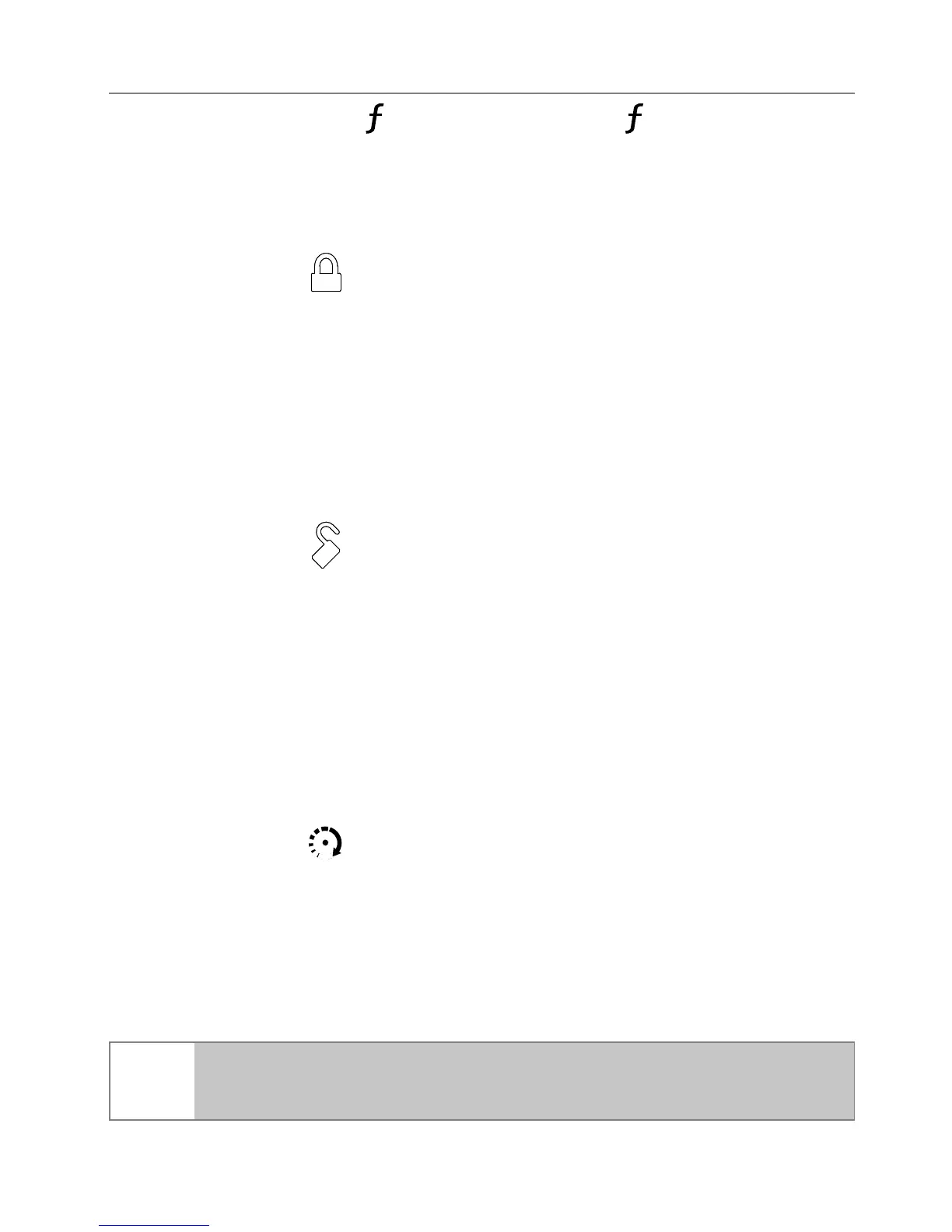
Sensor Silent Arm*
Press and release
The alarm arms, doors lock, and the siren chirps and parking lights
flash 3 times. The Arm LED, 1 beep and 3 fault tones play to con-
firm.
Car finder
Press and release
The siren emits one long chirp and the parking lights flash for 10 sec-
onds. The Disarm LED and 1 beep play to confirm. The parking light
flashes stop if armed or disarmed while Car Finder is in progress.
Smart Start**
Press and release
Activates (or if On, deactivates) Smart Start. The parking lights flash
quickly five times for On and slowly five times for Off. The Remote
Start LED and beeps play (1 for on, 2 for off) to confirm.
Note
System needs to be armed or Smart Start will not start the
engine.


 To Next Page