V3.3.3 30
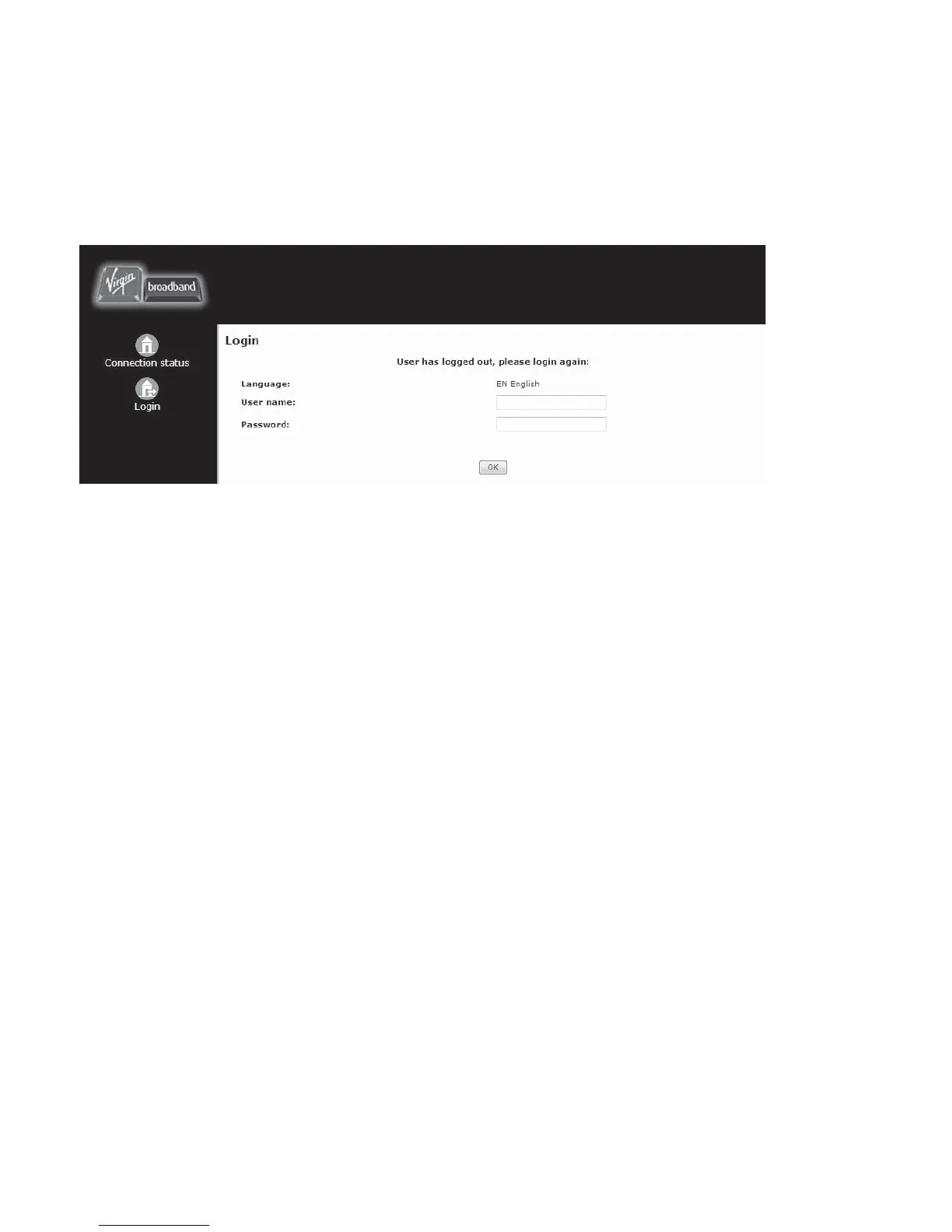
LOGIN SCREEN
This screen will allow you to login to the Management Console.
1. From the Connection Status page click Login on the left side bar.
2. Enter the user name admin and password to login to the Management Console.
Remember that the username and password are case sensitive.
3. Click ‘OK’. The ‘Connection Status’ page is displayed, and the left sidebar shows the options
available.
SMS SCREEN
This feature is currently not available.
TELEPHONE SCREEN
From the telephone screen you will be able to setup and manage the features for your Virgin
Broadband telephone
CONNECTIONS SETTINGS
This area contains important network connection settings
SYSTEM SETUP
This area contains the general setup sections for the modem
ADVANCED SCREEN
This area contains the advanced setup sections for the modem
LOG OUT
This will log you out of the Management Console



 To Next Page