V3.3.3 3
THE FRONT PANEL DISPLAY
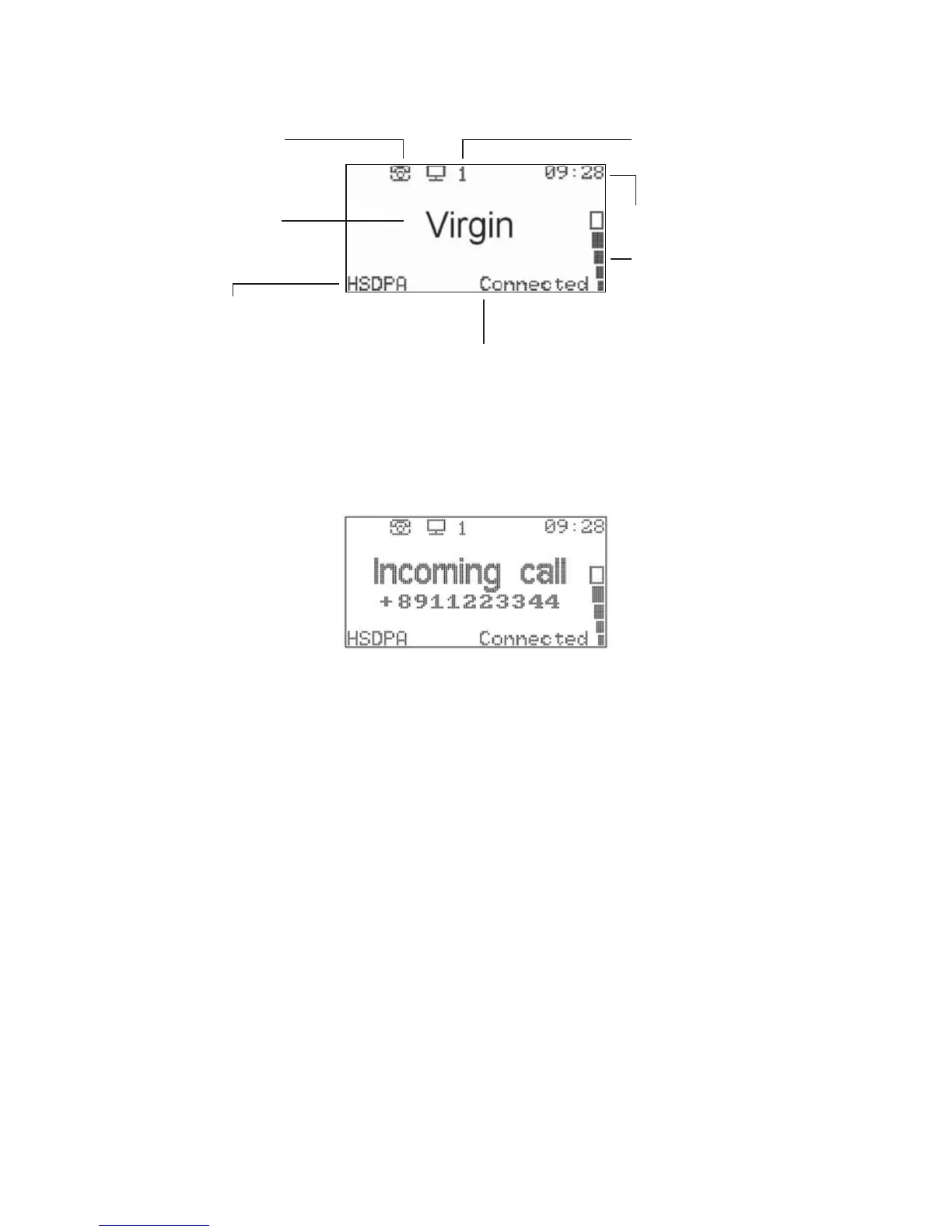
THE MAIN DISPLAY
INCOMING CALLS
When you receive an incoming call, the caller’s phone number will be displayed:
See Using Your Telephone on Page 7 for more information.
Indicates a missed call
Connected to the
Virgin Mobile network
This is your connection method.
• HSDPA is a very fast connection
• UMTS is fast
• GPRS is slower (around dial-up speeds).
If you can only get GPRS, try moving
the modem to another area in your
home, or closer to a window
How many computers are
connected wirelessly
Connection status.
When this says “Connected” you
have an internet connection available.
Signal strength.
Like a mobile phone,
the more bars, the better
Clock
comin



 To Next Page