V3.3.3 5
SETTING UP YOUR MODEM FOR TELEPHONE AND INTERNET
CONNECTING THE MODEM
1 23
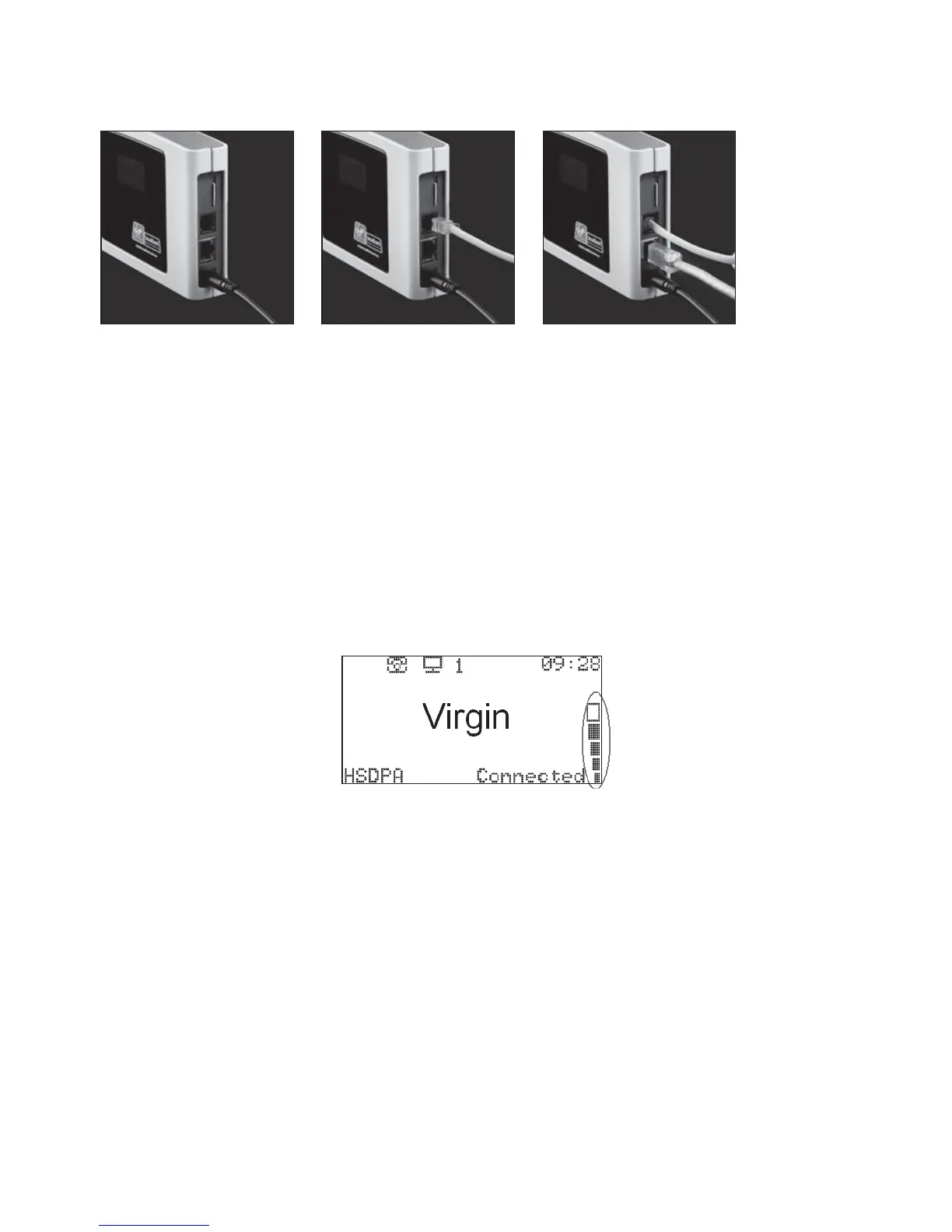
1. Plug in the power cable (black) and turn the power on. The Modem will power up within 45
seconds.
2. Unplug your telephone from the wall socket, and plug it directly into the Modem. You can use a
typical corded or cordless home telephone.
3. For your fi rst time internet setup, please use the Ethernet Cable. Plug one end into the middle
socket on the Modem and the other into a spare Ethernet (LAN) port on your computer.
POSITIONING THE MODEM
Position the Modem to ensure the following:
1. Strong Mobile network signal: The Modem’s display will show your network signal strength. You
may fi nd that placing the Modem near a window will ensure the best network reception. Don’t be
afraid to try it in a few different locations.



 To Next Page