12
DISPLAY SETUP - WINDOWS
Windows Users
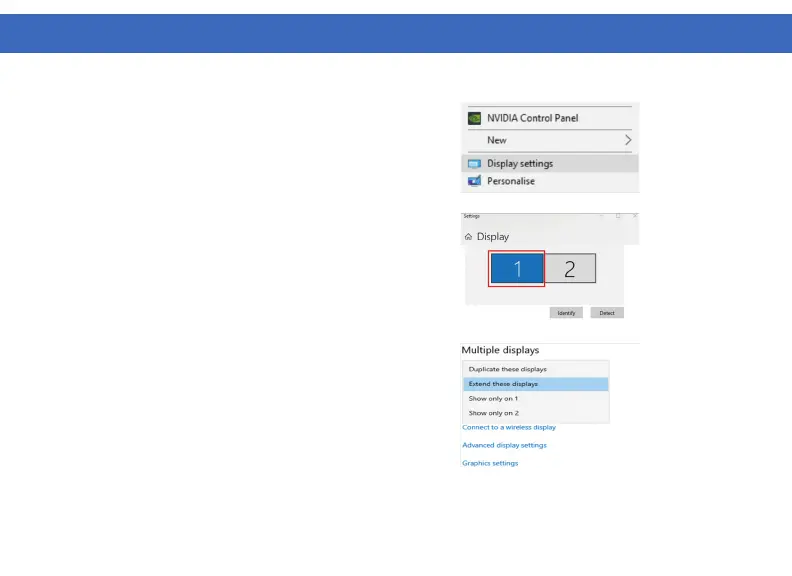
1. Right Click at any open spot on your desktop
and select “Display Settings”
3. Scroll down to “Multiple displays” and select the
mode in the drop-down list that fits your needs
2. In “Display”, select either monitor 1 or monitor
2. Click and drag the selected display to your
preferred arrangement



 To Next Page