10
KVM SWITCHING
OPTIONAL ACCESSORIES
Optional - Accessories
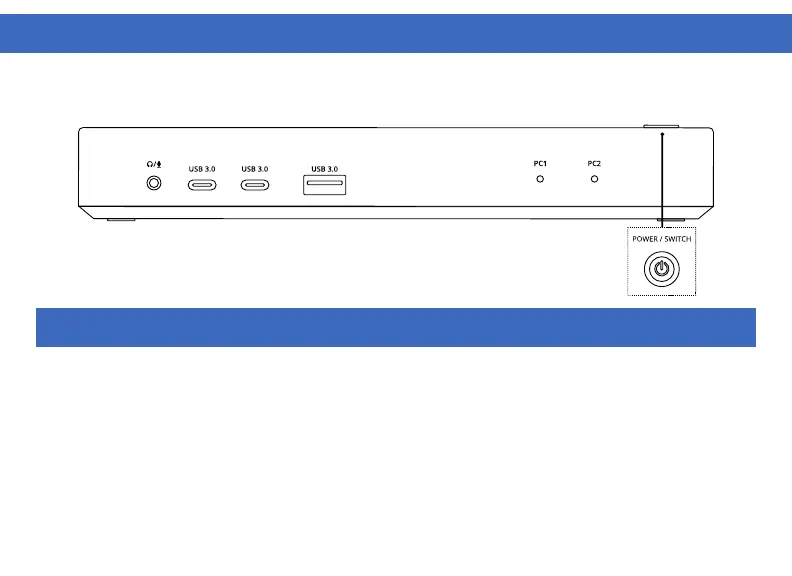
Connect any additional items such as Keyboard, Mouse, Headset, USB Flash Drive, External Storage, etc.
Note: USB-A and USB-C ports on the front support BC 1.2 7W device charging or 12W fast charging for
supported Apple devices.
Optional - Switch Button
Connect the included 3.5mm switch to the switch port on the back of the dock.
Note: This functions the same as the Power/Switch button on the top of the dock
To switch between connected hosts quick press the Power/Switch button located on the top of the dock. All
connected Displays and Accessories will switch between host devices. PC2 is the default host device selected
on device startup.



 To Next Page