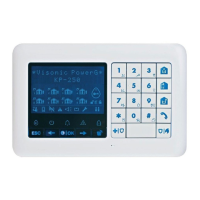
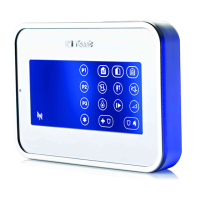
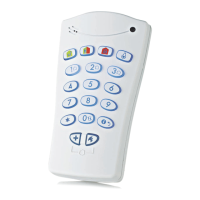
D-303169 KP-160 PG2 Installation Instructions 11
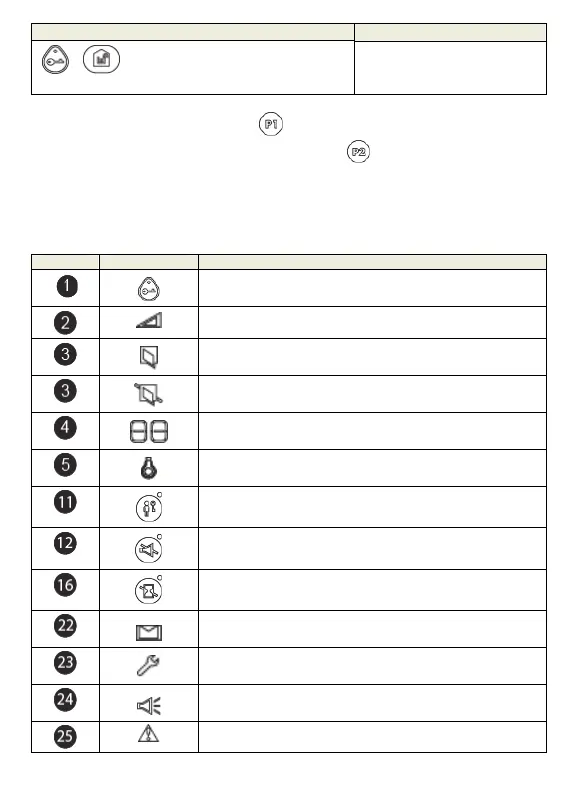
Icon/Key Indications Arming Indication
+ The "Present Prox Tag" icon and
DISARM key blink simultaneously
ENTRY DELAY
If Partition is enabled, the arming indication of the first partition is displayed concurrently with
the corresponding first partition key LED
,
then the second partition indication is
displayed concurrently with the second partition key LED
and then the third partition
indication is similarly displayed.
General Indications
The Ready/Not Ready, Alarm Memory, Trouble and Low Battery indications are provided via
the indications in the following table:
Number Indication
What it Means
Instructs the user to display the RFID proximity tag in order
to initiate a command.
Volume control.
System is NOT READY; one of the zones is not secured. You
cannot arm the system before the zone is secured or bypassed.
Bypassed zone.
Displays volume level, zone number, PGM/X-10 number.
PGM/X-10 control.
System is armed in LATCHKEY mode.
Exit beeps are shut off. This mode disables when the exit
delay is over.
[2]
System is armed in the INSTANT mode.
A message is waiting in the system.
The control panel is presently in "INSTALLER MODE" or
"USER SETTINGS".
Memory / Alarm in partition or system.
The partition / system has an active trouble status that needs


 To Next Page