VitaScan LT
User and Service Manual
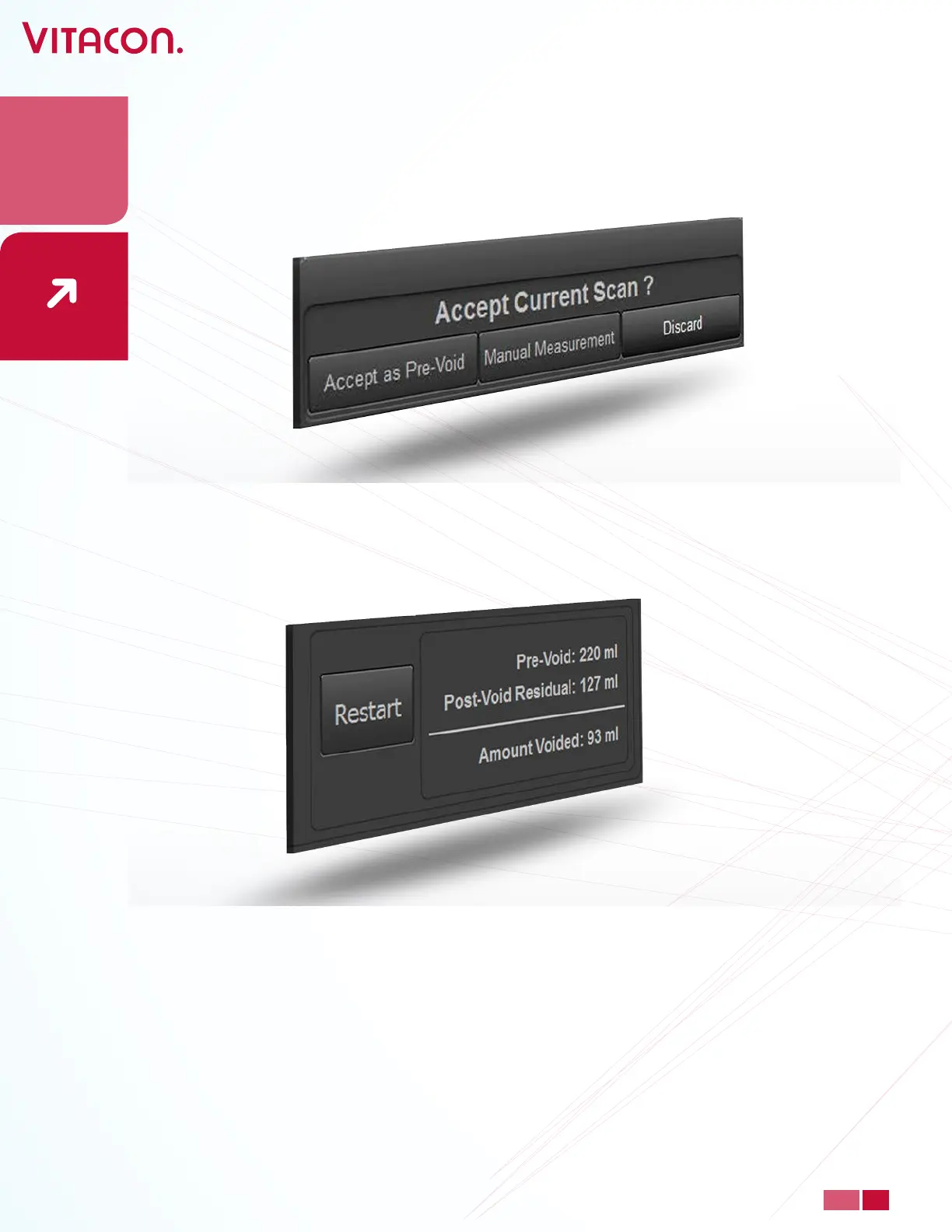
• When you are pleased with the pre-void result, press “Accept as Pre-Void”, press
“Discard” to do a new scan.
• The patient will have to empty the bladder. The user will have to do a new scan and
accept this result as Post-Void Residual. The amount for urine emptied is displayed as
Amount voided.
• Manual Measurement is default. To turn o, unselect Manual Measurement in Setup.
• Manual Measurement allows you to determine the bladder wall. By pressing the button
“Manual Measurement” you will then enter a new windows were images of the bladder
is displayed.
24
PAGE
www.vitacon.com


 To Next Page