MGW Ace Decoder HEVC Decoding Appliance
User Manual, Version 1.0 42
To upgrade MGW Ace Decoder Firmware version:
1. Send VITEC your upgrade firmware request.
2. Delete all saved configurations, including auto start configurations.
NOTE:
If not deleted, old configurations may cause to the MGW Ace Decoder to load with the new
firmware into an unsupported state..
1. Click the General tab.
2. Click Firmware Upgrade. The Load Firmware window appears.
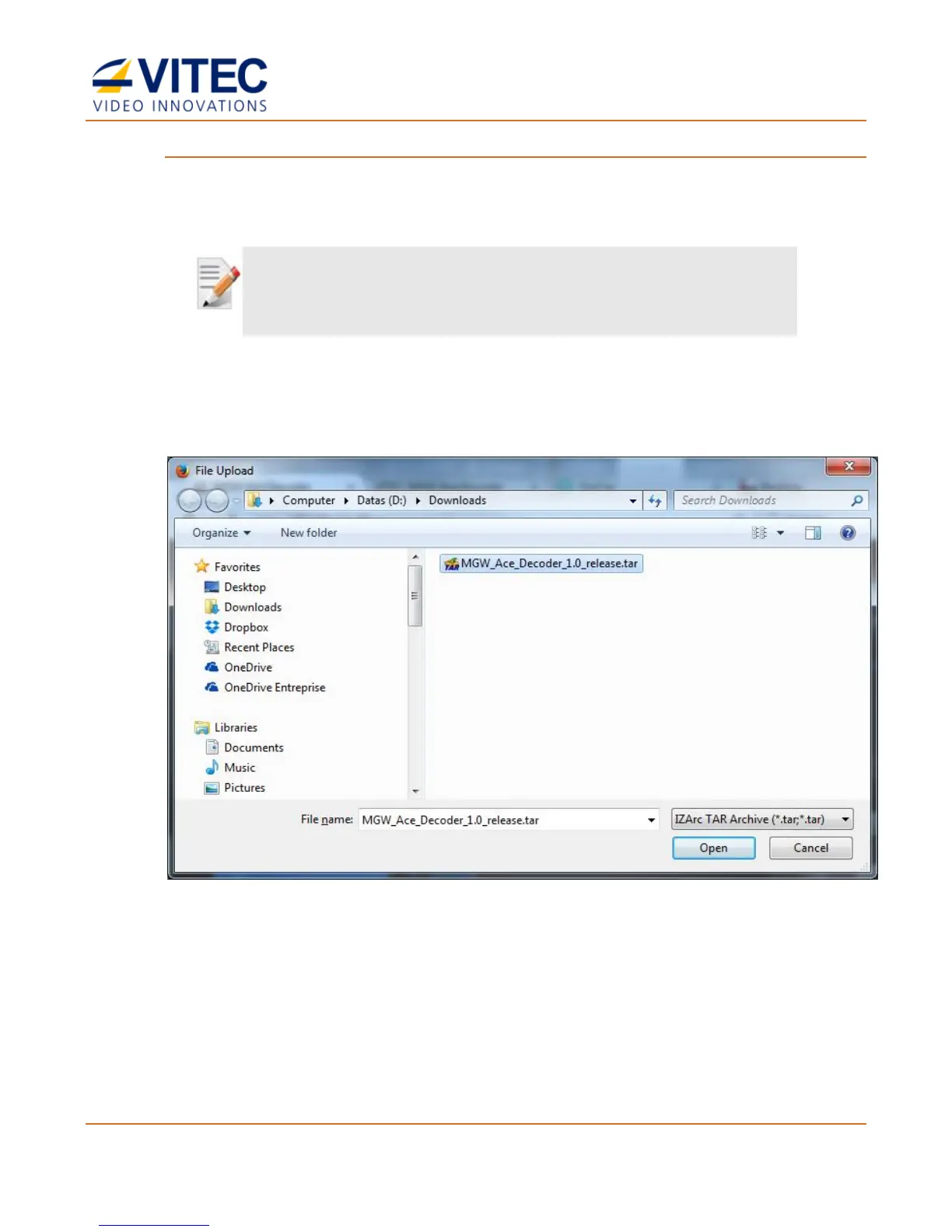
3. Click Browse. A browser window opens.
Figure 5-1: The File Upload window
4. Select the appropriate *.tar file and click Load. The Upgrade window appears on the
screen, indicating the progress of the upgrade process:



 To Next Page