MGW Ace Decoder HEVC Decoding Appliance
User Manual, Version 1.0 43
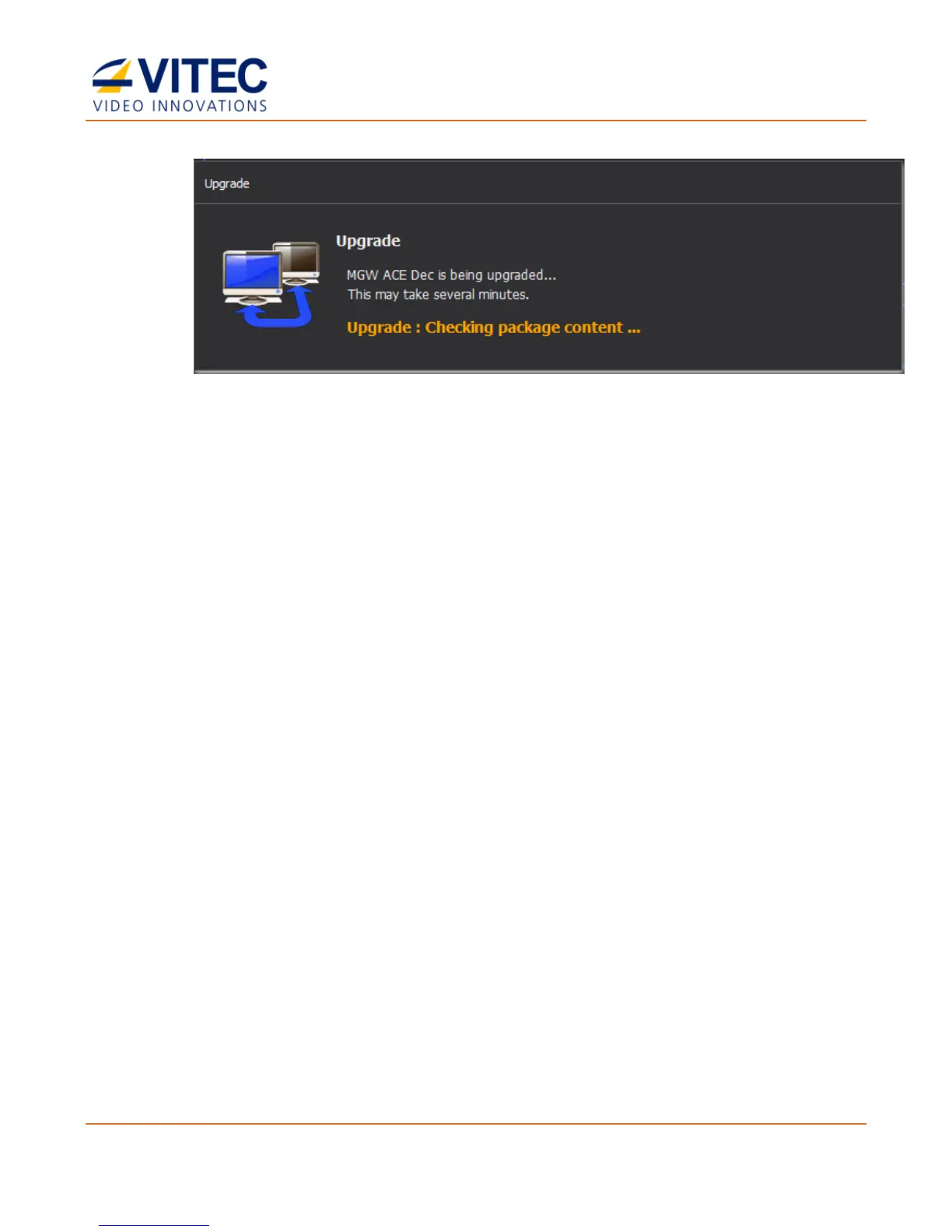
The loading process takes from a few seconds to few a minutes, depending on your
available network bandwidth. When loading completes, the Upgrade message
disappears.
5. MGW Ace Decoder reboots. Reconnect at the previously used IP address then enter
your login information.
6. In the General screen verify that the upgrade was successful by inspecting the
Software Version field.



 To Next Page