9 MicroLinks Technology Co., Ltd.
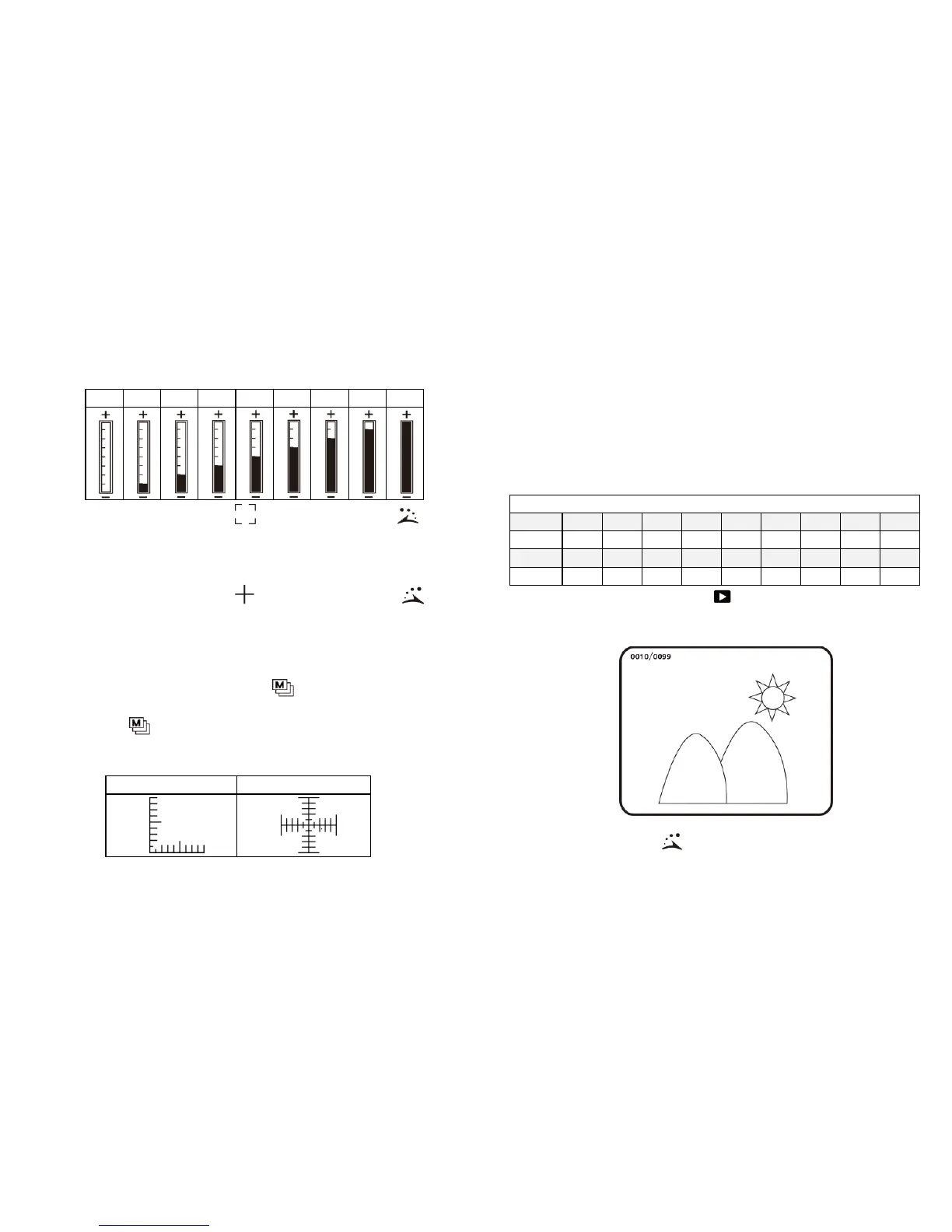
(I) Digital Magnification Stage: digital magnification rates at
different stages are listed as follows:
(J) Alignment in Range : press the button of for a
long time to display the sign of alignment in range, and
press it again to shut down the sign. Use the sign to assist
in aligning the observed article.
(K) Crossing Alignment : Press the button of for a
long time to display the sign of crossing alignment, and
press it again to shut down the sign. Use the sign to show
the position in which the lens of machine is located and
make the alignment more conveniently in observation .
(L) Scale: Press the button of (Confirmation) to display
the scale, and press it again to shut down. Press the button
of without releasing to select different scales. After
selection, release the button. The two types of scales are
showed as follows:
The scale may cause error in using because of concaved and
convex observed articles making the focusing distance is not
standard. For the standard focus, please use the
flushing-way [Please refer to item (2) of Section 1.3].
The scales will be varied with magnification rates changes.
The unit in the scale is 「μm」. The following scales are
highly precise and provided for the users as references.
Scales of Digital Magnification in 10x and 40x Optical Rates
(M) Preview mode:To press under preview mode and
enter photos browsing. It can see the taken photo in a
full window.
The series number of the current photo is shown at the left
top side. Press button to go next photo. Press



 To Next Page