10 MicroLinks Technology Co., Ltd.
button to go previous photo. It can enlarge and
shrink the viewing photo by & button. After it
enlarges the photo, it can move the photo up 、down、left
& right through 、 、 、 button. Press
button to return the original window status, then it can
allow to swift next photo.
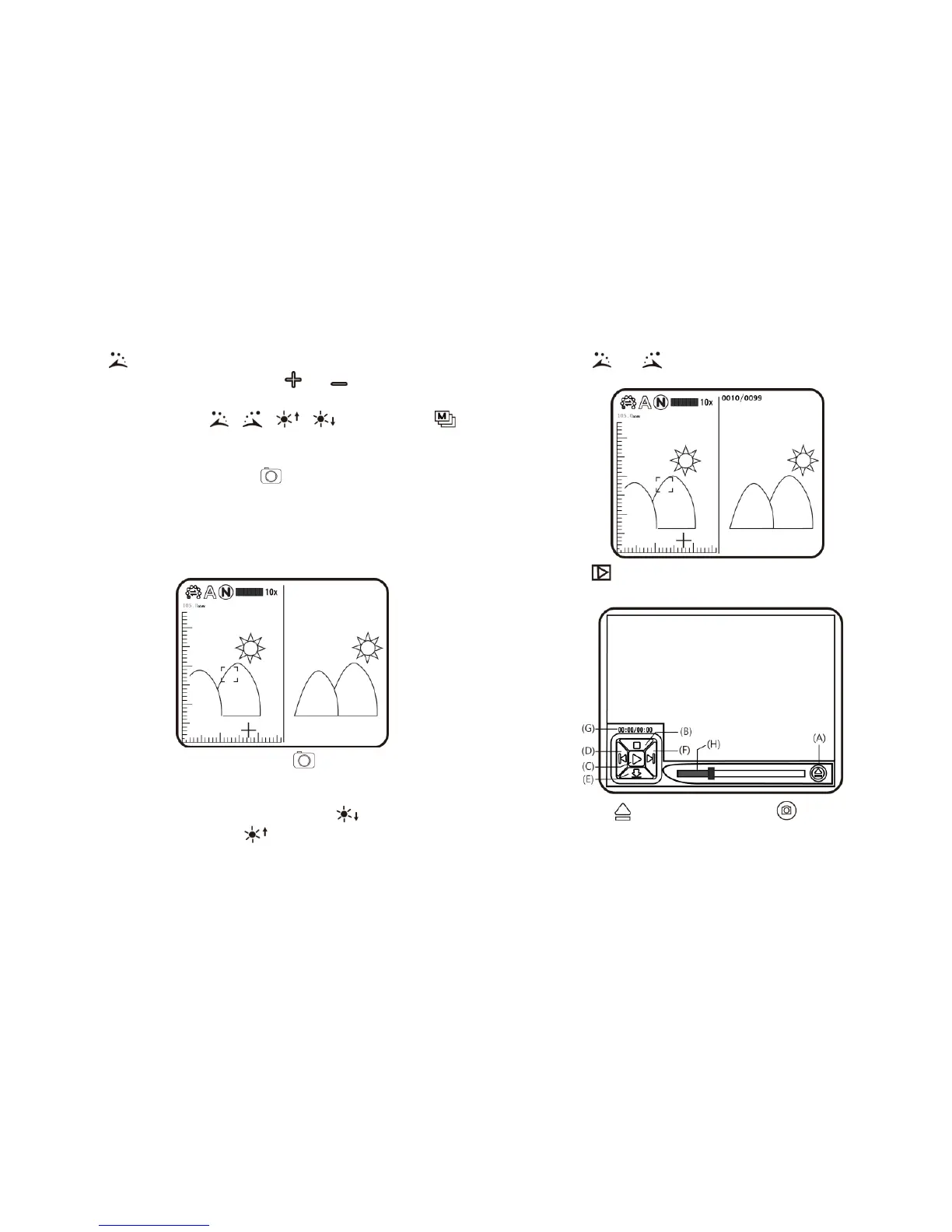
(N) Comparison mode:Press button for 10 seconds under
preview mode, it can enter Comparison mode. See
below illustration, the right window is the latest photo and
the left window is the previewed image. All buttons are
same functions but only allow to control the left preview
window.
Under browsing photo, press for 10 seconds, it can
enter Comparison mode. See below illustration. At
the moment, all buttons are same function but only allow
to control the right window. Press button to swift
next photo and press to return the preview photo.
Press & button and move the photo slightly
toward left or right.
(2) Video Play : the model to play video. The playing image in
the model is as follows:
(A) Open File : Press the button of (Camera) in the
mode of Video Play to enter the interface of file selection.



 To Next Page