11 MicroLinks Technology Co., Ltd.
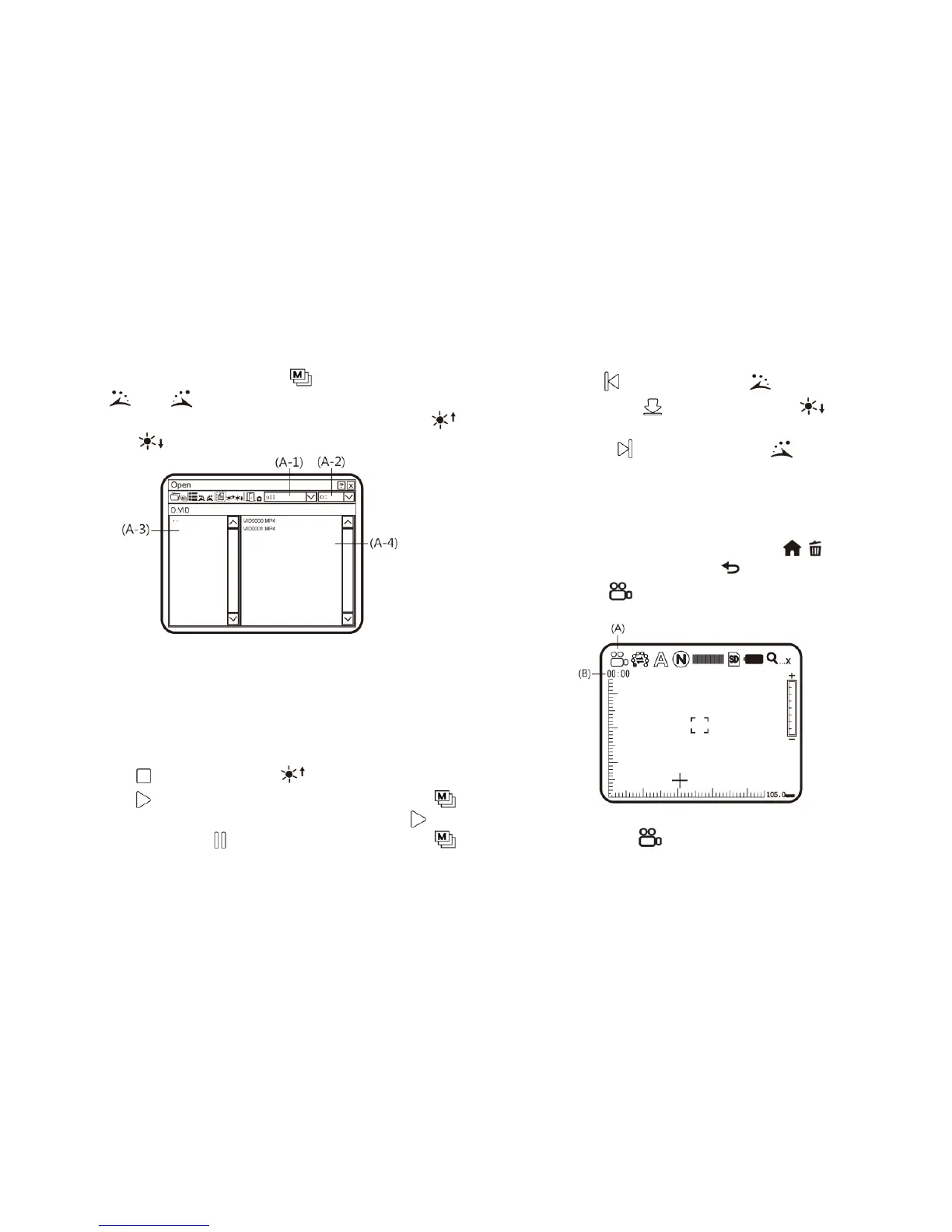
Select the demanded file as in the following image. After
selection, press the button of to play. Use buttons of
and to select items in the interface (such as file
type, file slot, file folder and file). Use buttons of
and to select options in the interface.
(A-1) File Type: including .3gp and.mp4. Choose all
means all types of files are selected.
(A-2) File Slots including C and D. SD card is inserted
into the slot D.
(A-3) File Folder means the position in which the file is
selected.
(A-4) File means to select the file that to be opened.
(B) Stop : Press the button of to stop playing video.
(C) Play : After selecting file, press the button of
(Confirmation) to play the video, and the sign of will
be changed to (pause). Press the button of
(Confirmation) to pause playing.
(D) Last File : Press the button of to play the last file.
(E) Hide the Panel : Press the button of to hide the
control panel.
(F) Next File : Press the button of to play the next
file.
(G) Current Time: Total time for the playing/video play
currently.
(H) Timer Shaft: Timer shaft for video playing.
In addition, you can press the button of / to delet the
current video, and the button of to quit playing program.
(3) Video REC : a model to record the video, and the
machine is in the status as follows:
(A) Current Mode : After entering Video REC mode, the



 To Next Page