12 MicroLinks Technology Co., Ltd.
mark of Current Mode is showed as representing
current video recording. Press the button of (video
recording) to record, and the Current Mode turns to be
from representing in the course of recording.
The users can adjust Specal Mode and Lamp Sign
Switching Mode, and adjust lightness of lamp and digital
magnification in recording.
(B) Recording Time: After recording, recording time will be
counted in second. Each file can be recorded less than one
hour.
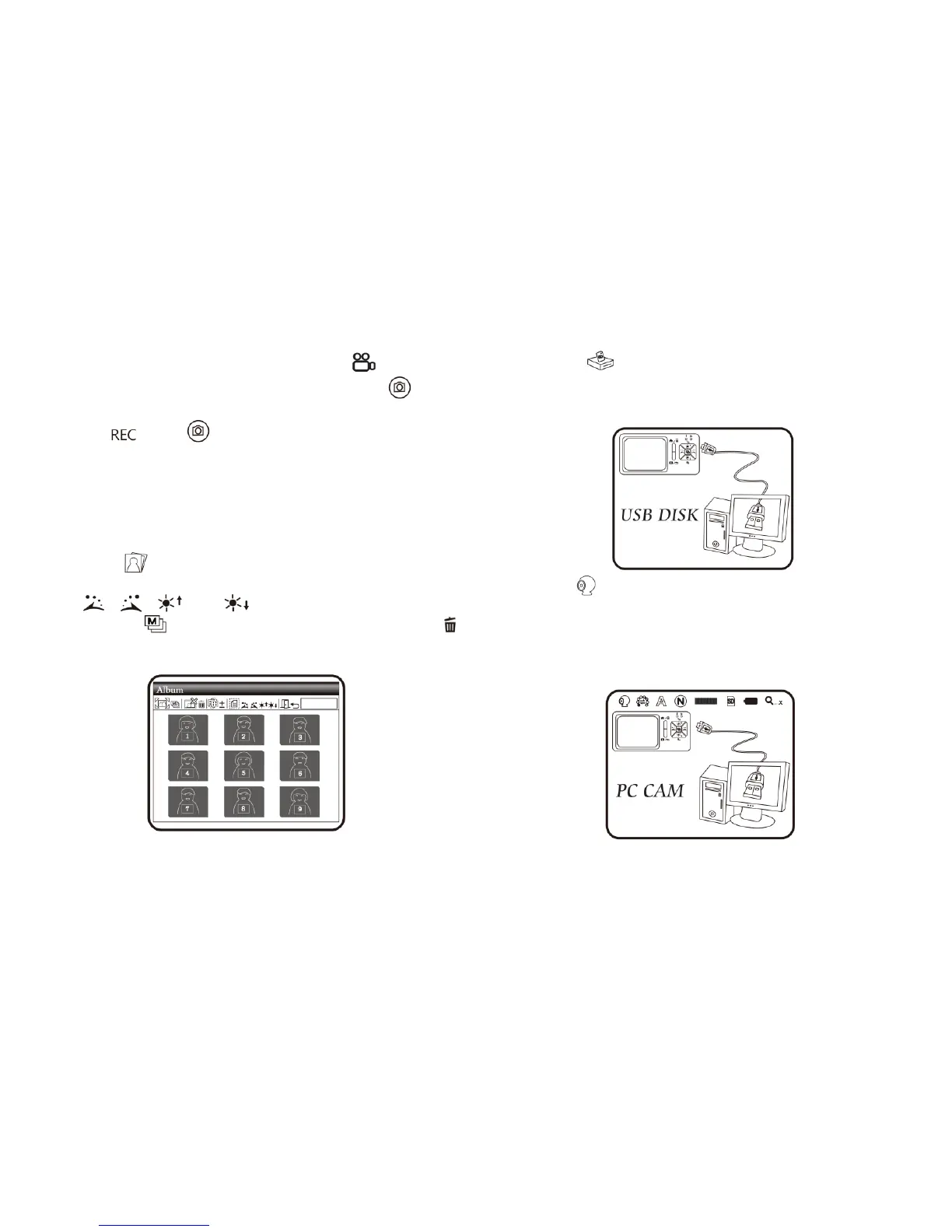
(4) Album : a model to browse photos by listing all shot
pictures. Please refer to the following image. Use buttons of
, , and to select images and press the
button of to open it in full screen. Press the button of
to delete the image, and the inquiry window will be displayed
before the deletion. Select (Y) for deletion and (N) for not.
(5) USB Disk : USB storage mode. Install SD card as USB
storage device. For installation of transmission line and
linkage, please refer to item (1) of Section 1.5 and the
following image.
(6) PC Cam : Mode of computer camera (PC Camera). In this
mode, the machine can be linked to the computer as internet
camera or microscope camera. Before using, please link the
USB transmission line and install driving program in the
computer for correct linkage. For program installation, please
refer to Section 2. The mode is as follows:



 To Next Page