INSTALLATION
6 CHAPTER 2
2.5 OPENING COVER FOR LEVELING
Before the machine can be leveled the power on the machine must be on.
Switching on is only allowed by qualified personnel.
1. Switch on the mainpower and PC.
2. Select the myReflow icon on your desktop to start the PC program.
3. Select from the Status Menu Reset.
4. Enter your username and password.
5. Select the E-stop reset.
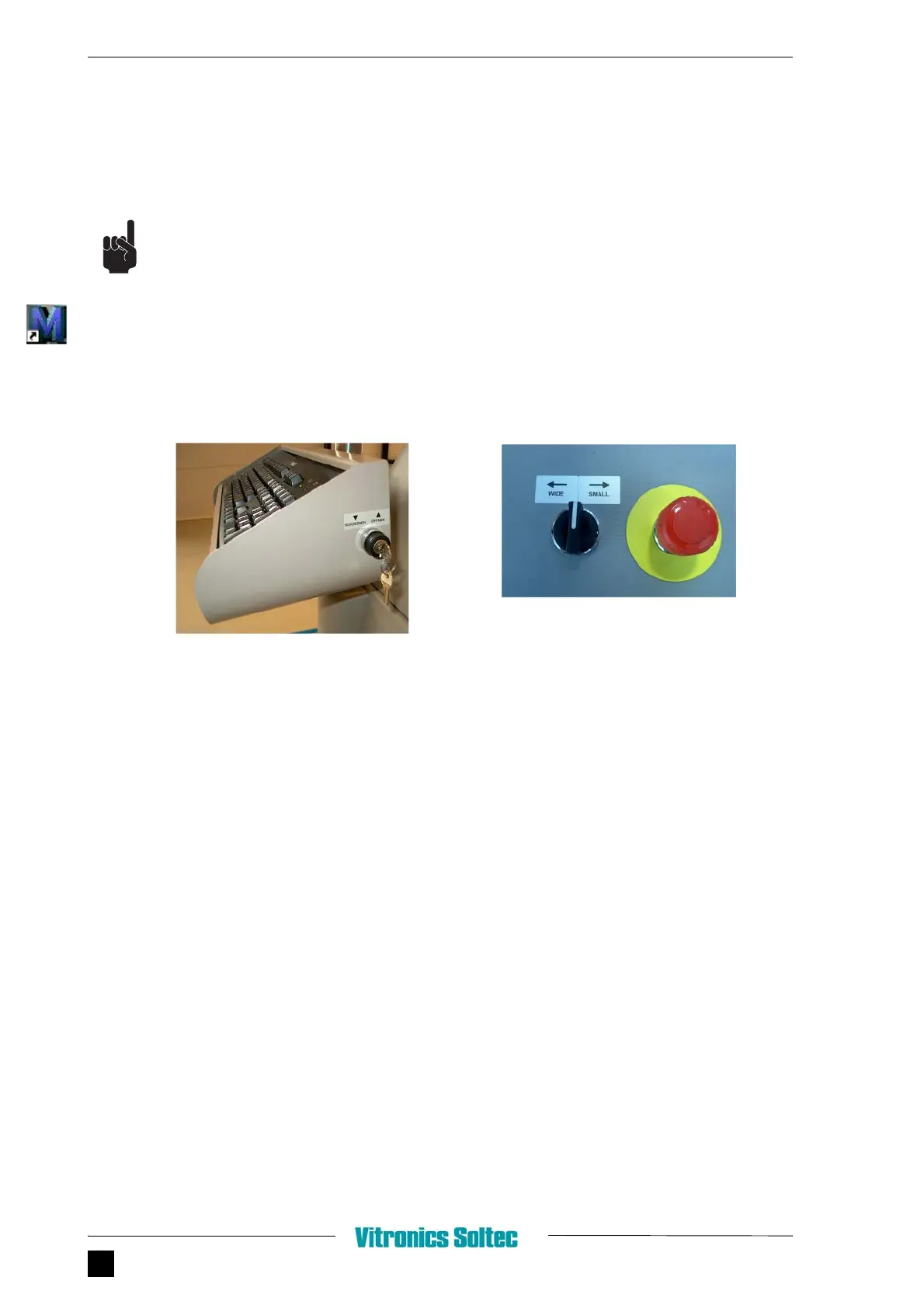
FIGURE 2.7 OPEN COVER AND SET CONVEYOR AND WIDE POSITION
6. Open with key switch the cover.
7. Set conveyor at widest position.
❻
❼


 To Next Page