6
CHAPTER 2: SETTING UP YOUR SYSTEM
Before you first time using your meter or if you change your meter batteries, you
should check and update your meter settings.
1. Set the Clock
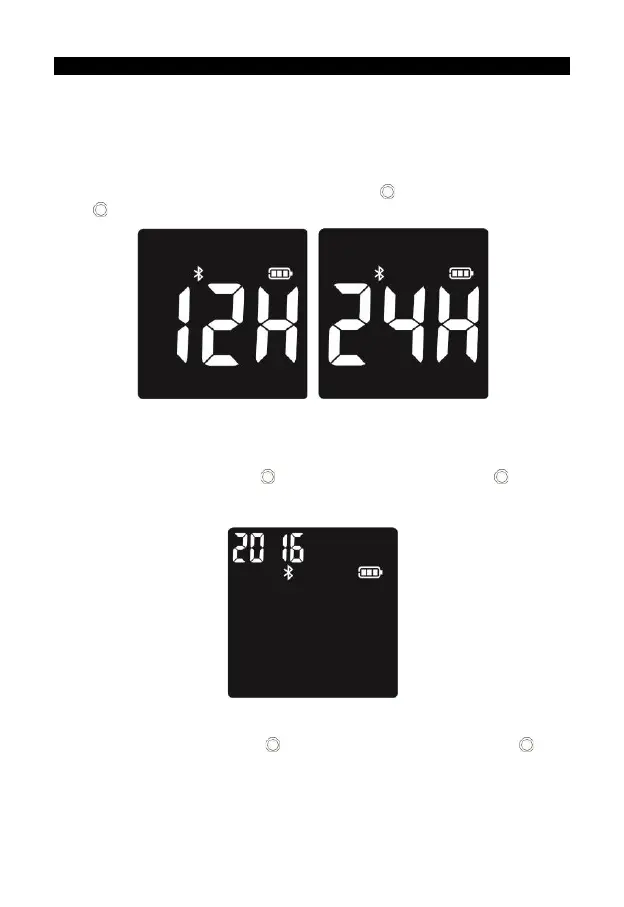
Set the clock for either 12 or 24 hour mode Press to adjust it then press and
hold to save your choice. Start setting the year, month and date.
2. Set the Date
The year will now flash. Press to adjust it then press and hold until the
meter beeps to set, then it will shift to the next digit for setting. Repeat the above
action until the year setting is completed.
The month will now flash. Press to adjust the month, press and hold until
the meter beeps to set.


 To Next Page