16
Set Favourite Channels
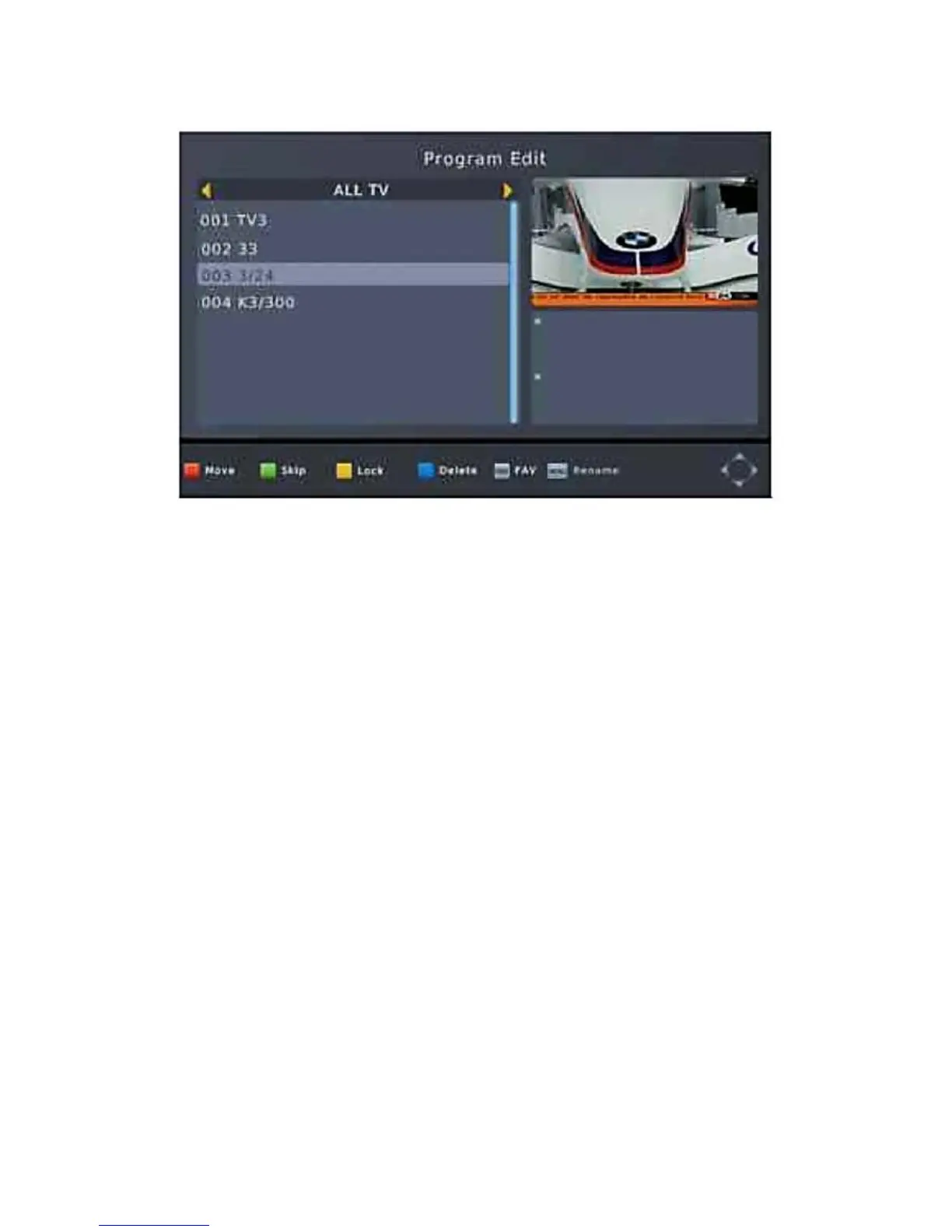
You can create a short list of favorite programs that you can
easily access. Set Favorite TV or Radio program:
1. Select your desired channel then press the FAVOURITE
button. A heart-shaped symbol will appear and the channel is
marked as a favourite.
2. Repeat the previous step to select more Favourite channels.
3. To confirm and exit the Menu, press the EXIT key.
Disable Favourite TV or Radio channel:
Select the Favorite channel and press Favorite button on the
remote control to cancel. View Favourite Channel:
1. While in normal viewing mode, press favourite button and the
favourite menu will appear.
2. Press UP/DOWN to browse through your favorite channels.
3. Press OK to select your favorite channel.
Delete a TV or radio program
1. Select the program and then press the BLUE button, a warning
message will appear, press OK to delete the channel.
2. Repeat the previous step to select more channels to delete.


 To Next Page